

Screenshots

Description
Video to MP3 Converter is a powerful Android utility designed to transform diverse video formats into high-quality audio tracks seamlessly. It allows you to fine-tune various audio parameters after conversion to suit your exact needs, while also offering fast and precise video trimming tools. This makes it an essential addition to your mobile toolkit for creating custom device sounds.
Video to Audio Conversion
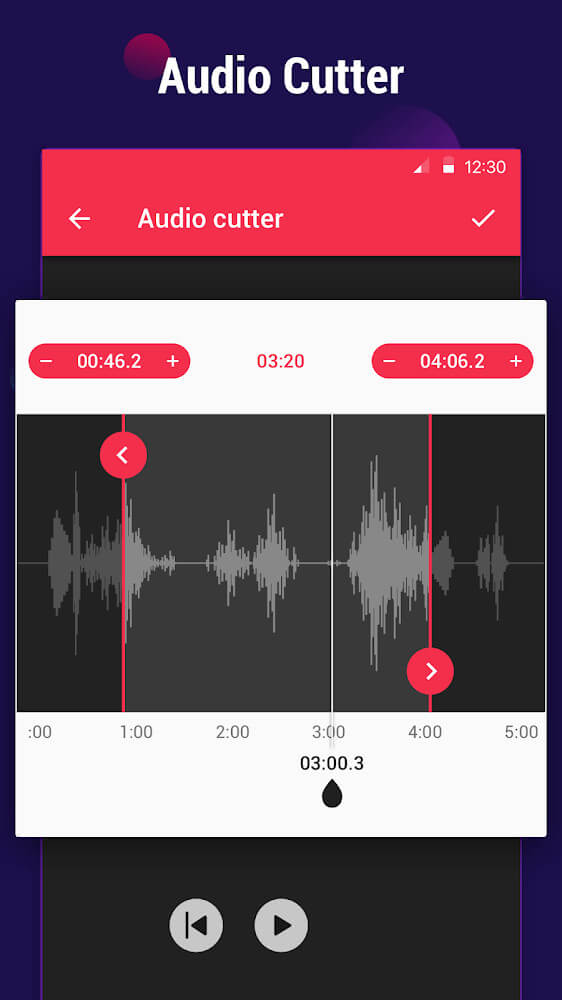
With Video to MP3 Converter, you can effortlessly extract MP3 soundtracks from your favorite video clips. This feature is perfect for capturing memorable songs or special spoken audio so you can enjoy them through standard music players. Additionally, a wide array of editing tools is built right in, giving you complete control over your newly created audio files.
Support for Multiple File Formats
Because this app deals with both video and audio, compatibility is key. Video to MP3 Converter handles popular video inputs such as MP4, AVI, MKV, and many others. For exports, it supports standard formats like MP3, AAC, and M4A, with recent updates expanding the lineup of available codecs to ensure maximum flexibility for any project.
Batch Conversion for Multiple Videos
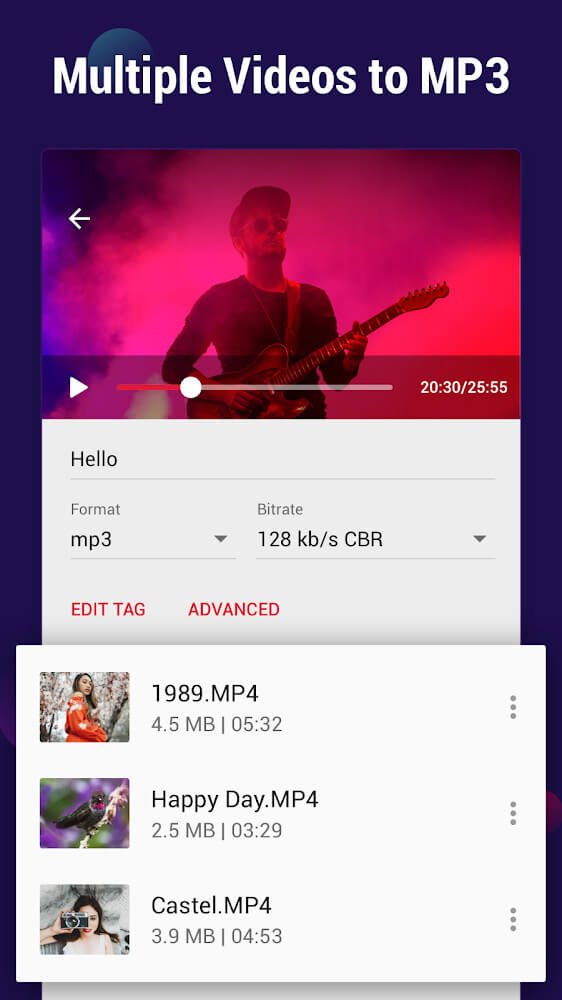
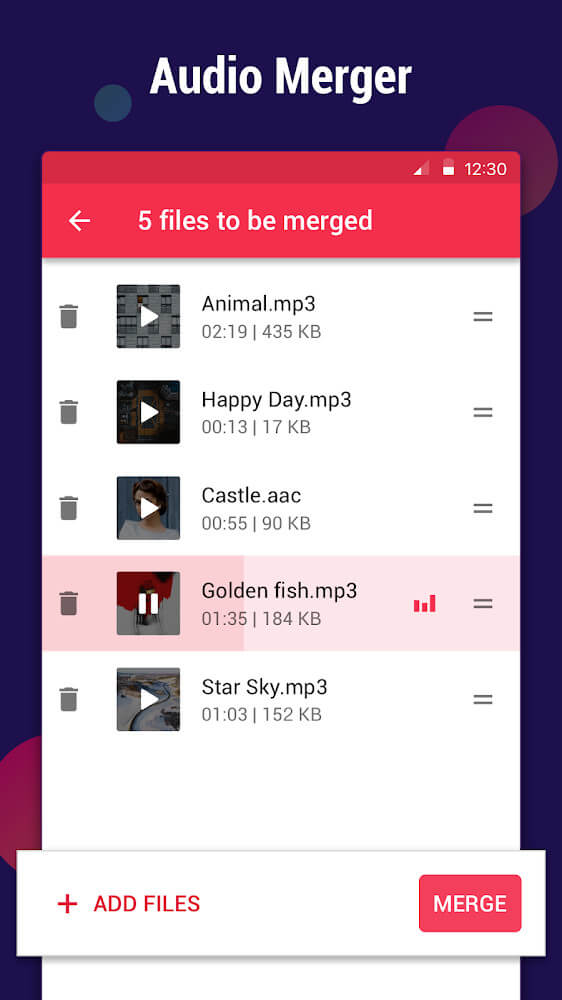
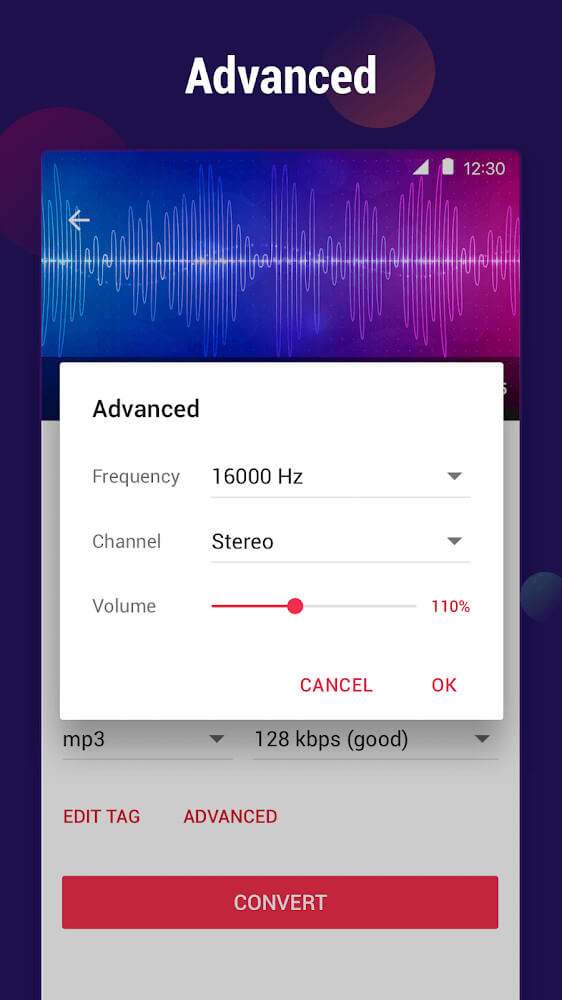
The conversion workflow is straightforward: simply select the video files you wish to process and choose your desired audio format. You can then customize details such as file names, output formats, bitrates, and other advanced settings. The app lets you queue up to 15 videos simultaneously, and fine-tuning the audio output is a breeze thanks to intuitive adjustment sliders.
Flexible Bitrate Selection
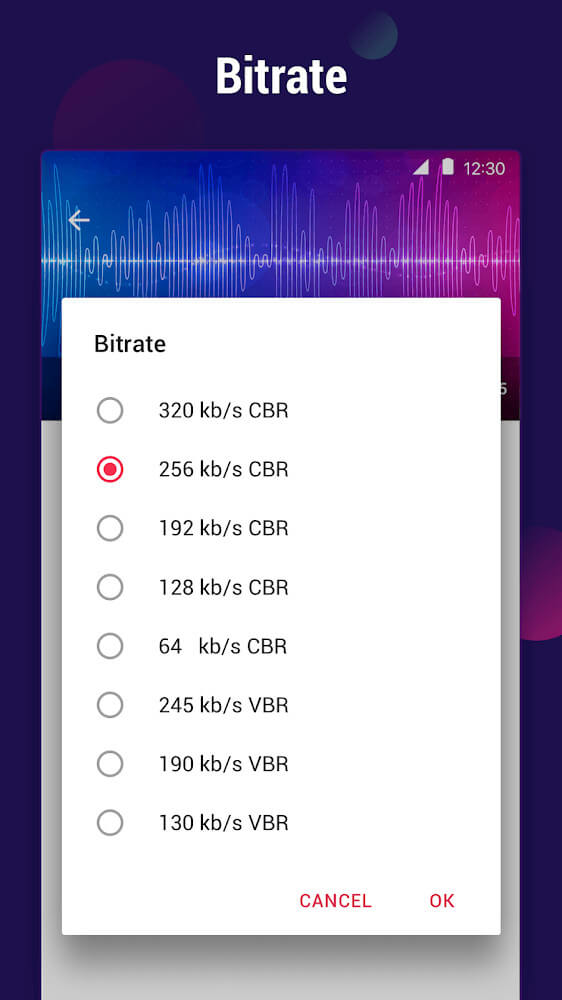
After turning your video into an audio track, adjusting the bitrate is crucial for achieving the best listening experience. Depending on your preferences, you can choose higher settings for superior fidelity or lower ones to save space, with supported bitrates ranging smoothly from 130 kb/s up to 320 kb/s to match your exact standards.
Effortless Video Trimming
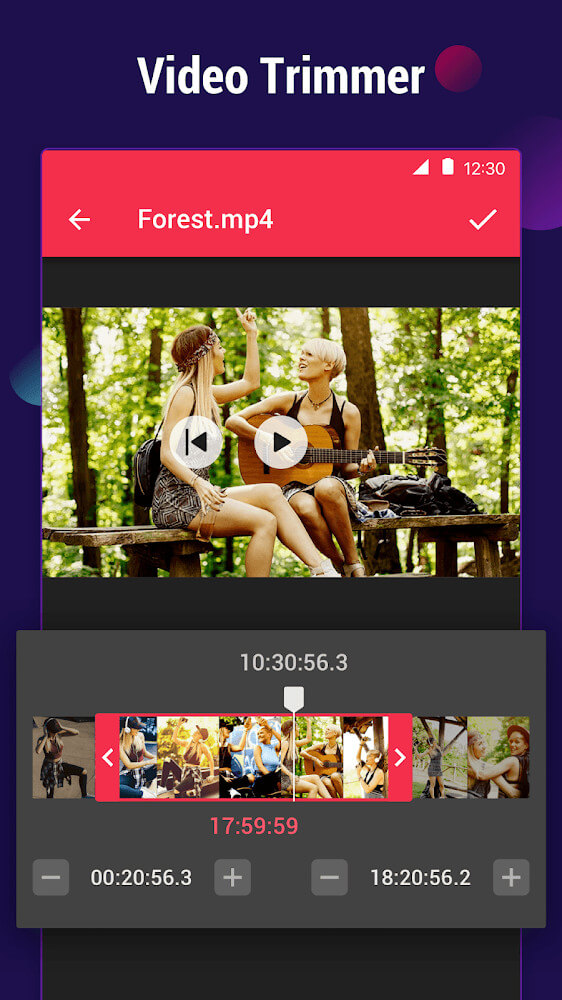
Since many video clips contain unwanted sections, the built-in cutter is an invaluable feature. It lets you chop away excess footage and keep only the best segments for your audio project, ensuring that every exported sound clip is polished and ready for use.
Edit Audio Tags and Set Ringtones
Another convenient feature is the ability to edit metadata tags for your converted tracks, including the song title, artist name, album, and more. This makes organizing and searching your library through music players much simpler. Once your audio file is finalized, you can easily assign it as your phone ringtone, notification sound, or alarm directly from the app.
How to install
- Download the APK file above to your phone.
- Allow “Install unknown apps” when prompted.
- Open the downloaded APK and tap Install.
- If the package includes OBB/XAPK data, follow the bundled instructions.
MOD APKs are modified builds, so Play Protect may show a warning. Install only if you trust the file; use at your own risk.