

Screenshots
Description
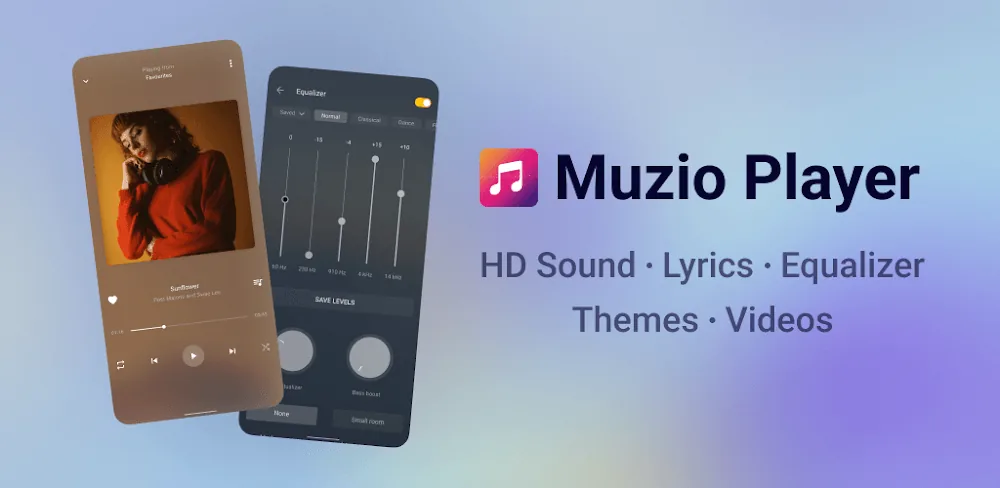
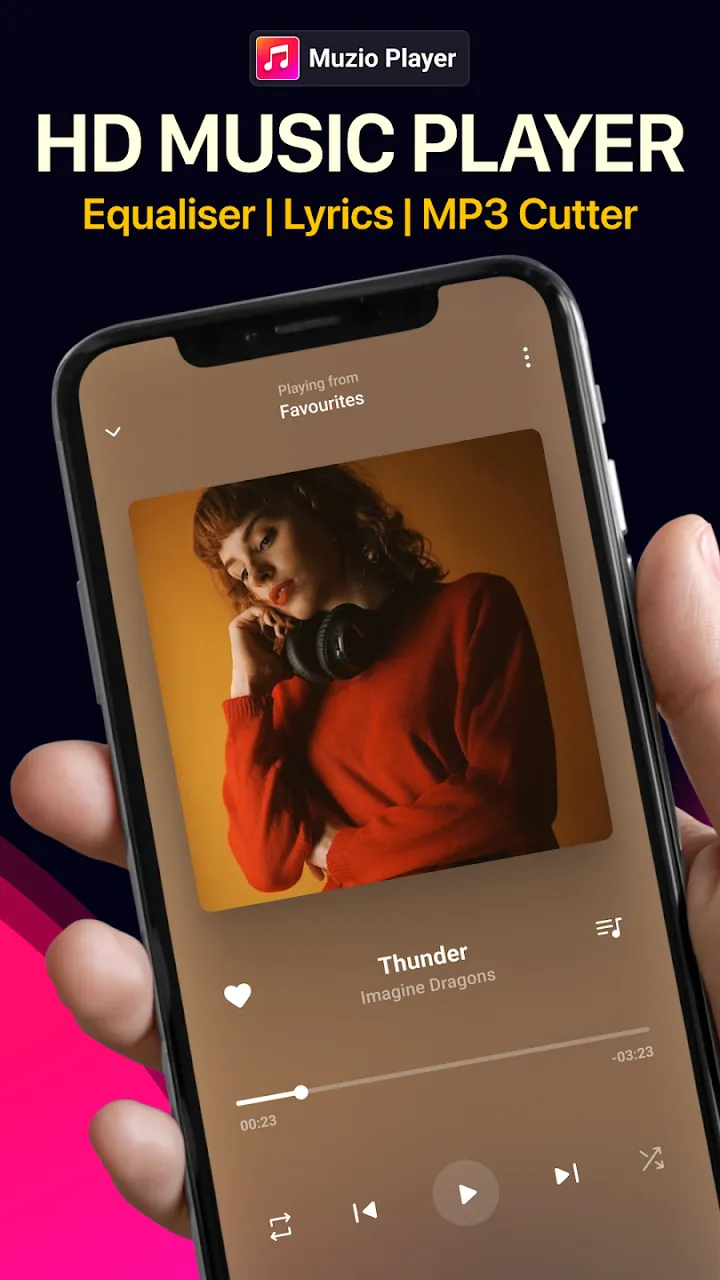
Muzio Player MOD APK delivers a premium sound experience. It's one of the best offline MP3 players available, and it comes with a built-in equalizer, plenty of custom themes, lyrics support, and smooth audio controls.
This Muzio Player MOD APK unlocks the premium features of the music player app. It gives you full access to the software's functions without the limits found in the standard version.
What's Modified in Muzio Player
- Premium features are unlocked, giving you access to every paid tool and setting inside the app.
Version 7.8.3 has a file size of 14.3M and uses the package name com.shaiban.audioplayer.mplayer. This file is re-signed, so it cannot be installed over an existing copy from the official store.
About Muzio Player
Muzio Player is an offline solution for playing MP3 files. Many people enjoy collecting music, building their own library, and listening to their favorite tracks without depending on an internet connection or streaming services. The player offers an interface that suits both casual listeners and detail-minded users who care about the finer points of sound reproduction. The developers recognize that the visual side of a music player is closely tied to how the software runs, so they have worked to make the app both attractive and efficient. It caters to a wide audience, from people who simply want an easy way to enjoy their favorite songs throughout the day to users who want a sophisticated tool for checking and evaluating audio quality. Whatever your experience with professional audio equipment, the app aims to deliver playback and control that go well beyond those of ordinary music players. In short, it's a player that combines accessibility with real power.
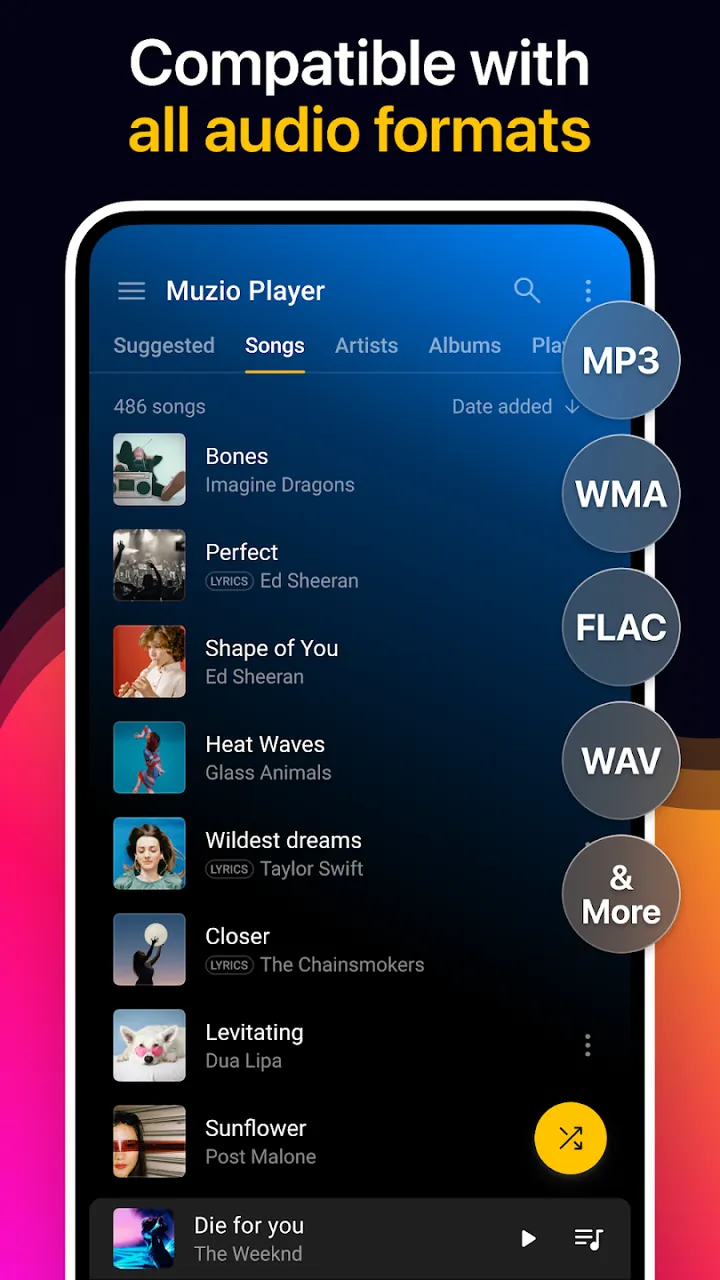
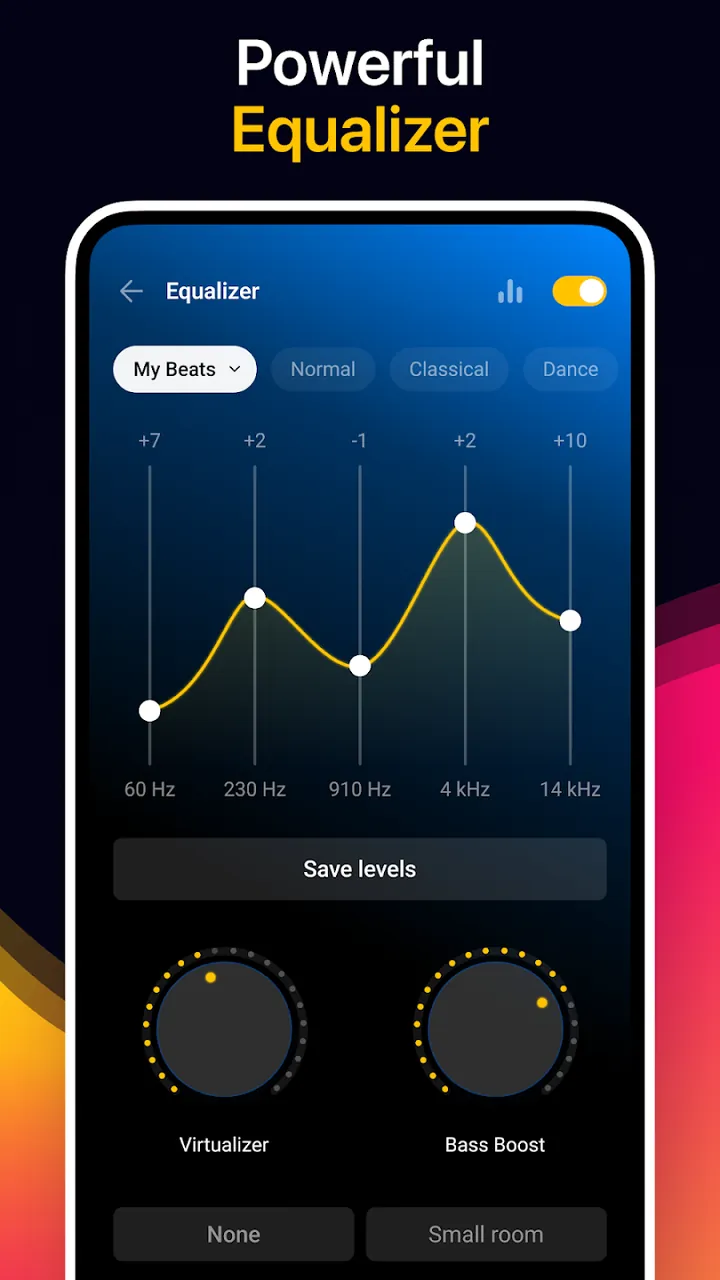
One of the app's key features is the Advanced Equalizer, which lets you shape your audio output to a degree that was once hard to achieve on a mobile device. The equalizer includes more than 10 presets, so you can tune your sound by genre, such as Rock, Pop, or Classical, or by personal preference. It goes beyond basic frequency adjustments and manages additional audio effects to create a 3D listening experience. The app also offers Universal Format Support, so it can play audio in almost any format. Music files come in many encodings, including FLAC, WAV, AIFF, and ALAC. Rather than making you convert your tracks to a standard format such as MP3 before adding them to your library, the app is built to recognize and process a wide range of formats. This makes it a flexible platform that suits many different needs and preferences.
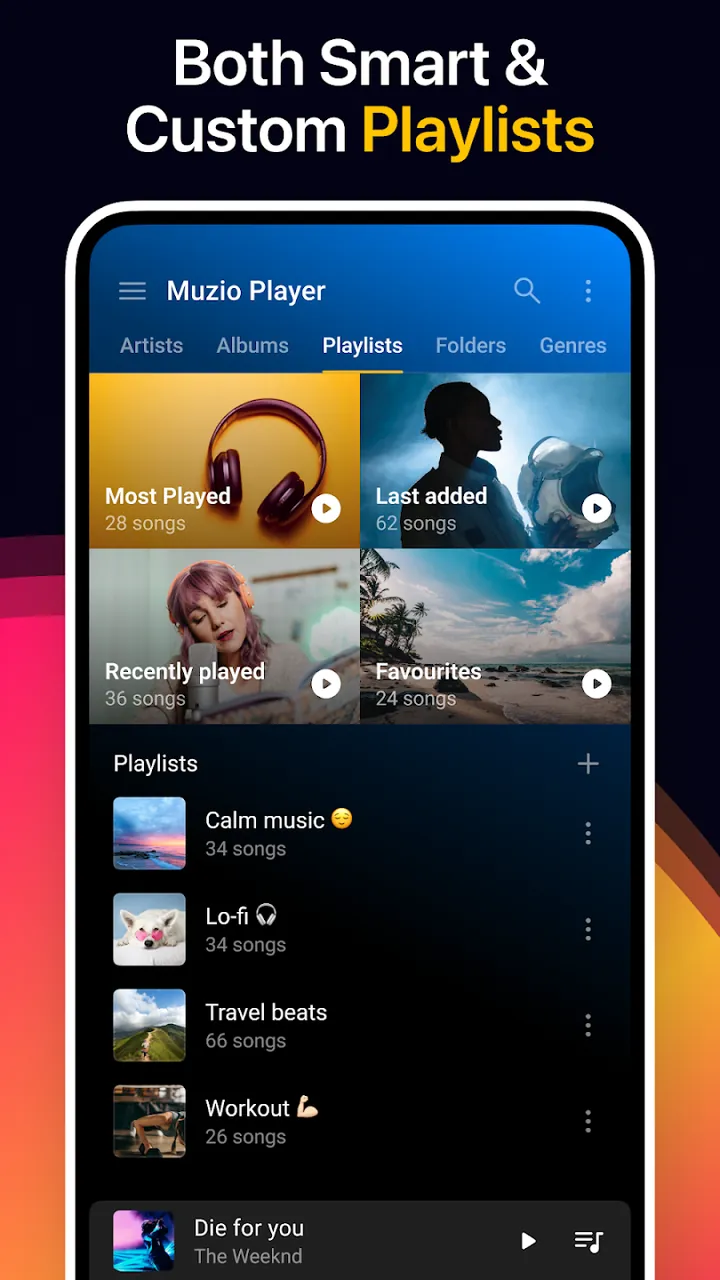
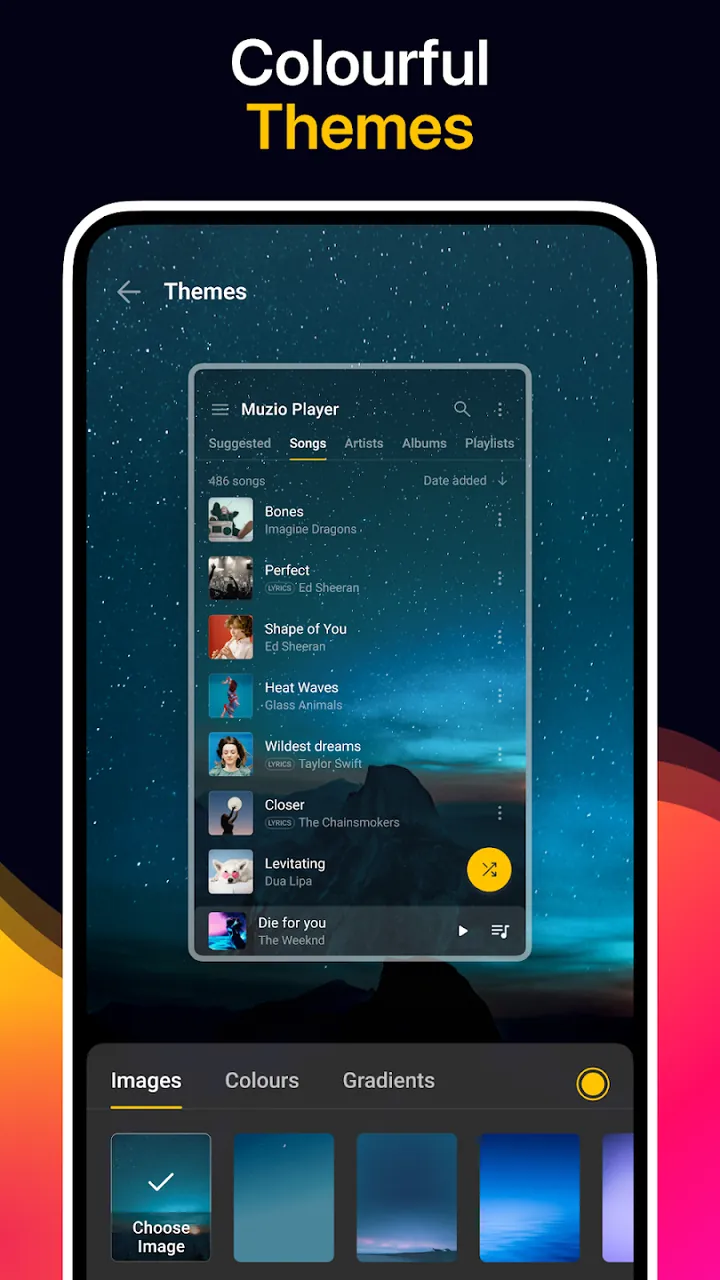
The app features Stunning Aesthetic Themes with numerous skins for the player interface. You can change the player's background to any design you like, including uploading your own image, so the player can take on whatever look and style you want. On the organizational side, the Smart Music Management system can automatically sort your music library. You can browse your collection by criteria such as artist, album, or genre, and search and sort it in many ways to find a track quickly. The goal of this automated organization is to cut down the time and effort needed to manage your digital music collection, keeping the focus on the music itself.
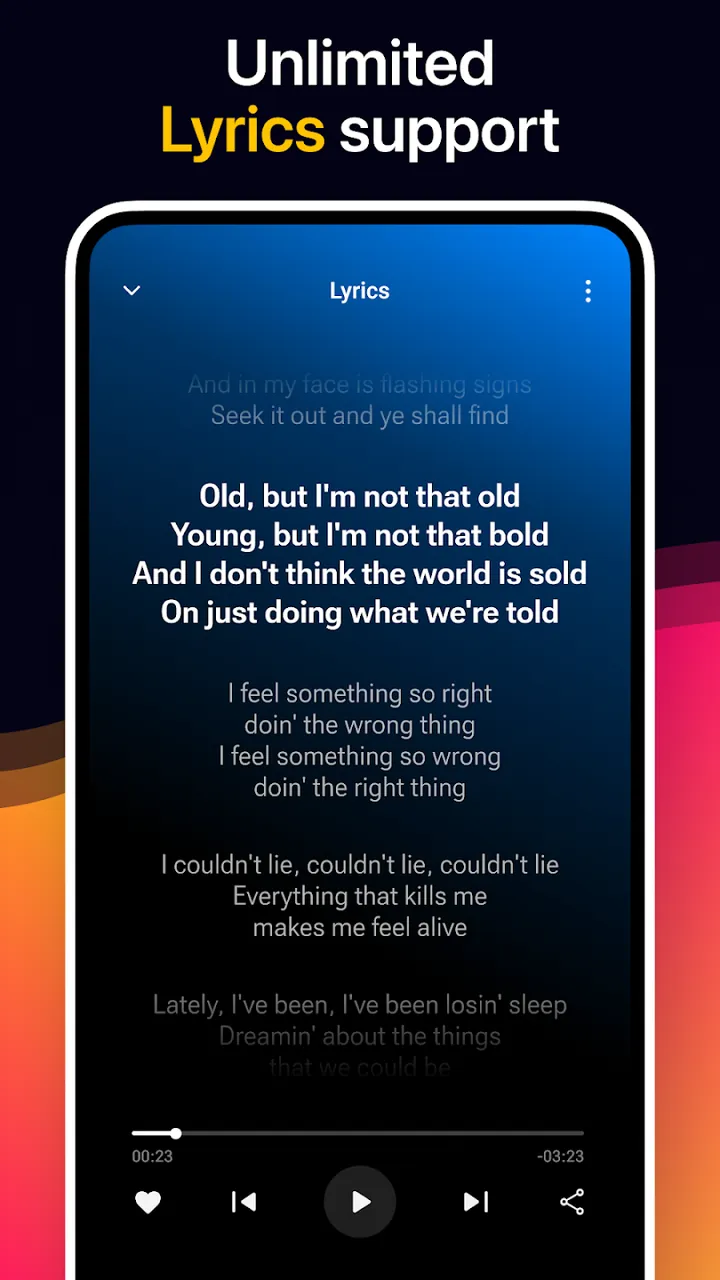
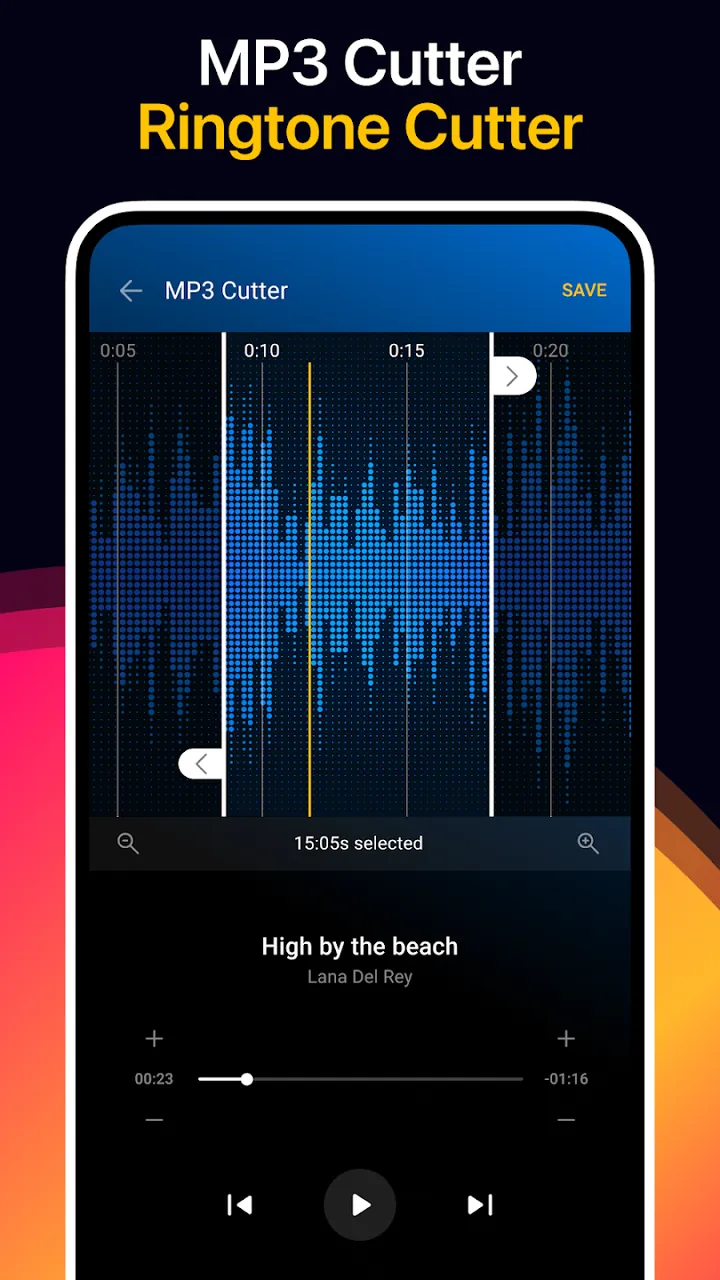
Beyond simple playback, the app includes built-in tools for active listeners. With the MP3 Cutter integrated into the app, you no longer need separate software to edit your audio files. You can easily extract your favorite parts of a song to use as ringtones. The app also provides Seamless Lyrics Support, with lyrics synced to your audio files, so you can sing along or follow the meaning of the words. In this way, the app goes well beyond basic song playback and offers a smooth lyrics system. Because it includes several creative utilities, you can use it to manage your media files and create content in a variety of ways.
Finding your favorite tunes across massive audio collections is effortless thanks to a quick keyword search tool. With the convenient "Shake to Change" capability, skipping songs is as simple as flicking your wrist—ideal when you are exercising or on the move. Handy desktop widgets let you control playback directly from your home screen, saving you from constantly switching back to the app interface. In addition, you can set an integrated sleep timer to drift off peacefully without draining your battery all night, while the built-in crossfader eliminates awkward gaps between songs for a seamless, studio-grade listening experience.
Fine-tune every nuance of your sound with professional-grade equalizer presets and customizable audio controls tailored to your collection. While various third-party tools bring specialized sound tweaks to mobile devices, Muzio Player MOD APK stands out as a complete audio workstation in your pocket, empowering you to organize, refine, and experience your tracks with professional clarity.
Key Features
- Advanced Equalizer with 10+ Presets
- Universal Format Support
- Stunning Aesthetic Themes
- Smart Music Management
- Integrated MP3 Cutter
- Seamless Lyrics Support
- Keyword Search
- Shake to Change Feature
- Smart Widgets
- Sleep Timer
- Crossfader
Related MOD APKs
- Music Player – Mp3 Player
- Spotify Music
- Spotify X Gold
- YouTube Music
FAQ
Is Premium unlocked in Muzio Player MOD APK?
Yes, this Muzio Player version 7.8.3 comes with Premium Unlocked right out of the box, preserving all original features from Apps10X and activating all premium perks instantly upon installation.
What is the latest version of Muzio Player MOD APK?
The current edition is version 7.8.3, corresponding to the official Apps10X update from June 3, 2026. GameMod.dev offers only the most up-to-date package; simply install it over your existing setup to update, or remove the old app first if you run into any signature conflicts.
Is Muzio Player MOD APK safe to download?
Completely safe. This 7.8.3 build based on Apps10X modifies only Premium Unlocked perks, holds an impressive 4-star rating across 256 user reviews, and requires zero root access. If Android Play Protect shows a routine warning, proceed confidently as long as you grab your package directly from GameMod.dev.
Can I use Muzio Player MOD APK on PC or iPhone?
Because this is a dedicated Android APK file, it is incompatible with iOS devices such as iPhones or iPads. However, you can easily run this 14.3M installer on Windows or macOS through popular Android emulators like LDPlayer or BlueStacks.
How to install
- Download the APK file above to your phone.
- Allow “Install unknown apps” when prompted.
- Open the downloaded APK and tap Install.
- If the package includes OBB/XAPK data, follow the bundled instructions.
MOD APKs are modified builds, so Play Protect may show a warning. Install only if you trust the file; use at your own risk.