

Screenshots

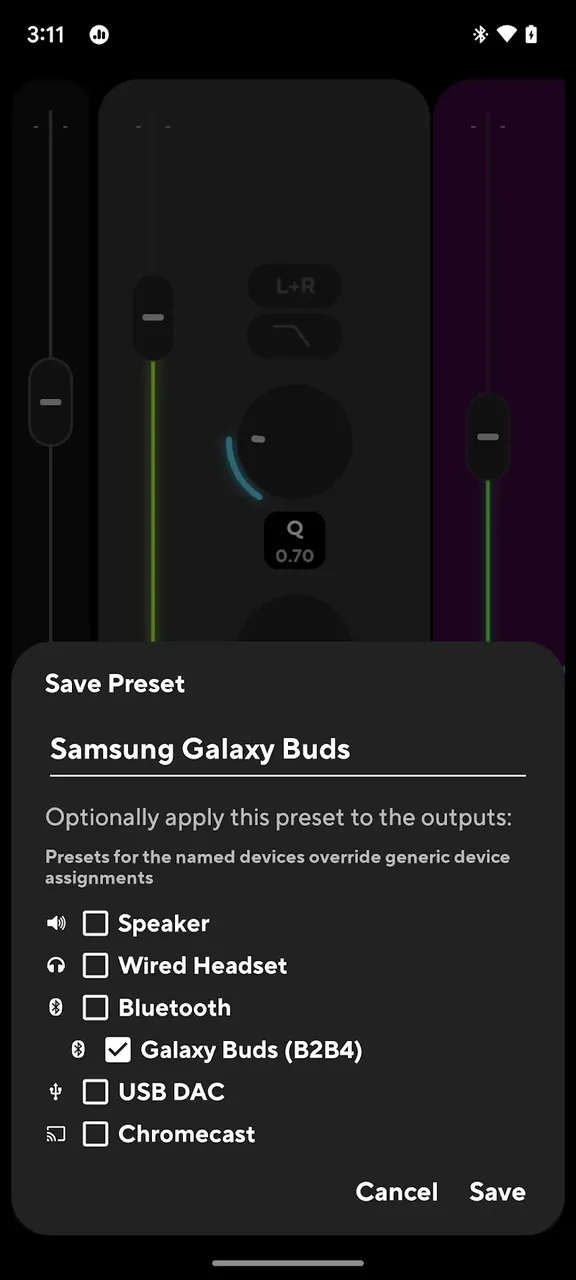
Description
Poweramp Equalizer MOD APK gives you precise, professional-grade sound shaping with 32 bands and AutoEQ, bringing studio-quality control right to your phone for a better listening experience.
This Poweramp Equalizer MOD APK unlocks the Premium feature set, giving you full access to the app's advanced audio tools. Every paid function and setting that is normally locked in the standard version is available, so you can process your sound without limits.
What's Modified in Poweramp Equalizer
- Premium Unlocked gives you unrestricted access to the complete suite of professional equalization and dynamics processing tools in the app.
This build is version build-1021-uni, around 15 MB in size, with the package name com.maxmpz.equalizer. It is re-signed, so it cannot be installed over an existing Play Store version.
About Poweramp Equalizer
Poweramp Equalizer is built on the proven audio engine of the Poweramp music player and is designed for high-quality audio processing on mobile devices. It works at the device level, so it can shape the sound of music players, streaming services, and video apps alike. Because it has no access to the mobile OS audio services, it cannot change the output of ringtones and notification sounds. By hooking into the system audio service (or a specific audio service of the mobile OS), it gives you deep control over audio on your device, letting you adjust frequency response and audio dynamics in ways factory settings don't allow.
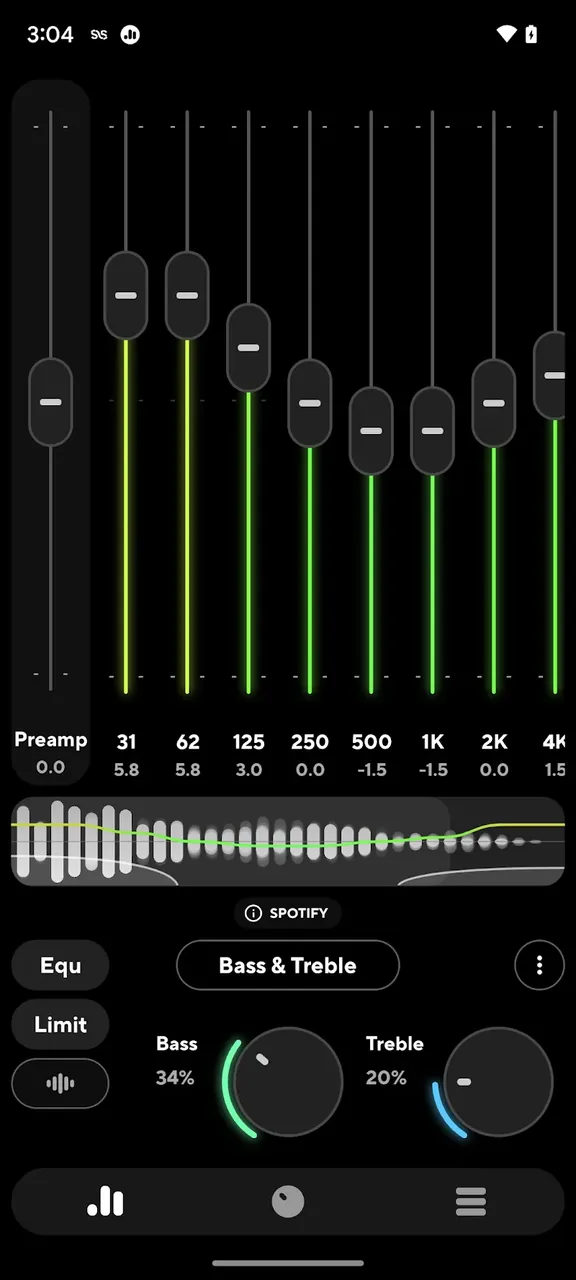
The app's standout feature is its adjustable Equalizer, which lets you switch between 5-band and 32-band EQ. Each band offers a gain range from -15 dB to +15 dB, giving you plenty of room to work. You can boost highs or lows and change the tone and timbre of your sound. This is especially useful for correcting and balancing the sound of mobile devices, which often suffer from uneven frequency response.
The flexible Equalizer also lets you tailor the sound to different devices connected to your phone, such as headphones, Bluetooth speakers, external speakers, and car audio systems. You can shape the sound to your taste while accounting for your specific hardware and software.
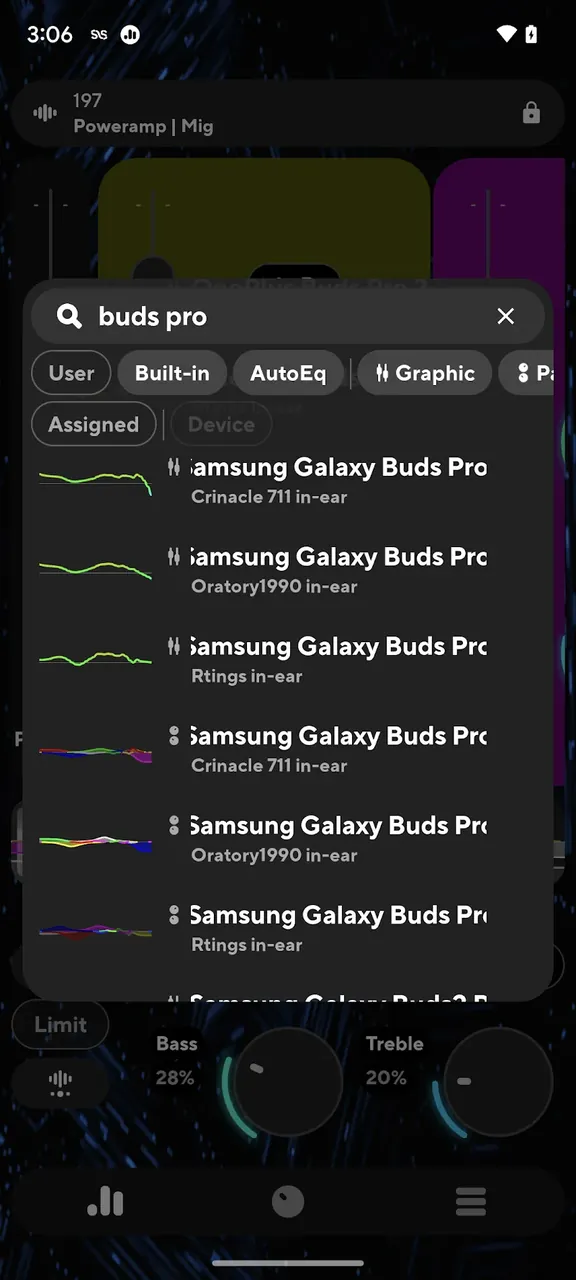
The app includes an AutoEQ feature backed by a database that provides automated calibration. Using it, you can find and apply presets matched to your headphone model. These presets can flatten the frequency response or shape it toward a target curve you prefer. The app also offers simplified bass and treble knobs for quick, easy adjustments, while the manual EQ bands let you fine-tune other frequencies to get exactly the sound you want.
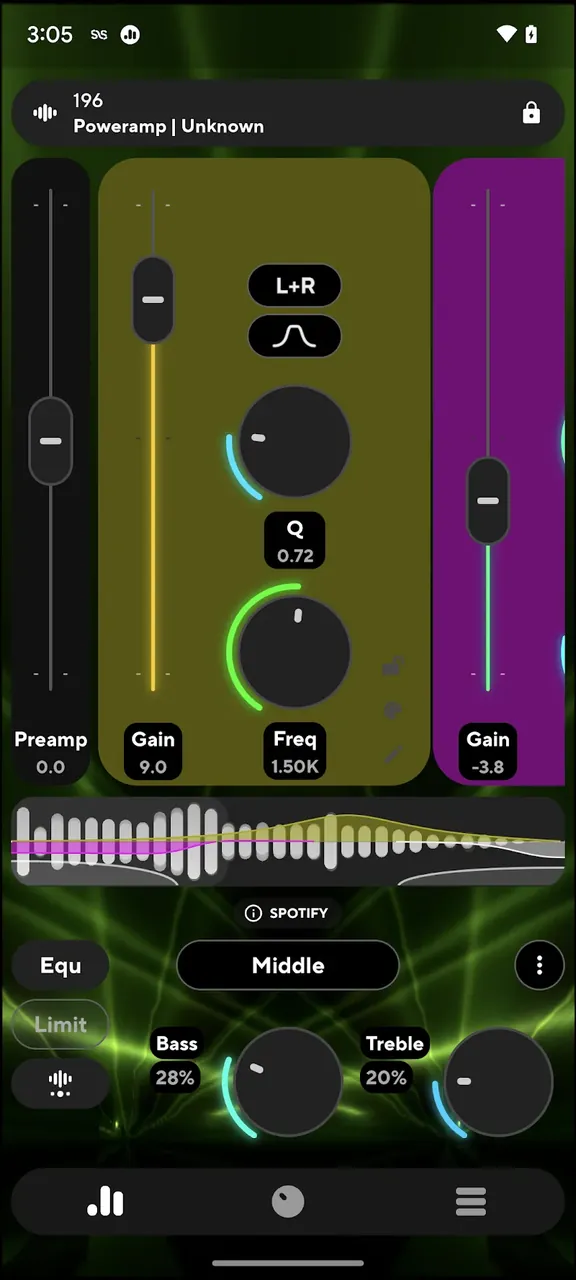
To control the dynamics of the audio signal, the app provides a 4-band parametric EQ, an advanced limiter, and an advanced compressor. A limiter prevents clipping and distortion when a large boost is applied through the equalizer by capping the signal at a maximum threshold. A compressor manages the dynamic range of the audio. Together, these tools let you achieve highly controlled, louder audio while minimizing the risk of losing sound quality or introducing distortion.
The app is designed to make listening better. It offers intuitive real-time tools and visualizations of the audio signal and frequency spectrum. You can adjust equalization settings and apply them to tracks on the fly. When applied correctly, these settings can smooth out frequency anomalies such as peaks and dips in a track. Beyond traditional stereo EQs, the app offers presets that automatically activate when a specific Bluetooth or wired headset is connected. Its audio ducking feature lowers playback volume during interruptions, such as alert notifications, instead of abruptly pausing playback. It also detects the listening environment, such as airplane mode, to apply suitable equalization and filtering, and it adapts to different playback environments and volume levels. With its 32-band EQ and AutoEQ presets, the app gives you a toolkit similar to what a sound engineer uses.
Key features
- Adjustable Band Count with 5 to 32 bands
- Gain Control with a range of ±15 dB
- AutoEQ database for specific headphone presets
- Bass and Treble Controls
- Advanced limiter and compressor dynamics processing
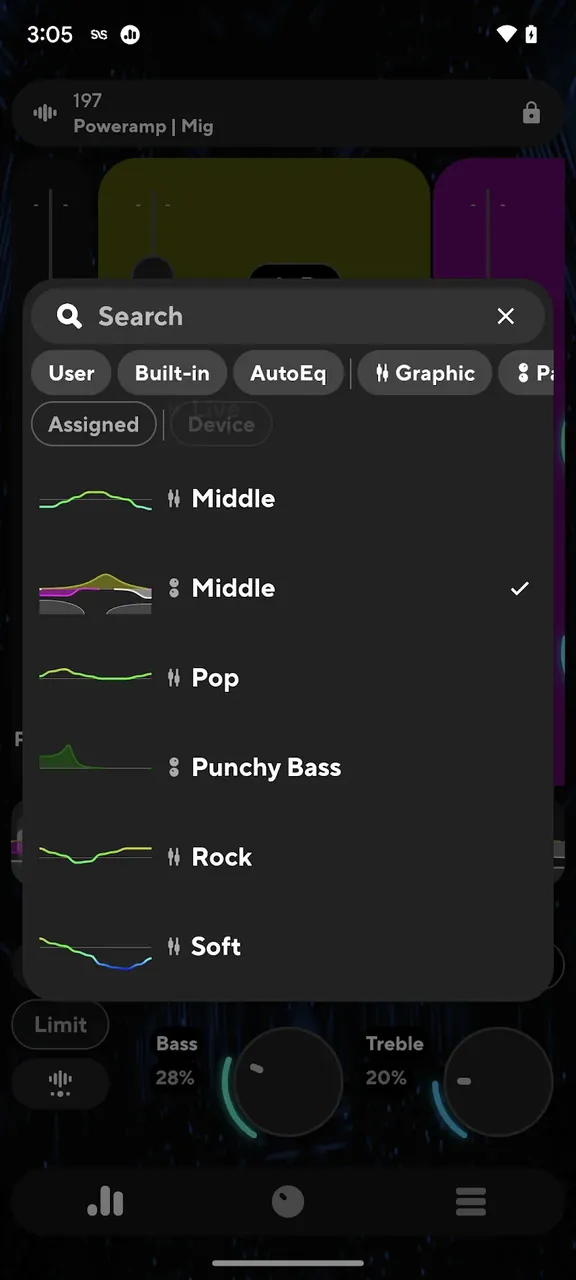
- Preset management with automatic device assignment
- Real-time spectrum visualizers for analyzing frequency response
- Audio ducking and smooth transitions during playback
Related MOD APKs
- Spotify Music
- Spotify X Gold
- YouTube Music
- Apple Music
FAQ
Is Premium unlocked in the Poweramp Equalizer MOD APK?
In this build of Poweramp Equalizer (build-1021-uni), only Premium Unlocked has been modified. Everything else works just like the official Poweramp Software Design (Max MP) release, and the changes take effect as soon as you install it.
What is the latest version of the Poweramp Equalizer MOD APK?
The current build is vbuild-1021-uni, which matches the Poweramp Software Design (Max MP) release and was last updated on June 24, 2026. We don't keep older versions on GameMod.dev. To update, install the new build from this page over the existing one; if Android reports a signature conflict, uninstall the old build first.
Is the Poweramp Equalizer MOD APK safe to download?
The Poweramp Equalizer MOD APK vbuild-1021-uni on GameMod.dev is the original Poweramp Software Design (Max MP) app with only Premium Unlocked modified. 185 users have rated it 3.8/5 here. It does not require root. A Play Protect warning during installation is normal, so always download from this page.
Can I use the Poweramp Equalizer MOD APK on PC or iPhone?
This is an Android package, so it won't install on iPhone or iPad. On Windows or macOS, you can run the 15M APK in an Android emulator such as BlueStacks or LDPlayer. Install the emulator first, then drag the file into it.
How to install
- Download the APK file above to your phone.
- Allow “Install unknown apps” when prompted.
- Open the downloaded APK and tap Install.
- If the package includes OBB/XAPK data, follow the bundled instructions.
MOD APKs are modified builds, so Play Protect may show a warning. Install only if you trust the file; use at your own risk.