
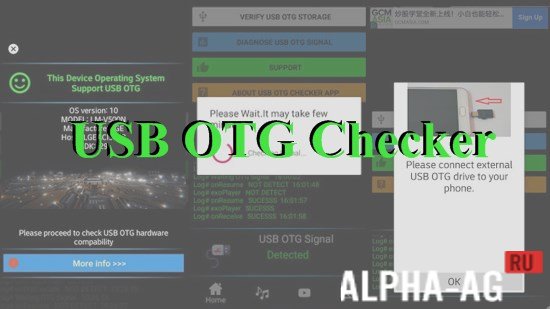
Screenshots
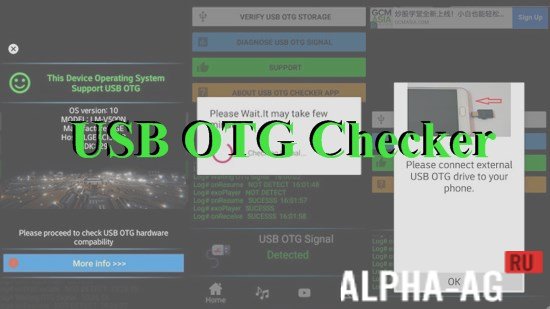
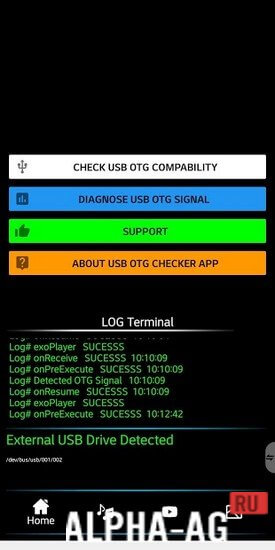
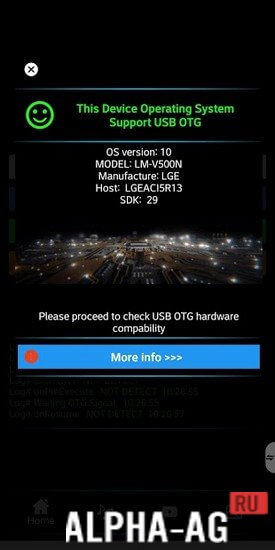

Description
USB OTG Checker
This tool allows you to quickly verify if your smartphone or tablet is compatible with USB OTG technology, enabling you to link a variety of external USB peripherals to your mobile hardware.
Usage
If you are unsure whether your device supports peripherals like keyboards, printers, or mice, this application is the perfect solution. It is incredibly straightforward to operate.
Once you open the app, it instantly scans your operating system to identify the specific modules required for OTG functionality.
After the scan finishes, the main interface will display whether your device is compatible. The app performs a read-only check and will not alter any system files on your phone.
Key Features
This utility lets you confirm OTG protocol support so you can confidently connect external hardware to your mobile device.
Verify the status of your USB manager and the android.hardware.usb.host.xml file. You can also monitor a list of all currently connected devices directly through the app interface. 0 Jan 17 Additional information:
- Minimum Android version: 8.0 or higher
- Age rating: Everyone
- Russian language support: Not included
- Cache installation: Not needed
8.5 App version Our rating: 8/10 Similar apps: DriveDroid, Phone number lookup, Manga Rock, Endoscope camera, Our YouTube channel
Follow us on our YouTube channel!
Post a comment
How to install
- Download the APK file above to your phone.
- Allow “Install unknown apps” when prompted.
- Open the downloaded APK and tap Install.
- If the package includes OBB/XAPK data, follow the bundled instructions.
MOD APKs are modified builds, so Play Protect may show a warning. Install only if you trust the file; use at your own risk.