

Screenshots


Description
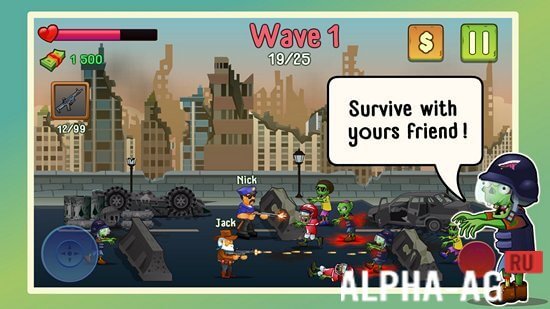
Two guys And ZombiesAn exciting 2D shooter where you can play together with your friend and fight side by side against bloodthirsty zombies.
Gameplay
According to the game's plot, a brave cop and a fearless cowboy found themselves trapped in a city surrounded by the walking dead. They are forced to break through crowds of zombies to leave this terrible place. Fortunately, they have plenty of weapons and ammo, so taking down enemies in their path will not be difficult.
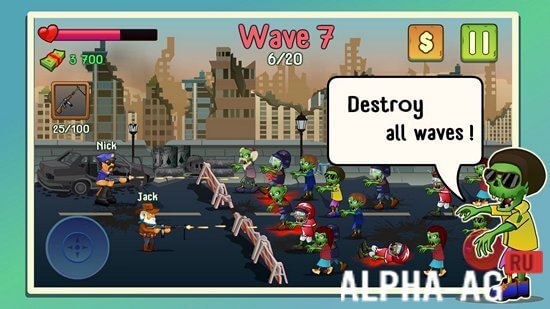
At the beginning of the game, your hero will only be armed with a few pistols, but as you progress through the game you will be able to buy new weapons that make destroying enemies easier. Your main goal in the game is to hold off waves of walking dead attacking you for as long as possible.
For killing enemies you will earn in-game currency, which you can use to purchase equipment and new weapons. You can buy body armor for your hero, allowing your hero to withstand more hits from enemies.
Or buy "Comfortable Shoes" so your hero moves faster across the location, which can come in handy when retreating in a dangerous situation.Game Features
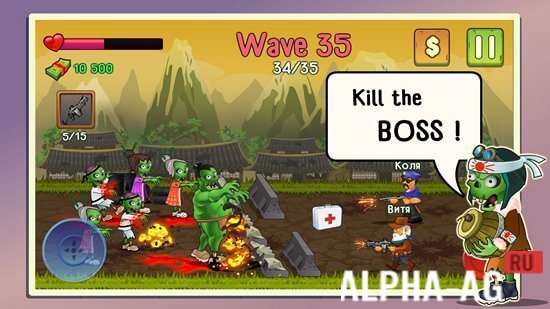
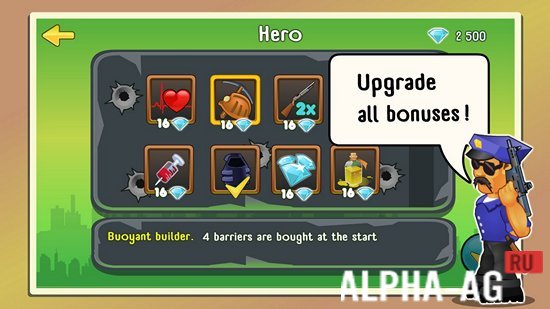
In this game, you can play both in single-player mode and multiplayer mode, where you can play together with your friend via a Bluetooth connection. Many interesting locations will be available to you, where you will have to battle a large variety of living dead. You can upgrade your hero.
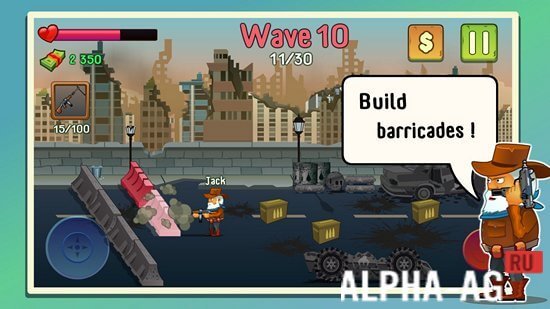
They will become much stronger and will also be able to build barricades, allowing you to delay the walking dead attacking you. You can equip your hero with a variety of weapons, from pistols, Uzis, and shotguns to rifles and grenade launchers.
The game will delight you with appealing 2D graphics, pleasant sound design, and easy controls. 7 Nov 01 Additional information:- Android version required: 5.1 or higher
- Age rating: 12+
- Russian localization: present
- Cache installation: not required
Subscribe to our YouTube channel!
Add commentHow to install
- Download the APK file above to your phone.
- Allow “Install unknown apps” when prompted.
- Open the downloaded APK and tap Install.
- If the package includes OBB/XAPK data, follow the bundled instructions.
MOD APKs are modified builds, so Play Protect may show a warning. Install only if you trust the file; use at your own risk.