
Screenshots

Description
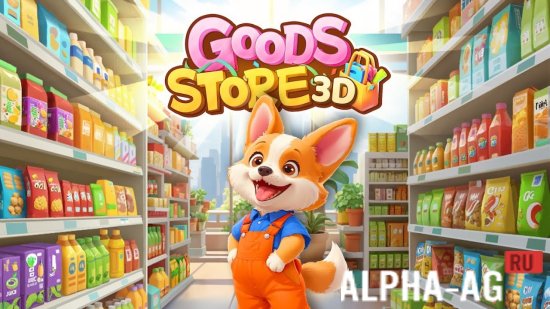
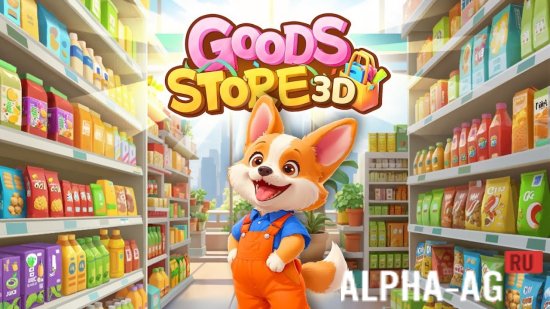
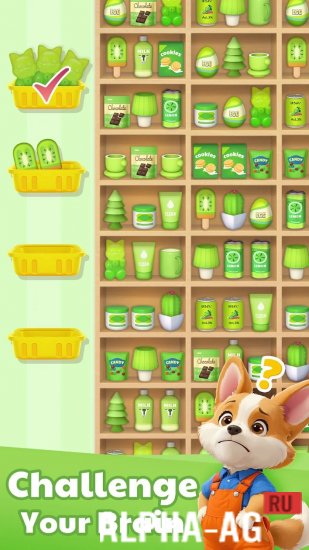
Goods Store: 3D Sorting GamesYou are tasked with finding and correctly sorting various goods scattered throughout the store. Each level presents a new challenge, forcing you to show logic, quick reactions, and resourcefulness, as time is limited and the number of goods keeps growing.
Gameplay
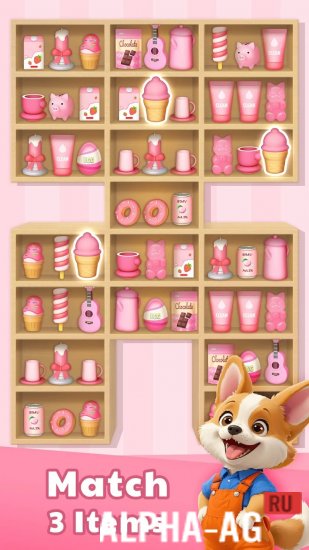
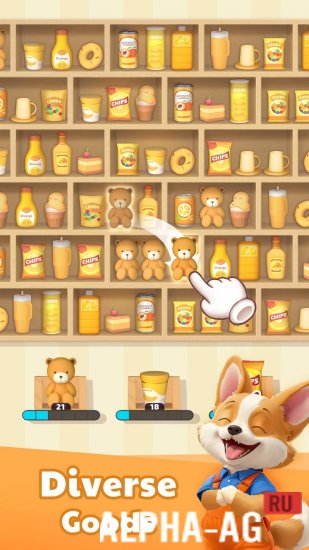
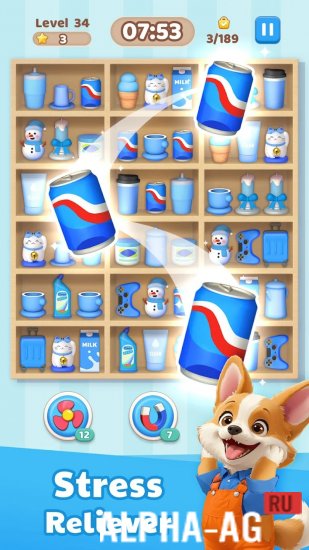
The variety of goods in the supermarket boggles the mind. Each shelf is full of different items, and your goal is to match three identical goods on one shelf to successfully sort them. You need to be extremely attentive, as it's easy to get confused amid the chaos.
As you play, you will be able to unlock new items, making completing levels even more interesting. Each new level requires not only quick reactions but also a strategic approach to sorting in order to complete all tasks before time runs out. Time is your main rival here, and every second counts.To make the sorting process more exciting and dynamic, you can use various tools. "Magnet" will help you collect identical items faster, "Refresh" will change the set of goods if you hit a dead end, and "Freeze" will stop the timer, giving you extra time to think.
These boosters will help you clear difficult levels faster and earn more points. The faster and more accurately you work, the more rewards you get.Game Features
The game offers multiple difficulty modes, each suitable for both beginners and experienced players. You can choose normal, hard, or expert mode depending on your preferences and skills. Each new level opens up new opportunities and challenges: collect golden goods to get valuable boosters, or guess disguised items to get bonus time.
Coins and stars earned during the game can be used to purchase extra time or boosters. Coins help you at every stage of the game, making level progression smoother and more successful. Stars unlock access to new rewards and bonuses that will help you tackle the toughest challenges.
0 10 Oct Additional information:- Android version required: 5.1 or later
- Age restrictions: none
- Russian localization: none
- OBB/Data installation: not required
Subscribe to our YouTube channel!
Add commentHow to install
- Download the APK file above to your phone.
- Allow “Install unknown apps” when prompted.
- Open the downloaded APK and tap Install.
- If the package includes OBB/XAPK data, follow the bundled instructions.
MOD APKs are modified builds, so Play Protect may show a warning. Install only if you trust the file; use at your own risk.