
Screenshots
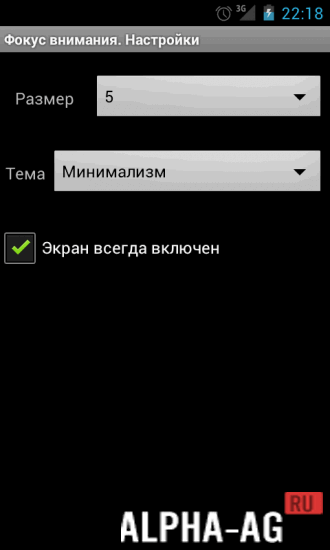
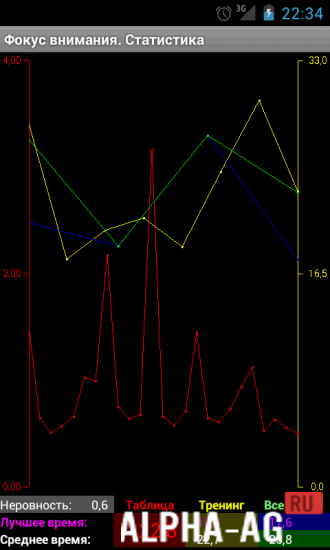

Description
Schulte TablesIn this app you can train your reading speed and improve peripheral vision, where your task will be to find specific numbers or other objects in order.
Gameplay
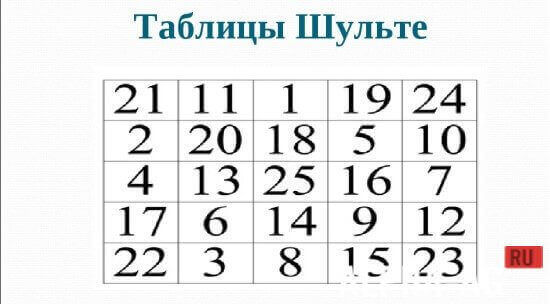
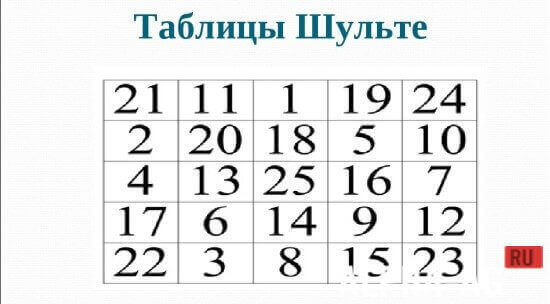
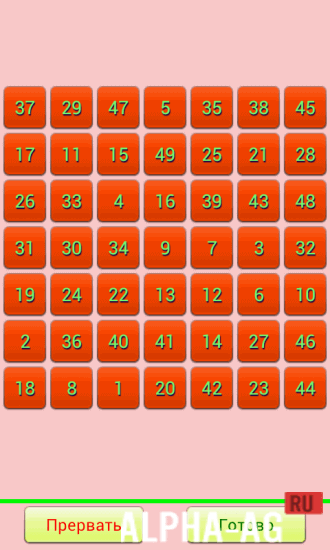
The app presents a square playing field divided into 25 cells containing randomly arranged numbers from 1 to 25. Before you start working with this table, you need to look at the center so that you can see the entire table completely.
After that, you must find the numbers in ascending order without skipping any, using silent counting. You should fixate on the numbers you find with your eyes only.
This app is the best way to increase your reading speed. But to do this, you will need to position the table at normal text reading distance from your eyes.By practicing with this app, you should understand that you are training your visual skills. At the beginning of this exercise, you may encounter difficulties, but gradually you will be able to find the right numbers faster and faster.
Choose the frequency and duration of your training sessions so as not to overstrain your eyes; if your eyes start to get tired, you should take a break.Key Features
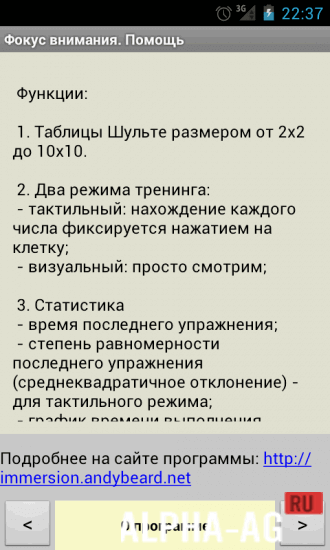
With this app, you can increase your reading speed and train your visual skills. In this program, your main goal is not to finish the table as quickly as possible, but to properly follow the methodology so that it gives you results.
On our website you can download the Schulte Tables app for Android for free.
0 03 Apr Additional information:- Android version required: 4.0 or higher
- Age restrictions: none
- Russian localization: present
- Cache installation: not required
Subscribe to our YouTube channel!
Add a commentHow to install
- Download the APK file above to your phone.
- Allow “Install unknown apps” when prompted.
- Open the downloaded APK and tap Install.
- If the package includes OBB/XAPK data, follow the bundled instructions.
MOD APKs are modified builds, so Play Protect may show a warning. Install only if you trust the file; use at your own risk.