
Screenshots

Description
- Home /
- Apps
Smart Screen On/Off Pro 3.5.0
- Payment
- Apps
- Tools
Smart Screen On/Off is a straightforward utility that turns your screen on or off automatically using the proximity sensor, so you no longer have to press the power button by hand. TELEGRAM Report Developer LuuTinh Developer Size 5 MB Version 3.5.0 Requirements 4.0 Get it on
- Telegram
Report this app
Images
Mod Info
- Full Version
Description
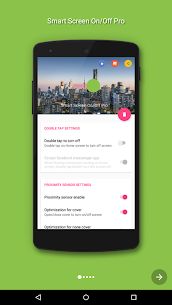
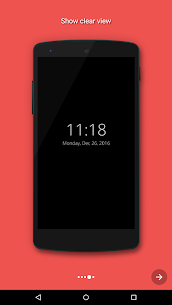
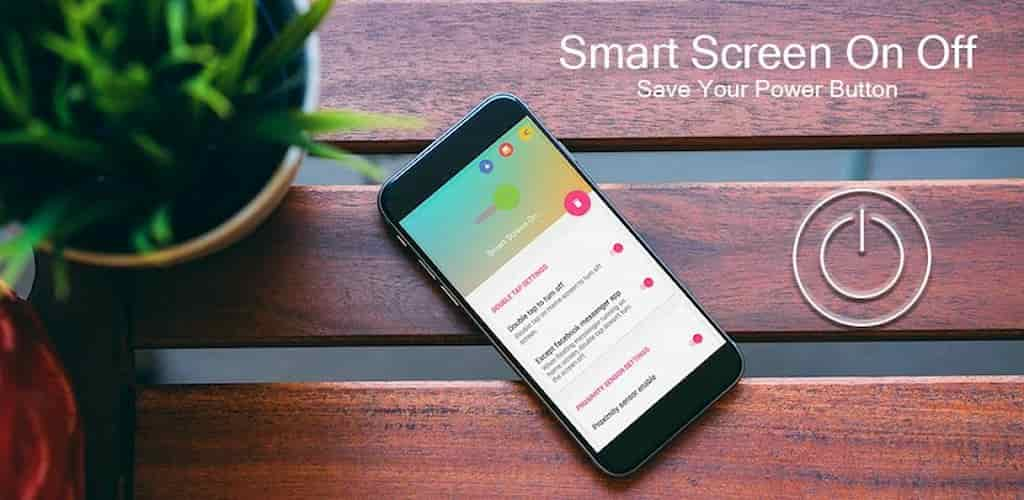
Smart Screen On/Off Pro is a simple utility that switches the screen on or off automatically with the proximity sensor, removing the need to press the power button manually.
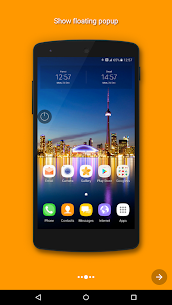
Smart Screen On/Off also includes a floating power head placed in a handy spot, letting you turn the screen off quickly. It's useful when pressing the power button is inconvenient or when you prefer to keep the physical button intact. Together, the auto on/off feature and the floating power head help you cut down on power button use anytime, anywhere.
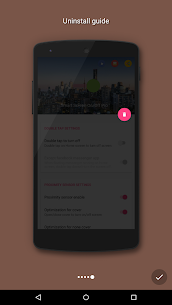
“This app uses the Device Administrator permission.” This permission is required and is used only to lock the device when you use the screen-off feature. You must enable Administration before this feature can be used. To uninstall the app, open the app and tap the “Uninstall” button.
“This app uses Accessibility services.” This is required and is used to detect the home screen.
Features included in Smart Screen On/Off Auto:
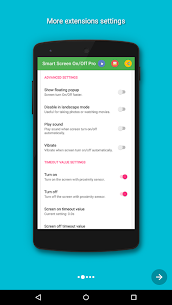
– The sensor detects automatically and turns the screen on or off for you. – You can disable the feature when the screen is rotated to landscape. – You can set separate delays for screen on and screen off to prevent accidental activation. – Supports a power button to quickly turn off the screen. – Works with the same cover. – Automatically turns the screen off when you put the phone in your pocket. – Includes a fix for issues with fingerprint and Smart Lock. – Optimized for performance, using no more than 5 MB of RAM.
Developer's apps
Launcher OS 27 8.9.2 LuuTinh Developer 14.02 MB Premium Unlocked Control Center iOS 15 3.3.5 LuuTinh Developer 6 MB Pro Unlocked
Related apps
IP Scanner 2.0.3 DigitalBox Studios 8.54 MB Premium Unlocked Computer Launcher Pro 19.27 Pro Themes and Launchers 12.29 MB Premium Unlocked Notifications archive 1.6.12 Difer 9.23 MB Premium Unlocked APN Varies with device APN Tech Ltd. Premium Unlocked AdGuard 4.16.0 ADGUARD SOFTWARE LIMITED 56.82 MB Premium Unlocked
How to install
- Download the APK file above to your phone.
- Allow “Install unknown apps” when prompted.
- Open the downloaded APK and tap Install.
- If the package includes OBB/XAPK data, follow the bundled instructions.
MOD APKs are modified builds, so Play Protect may show a warning. Install only if you trust the file; use at your own risk.