
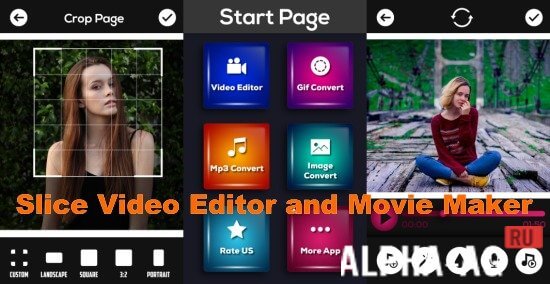
Screenshots
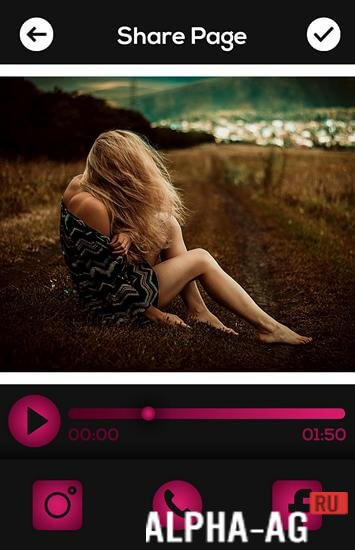

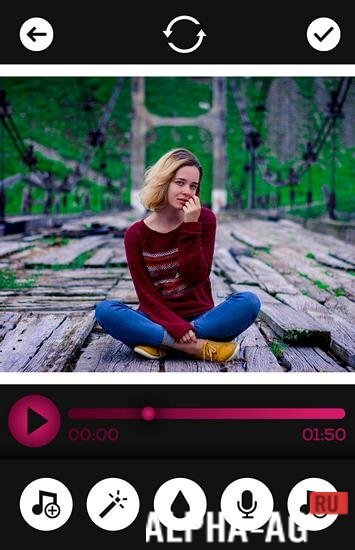

Description
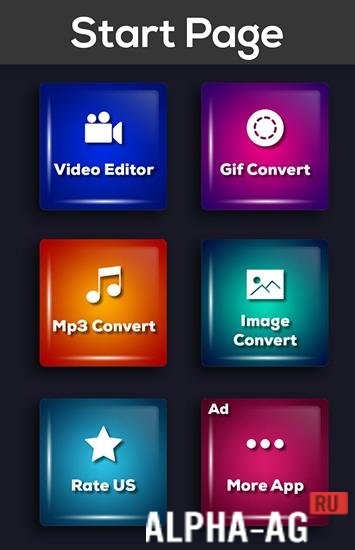
Slice Video Editor & Movie MakerAn excellent video editor with lots of useful editing tools to help you create high-quality videos in just a couple of clicks.
Gameplay
With this app, you can create real video masterpieces from your photos or video clips. To get started, you will need to select the photos and videos you want to make your video from.
Then add suitable music tracks and let the app work its magic on your photos and video clips.The app will analyze your media to find the best moments, detect faces and bright colors for a perfect look, and sync everything to the rhythm of the music. You can also choose from a wide variety of available video styles, all featuring high-quality graphics and smooth transitions.
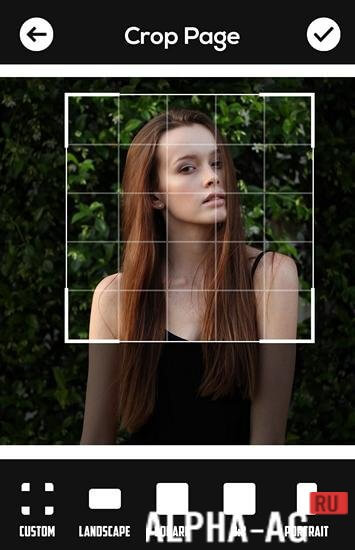
After that, you can customize the graphics, filters, and fonts for any video style. You can trim, reorder, and rotate your photos and videos, as well as speed them up or slow them down.
Choose your video format—square, cinema, or portrait—to share the finished video with your friends on social media.Key Features
When creating your video, you can add up to 75 of your photos or video clips from your phone's storage or cloud storage. Then choose the perfect soundtrack from over 100 songs or pick music from your gallery.
The app supports familiar formats such as WAV, MP3, MP4, AAC, MOV, and others. You will also have access to more than 23 different video styles, each with polished graphics and high-quality transitions.
0 Dec 06 Additional Information:- Android version required: 4.3 or later
- Age restrictions: 3+
- Russian localization: None
- Cache installation: Not required
Subscribe to our YouTube channel!
Add a commentHow to install
- Download the APK file above to your phone.
- Allow “Install unknown apps” when prompted.
- Open the downloaded APK and tap Install.
- If the package includes OBB/XAPK data, follow the bundled instructions.
MOD APKs are modified builds, so Play Protect may show a warning. Install only if you trust the file; use at your own risk.