
Screenshots

Description
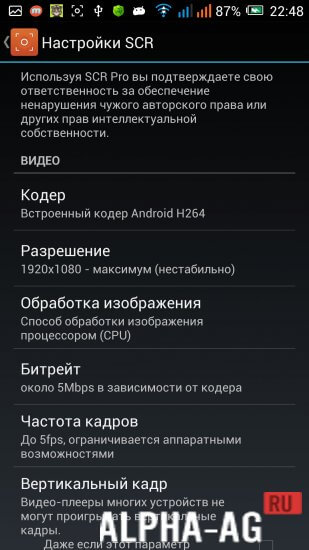
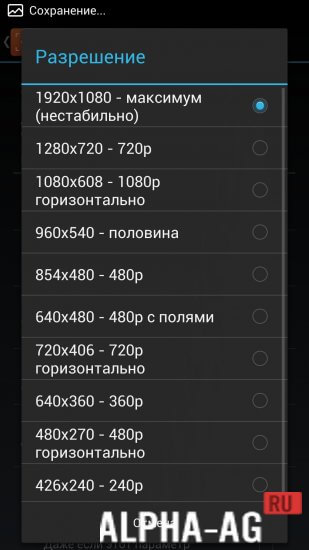
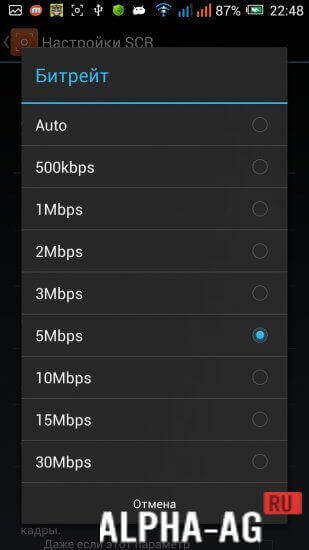
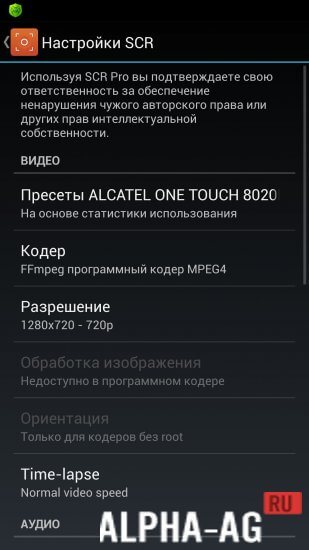
SCR Screen Recorder ProYou can also set any resolution for the recorded video. There is also an option to freely choose codecs and audio sources.
Features
The application allows you to record any video from your smartphone screen.
However, it is worth knowing that without additional settings, the recording is made without sound. If you want to add sound effects, take care of getting root rights in advance.Recorded files will be saved to the device's memory. In addition, don't forget to select the folder where the saving should be performed.
It is also worth noting that many other functions are provided in the settings; for example, you can activate the touch indicator on the screen.Characteristics
This app is an excellent recording solution that requires a minimal amount of resources. With its help, you can record video during gameplay, as well as take screenshots of a wide variety of applications.
The application is lightweight, with a size of just over 5 MB. At the same time, it received the highest user rating of 5 stars. It is indeed very simple and convenient to use.
Therefore, even without a special need, you can install it on your mobile device. If the need arises, you can easily activate it and record video or take screenshots.
5 19 Mar Additional information:- Android version required: 4.0.3 or higher + root
- Russian localization: yes
- Age restrictions: 3+
Subscribe to our YouTube channel!
Add a commentHow to install
- Download the APK file above to your phone.
- Allow “Install unknown apps” when prompted.
- Open the downloaded APK and tap Install.
- If the package includes OBB/XAPK data, follow the bundled instructions.
MOD APKs are modified builds, so Play Protect may show a warning. Install only if you trust the file; use at your own risk.