
Screenshots
Description
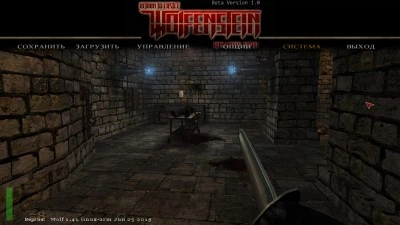
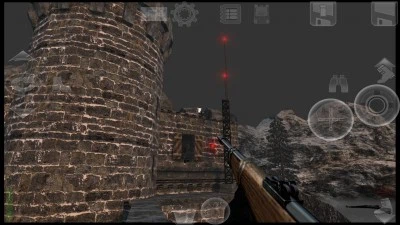
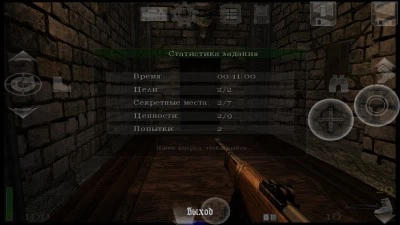
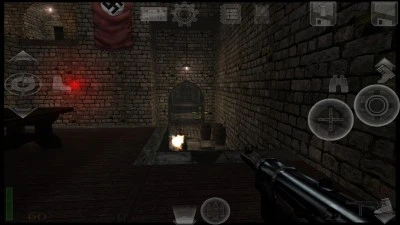
Download RTCW Touch MOD APK – Experience an outstanding unofficial Android conversion of the legendary shooter Return to Castle Wolfenstein. This mobile edition faithful to the PC classic retains every visual asset, 3D model, sound effect, and original gameplay mechanic. Players can take advantage of extensive control customization—freely resize on-screen buttons, fine-tune analog stick sensitivity, reposition UI elements, or simply hook up a physical Bluetooth gamepad.
Storyline: At the height of World War II, entire countries are collapsing under Nazi aggression. Backed directly by Adolf Hitler, SS Reichsführer Himmler merges dark occult rituals with sinister science to assemble an unstoppable supernatural army designed to crush Allied forces permanently.
Build Highlights:
- Standard PC cache files included;
- Enhanced HD textures cache pack available;
- Fully verified working on Android 9.0 and Android 13.0;
- Re-signed application package.
How to Install Return to Castle Wolfenstein on Android:
- Download and set up the Return to Castle Wolfenstein APK on your device;
- Open the installed RTCW app and grant the required "Storage" access permissions (essential for modern Android releases);
- Download your preferred game cache (Original or HD) and extract all files to: storage/emulated/0/Beloko/RTCW/FULL;
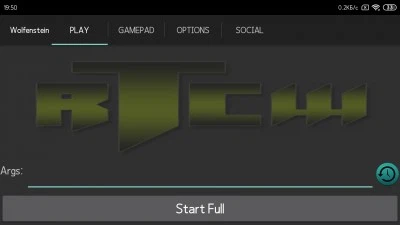
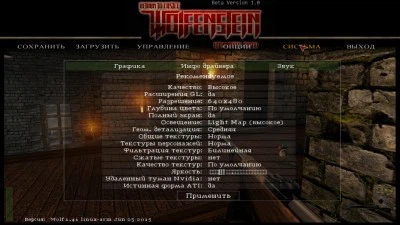
- Launch RTCW Touch, navigate to "OPTIONS", and make sure the "Beloko Folder" directory points to: storage/emulated/0/Beloko;
- Head over to the "PLAY" tab and press "Start Full";
- Once the title boots up, the installation has succeeded.
Setup is complete.
Important Notes:
- If running on Android 7, make sure to rename the file "sp_zpak_russian" to "1sp_zpak_russian";
- To enable developer cheat codes, add "+set sv_cheats 1" into the Args launch parameters;
- Long-press the reload key to trigger sniper zoom;
- Navigate to "Options" > "View" to adjust the crosshair scale and transparency;
- Enable Dynamic Lighting if you are playing on a high-end mobile device.
For a smoother and more forgiving playthrough, you can turn on God Mode. Add "+set sv_cheats 1" to the Args field, launch the game, pull up the in-game console, and submit "/god".
If that fails to trigger, manually type "+set sv_cheats 1" directly into the developer console first, followed by "/god".
Screenshots
10 15 25
Game Information
Version 2.1.5 OS(MIN) Android 4.0.3+ Language Russian Developer Open Touch Gaming Status Modification Root Not required Tags WWII Shooters, Action FPS, Wolfenstein Return To Castle, Fight Nazis, Retro Classics
How to install
- Download the APK file above to your phone.
- Allow “Install unknown apps” when prompted.
- Open the downloaded APK and tap Install.
- If the package includes OBB/XAPK data, follow the bundled instructions.
MOD APKs are modified builds, so Play Protect may show a warning. Install only if you trust the file; use at your own risk.