
Screenshots

Description
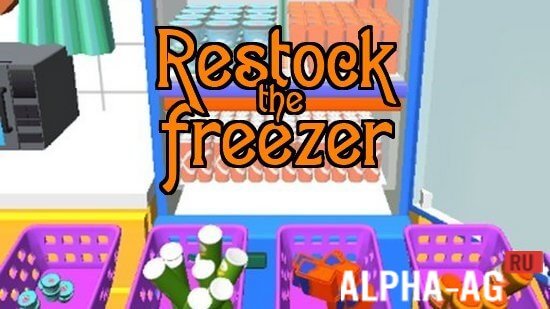
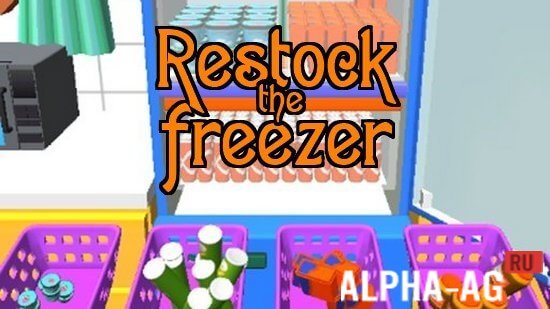
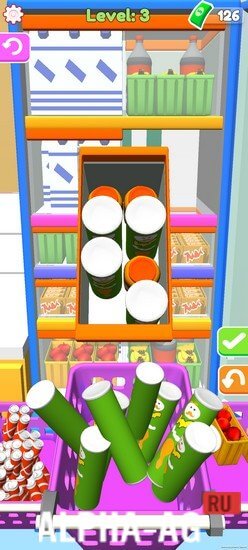
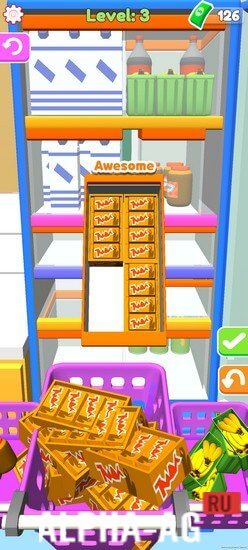
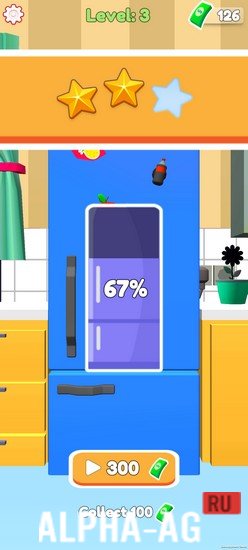
Restock the freezerWelcome to an engaging game that immerses you in exciting gameplay, where your goal is to fill your refrigerator and freezer to the brim. Keep it constantly stocked and enjoy the satisfaction it brings you.
Gameplay
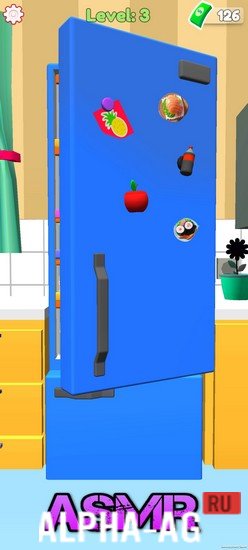
One of the key elements of the game is the filling sounds. The developers used ASMR sounds to create a relaxing atmosphere and immerse you in the world of organizing groceries.
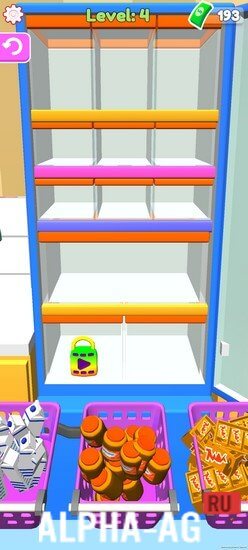
The sounds of touching items, packaging sounds, and the sounds you hear when placing products in the fridge will bring you pleasure and create a special atmosphere in the game.Now is the perfect time to start stocking your fridge! The game offers you a variety of tasks and levels that will let you replenish supplies and organize products in the most efficient order. Place products correctly to maximize the use of available space and make your life easier.
The game features a wide variety of products, from fresh vegetables and fruits to frozen desserts and ice cream. Your task is to make sure all your purchases fit and stay in perfect condition. Use your logic and strategy skills to create a convenient storage system and manage your supplies.
Game features
This is not just an ordinary game, but an opportunity to feel like a true organizer and take control of your products. You will create the perfect storage space where every item finds its place. Enjoy the process and achieve new results in organizing your refrigerator.
Don't miss the chance to feel like a powerful organizer and enjoy the game's gameplay.
Throughout the game, dozens of exciting levels await you, where on almost every one you will fill your refrigerator with completely different useful products and listen to relaxing ASMR sounds.
0 16 Sep Additional information:- Required Android version: 5.1 or higher
- Age rating: 3+
- Russian localization: available
- Cache installation: not required
Subscribe to our YouTube channel!
Leave a commentHow to install
- Download the APK file above to your phone.
- Allow “Install unknown apps” when prompted.
- Open the downloaded APK and tap Install.
- If the package includes OBB/XAPK data, follow the bundled instructions.
MOD APKs are modified builds, so Play Protect may show a warning. Install only if you trust the file; use at your own risk.