

Screenshots


Description
QR scannerThe program is distinguished by its ease of installation and use, which makes it incredibly popular. Moreover, to run it you must have a device that supports Android version 2.3 or higher.
Characteristics
The offered application is one of the most popular QR code scanners for Android. It stands out for its simple and clear interface. Even a person just starting to learn this mobile platform will be able to handle the controls.
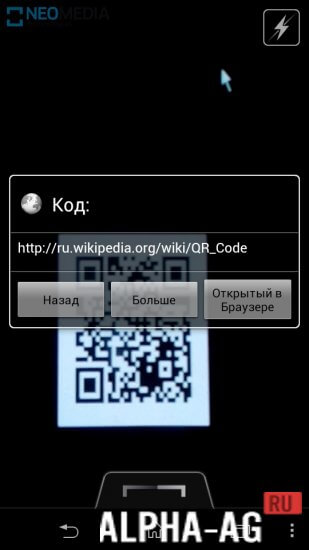
When you launch the program, you land on the main screen, where a special window receives the image from the camera. A crosshair sits in the center of this window.
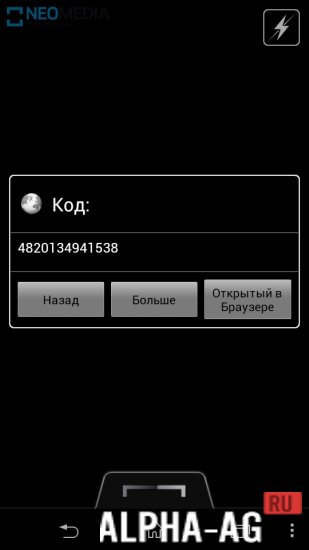
To scan a code, point your smartphone's camera at it. Once it focuses, the program automatically reads the information encoded in the QR code.Features
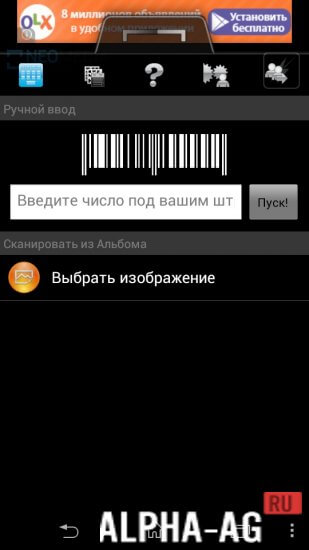
With this program you can also scan images stored in your device's memory.
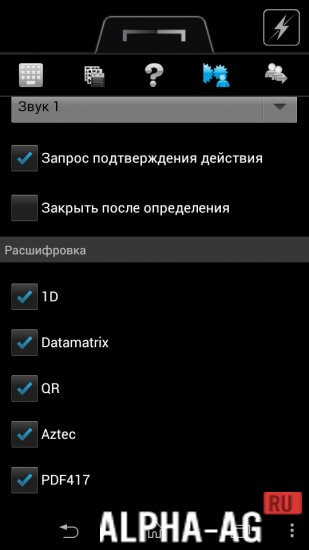
All scan results are saved in the history, which you can open at any convenient time. Various settings are also located on the right side of the screen.If you tap the question mark icon, you can access reference information. Additionally, with this kind of program you can quickly retrieve information about contacts, products and other encoded data.
On our site you can download the QR scanner app for Android in both the regular version and the ad-free version.
0 Jan 16 Additional information:- Required Android version: 4.0.3 or higher
- Age rating: 3+
- Russian localization: not available
- Cache installation: not required
Subscribe to our YouTube channel!
Leave a commentHow to install
- Download the APK file above to your phone.
- Allow “Install unknown apps” when prompted.
- Open the downloaded APK and tap Install.
- If the package includes OBB/XAPK data, follow the bundled instructions.
MOD APKs are modified builds, so Play Protect may show a warning. Install only if you trust the file; use at your own risk.