
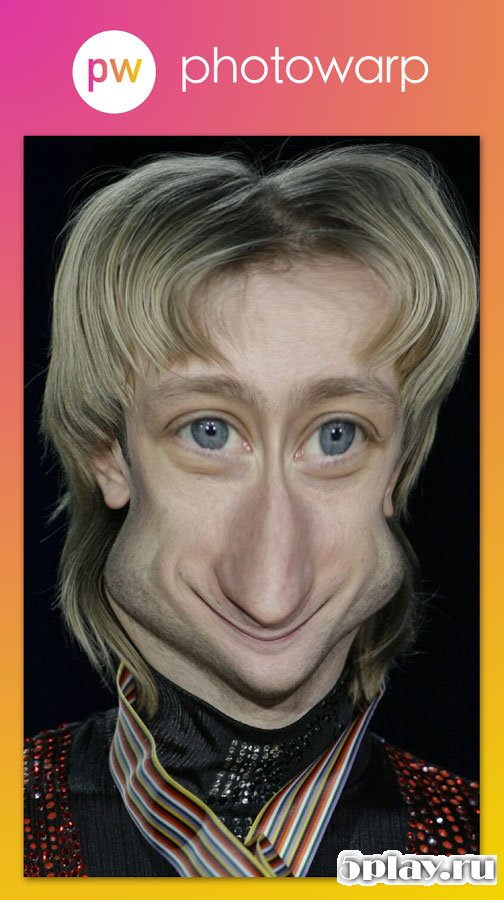
Screenshots

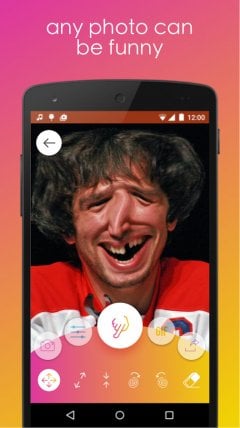
Description
Photo Warp- Updated 10-01-2018, 15:08
- Version 2.0.7
- Build number 207
- Requirements Android 4.0+
- Genre Entertainment
- Price Free


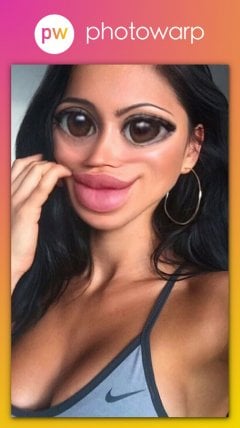
You can add a couple of extra pounds or, conversely, become a model of slimness. Create and enjoy the result. Funny goblin faces, pointed elf ears, round outlines of a kolobok – everything that can lift your spirits is here.
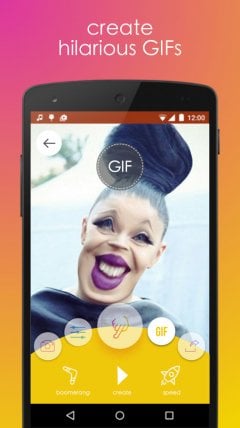
For user convenience, the application provides the ability to adjust brush size and pressure intensity. Pixels move relative to the center of the working tool or around the cursor as you drag it.
Ease of use and fast processing speeds allow anyone to get creative, regardless of age. Anyone from Photo Warp a schoolchild to a pensioner can figure out the controls. At the same time, the resulting image can always be saved to device storage or an SD card. Having trouble downloading? Installing games and programs Installing games with cache How to take a screenshot How to install APKS
How to install
- Download the APK file above to your phone.
- Allow “Install unknown apps” when prompted.
- Open the downloaded APK and tap Install.
- If the package includes OBB/XAPK data, follow the bundled instructions.
MOD APKs are modified builds, so Play Protect may show a warning. Install only if you trust the file; use at your own risk.