

Screenshots

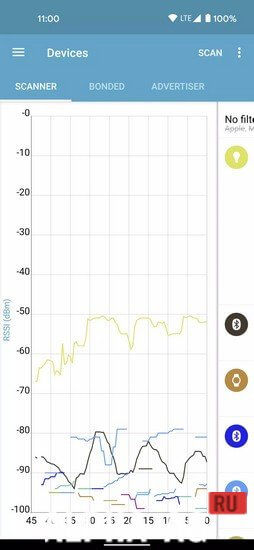

Description
nRF Connect for MobileStay connected with your BLE devices and explore their functionality with this great app.
Features
You will no longer have to look for different apps to work with BLE devices, because nRF Connect supports several Bluetooth SIG profiles, including the Device Firmware Update profile and Mcu Manager on Zephyr and Mynewt. This means you can perform various tasks with your devices without leaving the app.
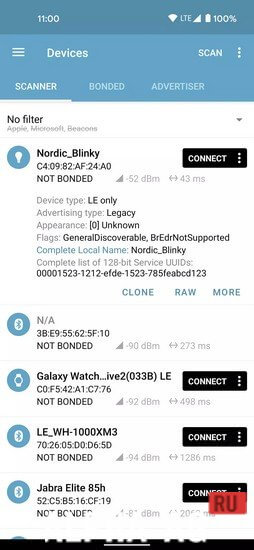
With this app, you can easily scan and discover Bluetooth LE devices around you. High scanning speed and accuracy allow you to quickly find the devices you need.
The app also parses advertisement data, providing you with additional information about each device. The RSSI graph will help you assess signal strength and connection stability.You can export data to CSV and Excel formats for more detailed analysis.
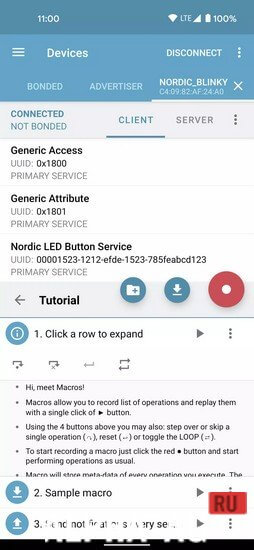
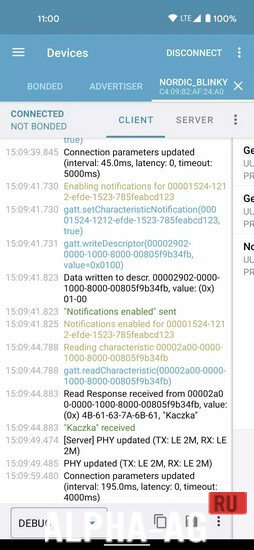
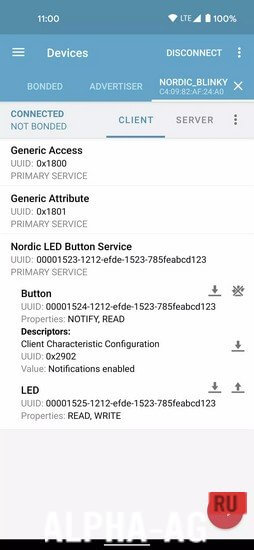
In addition, nRF Connect allows you to connect to a selected Bluetooth LE device and explore its services and characteristics. The ability to read and write characteristics, as well as enable and disable notifications and indications, gives you complete control over your devices. And reliable write support ensures that your information is preserved without loss.
Key Features
This unique app also features various convenient functions, such as: parsing the number of characteristics adopted by Bluetooth SIG, Bluetooth LE advertising, reading and updating PHY, GATT server configuration, and Nordic UART Service support.
With the handy Device Firmware Update profile, you will be able to download new interesting applications, a wide variety of software, or bootloaders over-the-air. And McuMgr support will allow you to control and update your Zephyr-based devices at any time.
0 23 Nov Additional information:- Android version required: 4.3 or later
- Age rating: 3+
- Russian localization: None
- OBB/Data installation: Not required
Subscribe to our YouTube channel!
Add commentHow to install
- Download the APK file above to your phone.
- Allow “Install unknown apps” when prompted.
- Open the downloaded APK and tap Install.
- If the package includes OBB/XAPK data, follow the bundled instructions.
MOD APKs are modified builds, so Play Protect may show a warning. Install only if you trust the file; use at your own risk.