
Screenshots

Description
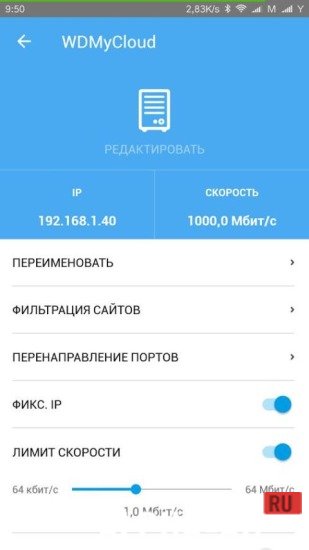
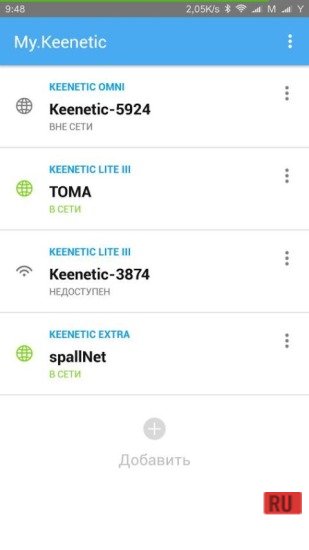
My.KeeneticThe program automatically remembers all your Keenetic centers and allows you to easily switch between them. To do this, you don't need to enter any passwords or other data, which is very convenient.
Installation and usage
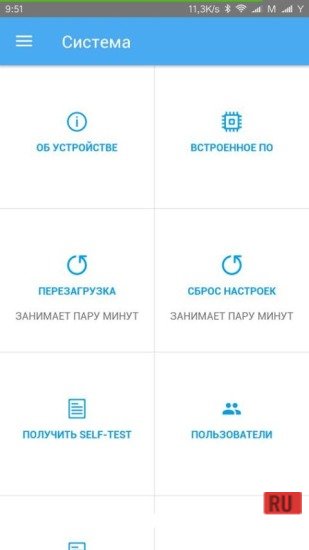
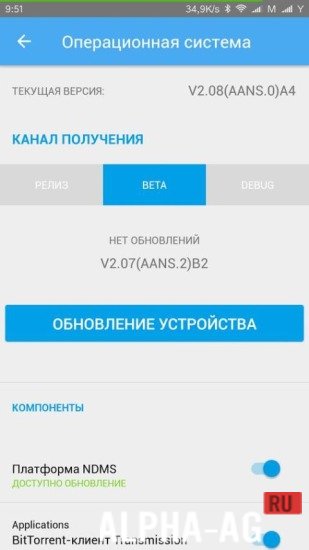
By installing such a program, you will be able to remotely manage your Internet Center. In addition, you can even install an application with a special module.
When connecting to the Internet Center, an automatic connection will be established, which is incredibly convenient and significantly simplifies working with the services.
When using the program, you don't need to apply any additional IP settings. To limit the bandwidth of all connected devices, you can install a special module.
A special module is also provided for managing the designated client, which is necessary for new variants of the Internet Center software.
This function will be activated in the program automatically.Features
It is important to know that the program works with a static IP. If you change it for some other purpose, the program will most likely stop functioning properly.
In addition, to install this application, you must have an Android device with an OS version of at least 4.1. Meanwhile, the installation file size is almost 8 MB.
On our website you can download the My.Keenetic app for Android for free.
0 27 Sep Additional information:- Requires Android version: 4.1 or later
- Age restrictions: 3+
- Russian localization: present
- Cache installation: not required
Subscribe to our YouTube channel!
Add a commentHow to install
- Download the APK file above to your phone.
- Allow “Install unknown apps” when prompted.
- Open the downloaded APK and tap Install.
- If the package includes OBB/XAPK data, follow the bundled instructions.
MOD APKs are modified builds, so Play Protect may show a warning. Install only if you trust the file; use at your own risk.