

Screenshots

Description
Music Player by Inshot Mod APK is a handy music player app. Listen to your favorite tunes anytime and anywhere, with plenty of hot tracks added every day.
The Music Player by Inshot MOD APK gives you a version of the app with VIP Unlocked already active. This mod makes all premium features and settings in the interface available without the limits found in the standard version.
What's Modified in Music Player by Inshot
- VIP Unlocked: This build gives you access to the app's premium features, so you can enjoy the full experience without making any extra purchases.
Version 4.3.1.187 comes in at about 20 MB under the package name musicplayer.musicapps.music.mp3player. Because it is a re-signed file, it can't be installed as an update over the official version from the app store.
About Music Player by Inshot
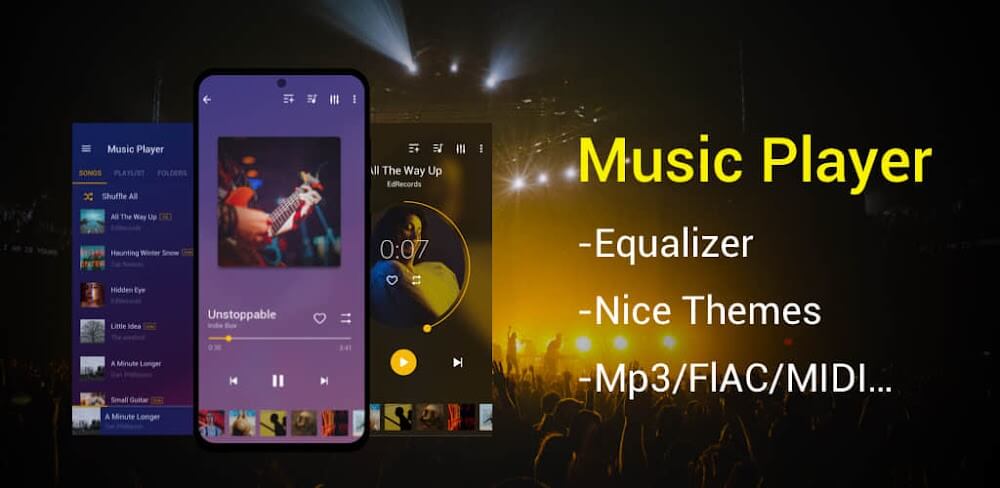
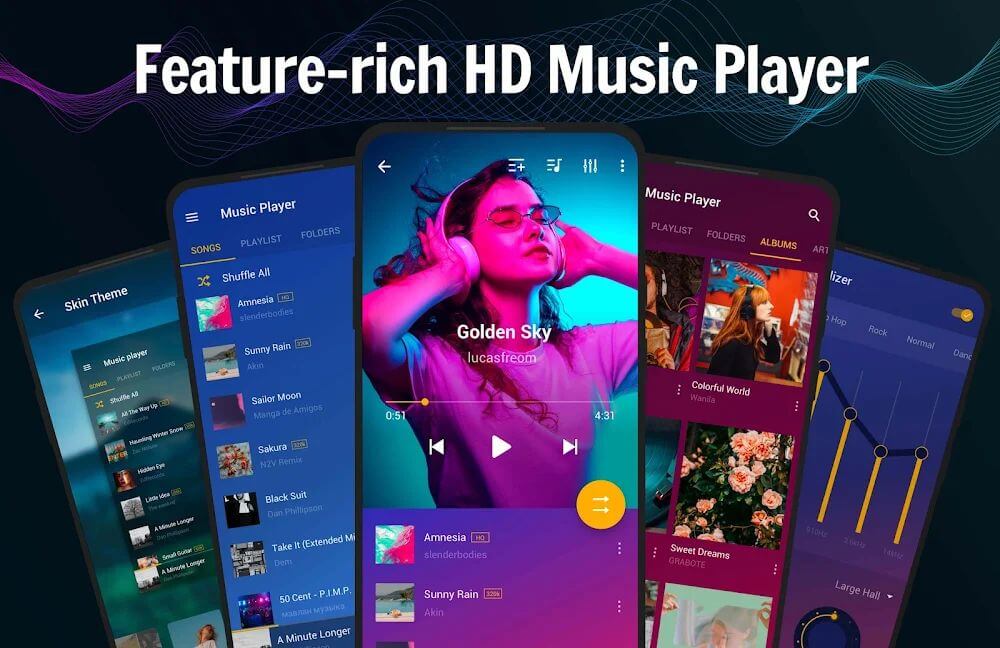
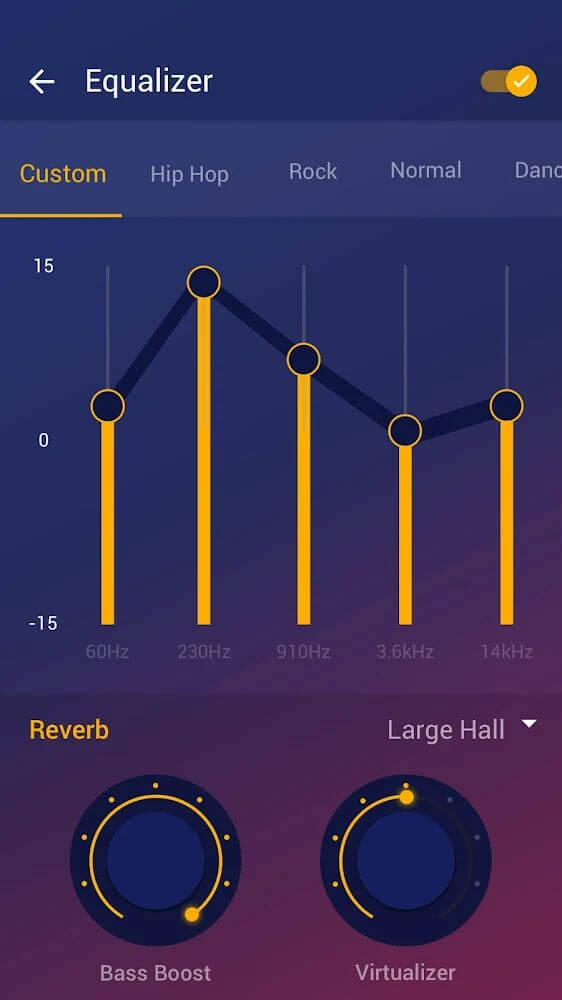
Music Player by Inshot is built to be a complete audio tool for Android devices, with a focus on high-quality playback across many file types. It supports a wide range of formats, including MP3, MIDI, WAV, FLAC, AAC, and APE. Lossless formats like FLAC and APE are included alongside standard compressed files, so you can keep your sound quality high no matter where your music comes from. At its core is an audio enhancement system featuring a powerful equalizer and reverb effects. These tools let you fine-tune sound frequencies and spatial characteristics to suit your taste and your device's hardware.
The app offers several playback modes to control how your music is delivered. The timer mode automatically stops playback after a set duration, which is handy for falling asleep or for timed activities. Shuffle and loop modes are also available for random or repeated listening. The app works as a modern upgrade to traditional MP3 players, bringing these features together in one interface that supports music on all Android phone models. The reverb effects and equalizer work alongside the playback modes to create a customized sound for every song in your library.
Content management is handled by a system that updates daily. When your device is connected to Wi-Fi, the app automatically refreshes its song list with current hits and a variety of genres. The library covers both classic tracks and modern popular music. You can pick specific songs, apply your preferred playback modes, and enjoy them through the built-in processing system. Downloaded music can be played without a constant internet connection once the files are saved to your device.
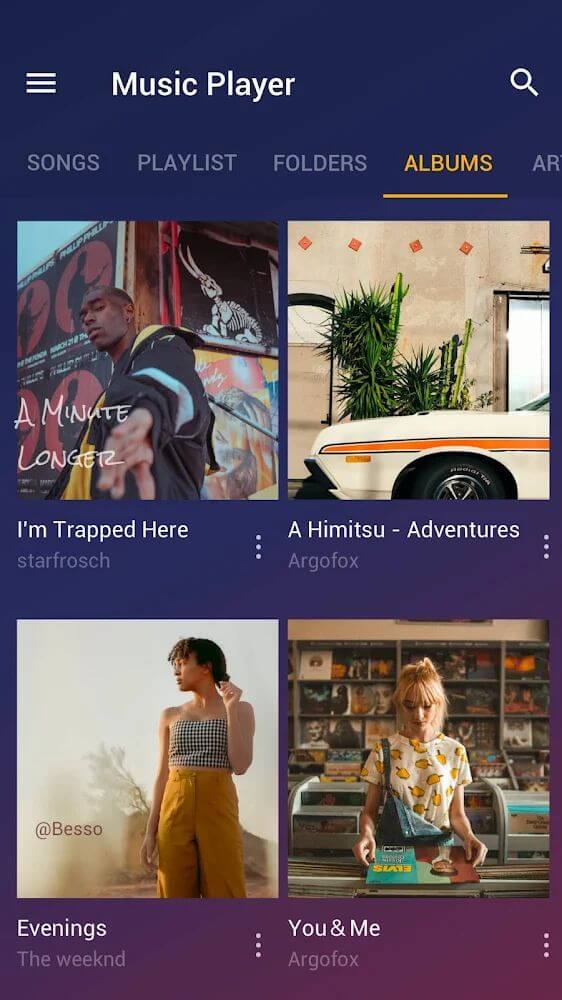
The interface follows a minimalist, smart design so the app is easy to manage. You can control playback from a collapsed panel in the notification bar or directly from the lock screen. From these points you can skip tracks, pause music, or adjust settings without unlocking your device or digging through the full app menu. This focus on convenience makes the app a central hub for all audio files stored on your Android device, no matter which folder or format they are in.
On the technical side, the app is optimized for Android so that its audio enhancement features run smoothly across different hardware. Support for MIDI and WAV means even raw or technical audio files can be processed through the equalizer. The reverb effects are especially good at simulating different listening spaces, adding depth to the high-quality sound. By combining these processing tools with a simple management system, the app aims to deliver a versatile experience for all kinds of music listeners.
The app also works offline, so you can play music anytime and anywhere. Song lists and updates need a Wi-Fi connection to refresh, but the main listening experience does not depend on active mobile data. Paired with the compact notification bar controls, this offers a low-impact way to manage your audio. The wide range of genres and daily updates keep the content fresh, and compatibility with all Android phones means the app stays functional across a broad range of devices.
Key features
- Works with audio formats including MP3, MIDI, WAV, FLAC, AAC, and APE
- A robust equalizer lets you fine-tune sound frequencies to your taste
- Built-in reverb effects add more depth to your audio
- Sleep timer that stops playback automatically
- Shuffle and repeat playback modes
- Play your music offline without an internet connection
- Song library refreshes automatically when you connect to Wi-Fi
- Control playback from the notification bar and lock screen
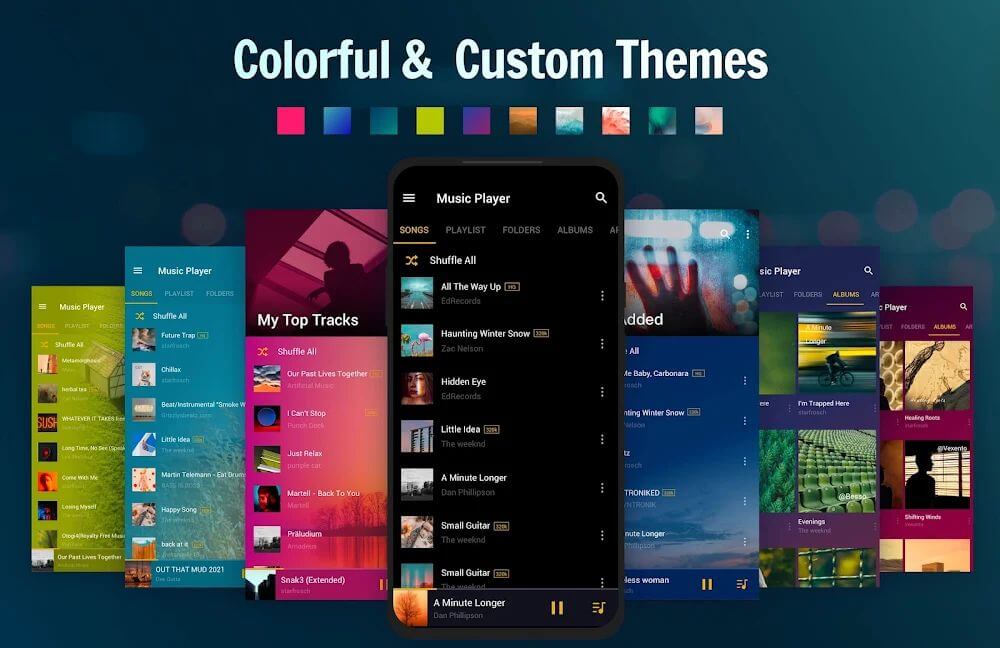
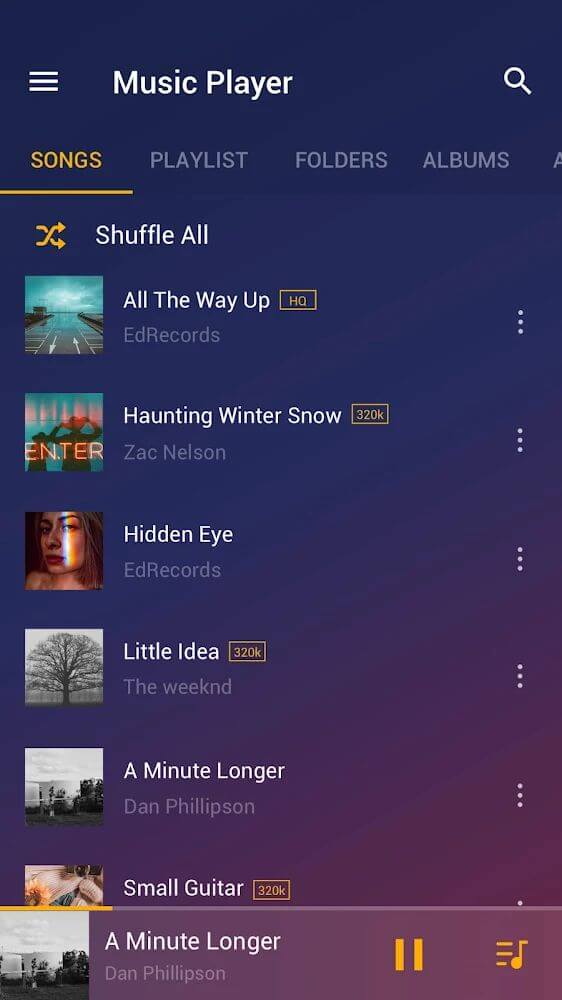
- Clean, minimalist design that keeps things easy to manage
Related MOD APKs
- XRecorder
- XPlayer
- YouCut
- Background Eraser
FAQ
Is Premium unlocked in Music Player by Inshot MOD APK?
This 4.3.1.187 version of Music Player by Inshot comes with VIP Unlocked. It works just like the official InShot Inc. release, and all modifications are active as soon as you install it.
What is the latest version of Music Player by Inshot MOD APK?
The latest 4.3.1.187 build matches the InShot Inc. update released on June 25, 2026. We don't keep older versions on GameMod.dev. To upgrade, install this file over your existing app; if you see a signature conflict, uninstall the previous version first.
Is Music Player by Inshot MOD APK safe to download?
This 4.3.1.187 build of Music Player by InShot Inc. includes VIP Unlocked. It holds a 3.8 rating from 19 users and does not require root access. You may see a Play Protect warning during installation, so always download from this page.
Can I use Music Player by Inshot MOD APK on PC or iPhone?
Since this is an Android package, it won't run on iPhone. You can run the 20M APK on Windows or macOS with an emulator such as BlueStacks or LDPlayer by dragging the file into the emulator window.
How to install
- Download the APK file above to your phone.
- Allow “Install unknown apps” when prompted.
- Open the downloaded APK and tap Install.
- If the package includes OBB/XAPK data, follow the bundled instructions.
MOD APKs are modified builds, so Play Protect may show a warning. Install only if you trust the file; use at your own risk.