

Screenshots


Description
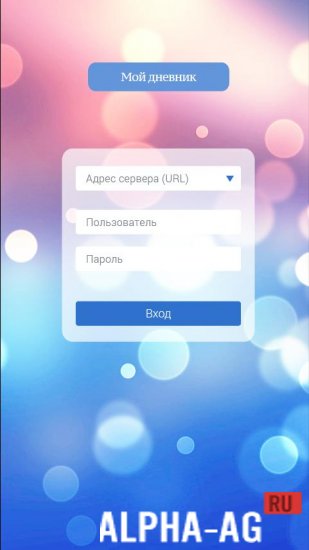
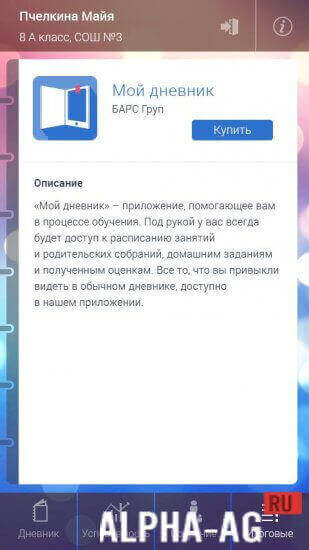
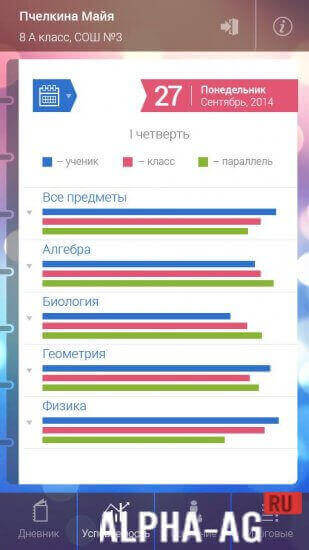
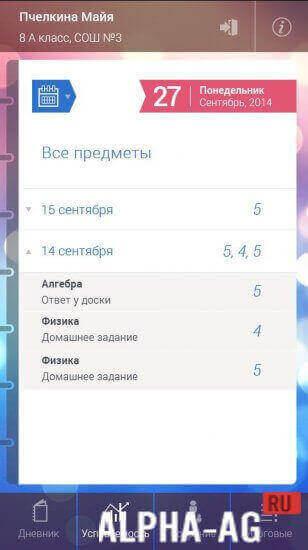
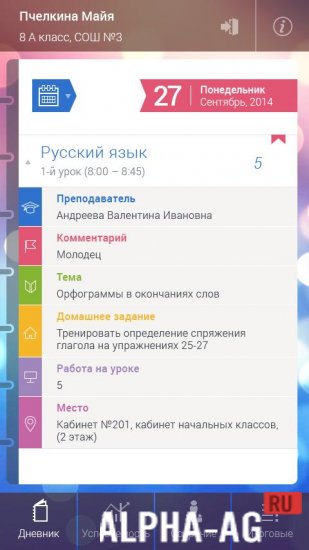
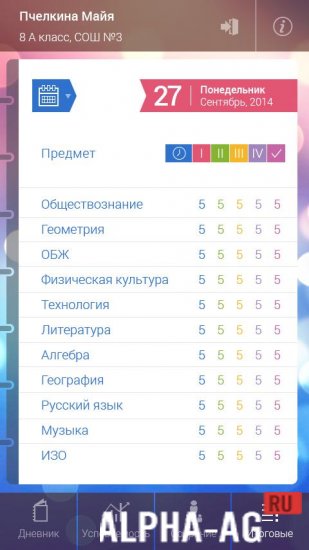
My DiaryIf you like writing in a regular notebook, you can now record all the information you need in a digital diary that will always be at your fingertips. This diary is created in a minimalist style.
Gameplay
When you launch the program you are initially prompted to set a password, but this is optional.
This is a diary you can carry with you at all times; you can save your memories, dates, or anything you like in it.You can use it as a simple agenda or as a personal diary.
The app lets you customize the text and background color, and you can also decide whether to set a password so you can be sure no one can read your private entries and notes.App Features
- Clean interface with no hassles, gimmicks, or ads.
- Keep it private and secure by setting your password on it.
- Optional tags to organize your diaries.
- Publish your diaries online with a single tap.
- Built-in themes and fonts to customize your diary.
- Create your own themes.
- Pop-up editor to format text effortlessly in a single breath.
- Normal / timeline / focus modes for viewing your diaries.
- Send your diary to other people.
- Create your unique diary and write your entries in it.
- Sorting, spell check, grammar check, and much more.
On our website you can download the "My Diary" app for Android for free.
0 Nov 26 Additional Information:- Required Android version: 4.1 or later
- Age rating: 3+
- Russian localization: present
- Cache installation: not required
Subscribe to our YouTube channel!
Add a commentHow to install
- Download the APK file above to your phone.
- Allow “Install unknown apps” when prompted.
- Open the downloaded APK and tap Install.
- If the package includes OBB/XAPK data, follow the bundled instructions.
MOD APKs are modified builds, so Play Protect may show a warning. Install only if you trust the file; use at your own risk.