

Screenshots

Description
Mobizen Mod APK is a versatile tool that simplifies recording your mobile screen or transferring files directly to your PC.
The Mobizen Screen Recorder MOD APK grants you full access to premium features without the need for a subscription. This version unlocks the entire set of professional-grade recording and editing tools that are usually reserved for paid accounts.
What is modified in Mobizen Screen Recorder
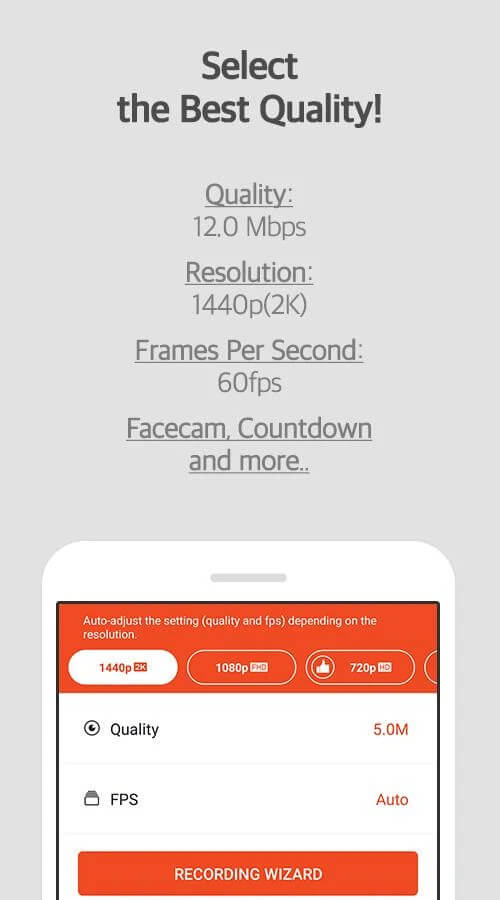
- Premium Unlocked: Gain access to all paid features and high-definition recording settings in this release.
This build is version 3.11.1.3, weighs 45M, and uses the package name com.rsupport.mvagent. Because it is re-signed, you must uninstall any official store version before installing this one.
About Mobizen Screen Recorder
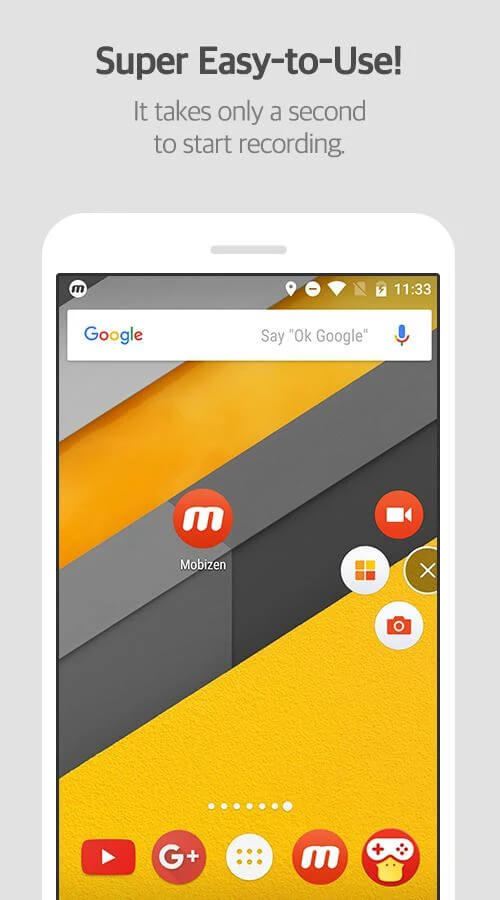
Mobizen Screen Recorder leverages deep system integration to capture high-quality screenshots and video clips. It enhances usability by placing controls within the notification center, system shortcuts, and a convenient floating bubble. A key feature is the customizable floating bubble, which houses all essential tools and can be moved to any corner of the screen so it never obscures your workspace while you use other apps.
The recording engine includes various settings to boost final video quality. You can choose to isolate internal audio while filtering out ambient background noise. While standard Android recorders capture the whole screen, Mobizen Screen Recorder allows you to focus on specific apps or windows for more professional results. During recording, you can also trim unnecessary footage in real-time, helping you boost productivity and capture high-quality content effortlessly.
For creators who want to be on camera, the app supports simultaneous use of both front and rear lenses. This allows for "face-cam" style videos, perfect for capturing reactions or adding commentary. The app ensures these overlays do not interfere with your primary content, making it an excellent choice for gaming streamers or instructional video creators. It optimizes hardware usage to keep both video streams perfectly synced.
An interactive drawing board is included, featuring various pen thicknesses and colors to highlight specific areas of your screen. These drawings exist on a separate layer, meaning they do not permanently alter your recording. You can easily adjust or erase your markings without pausing the video, which is perfect for guiding viewers through complex tutorials or presentations.
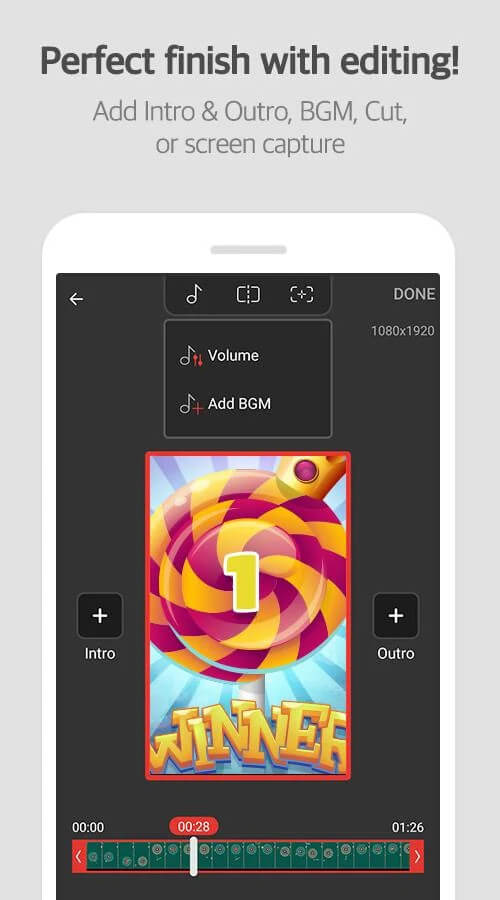
Built-in post-production tools allow you to polish your videos after recording. You can easily add intros, outros, background music, sound effects, and text overlays. The developers have aimed to include every tool necessary for a complete video production workflow, so you can create and share content without needing extra software.
Beyond screen recording, the app features tools for creating memes and GIFs. You can extract video clips, add text, or insert emojis and other graphics. The app also lets you craft custom audio tracks to avoid copyright issues. All exported audio and video files maintain high fidelity for a professional finish.
Key features
- Floating bubble control interface
- Internal audio recording support
- Simultaneous front and back camera use
- Interactive drawing board with custom colors
- Manual pause and resume functionality
- Comprehensive video editor with intro/outro support
- GIF and meme generation tools
- Custom background music integration
Related MOD APKs
- Grok – AI Assistant
- ChatGPT
- CamScanner
- Kling AI
FAQ
Is Premium unlocked in Mobizen Screen Recorder MOD APK?
Yes, this 3.11.1.3 version of Mobizen Screen Recorder comes with Premium Unlocked. It works just like the original app, with all advanced features ready to use immediately.
What is the latest version of Mobizen Screen Recorder MOD APK?
Build 3.11.1.3 brings you the newest Mobizen release from June 11, 2026. GameMod.dev offers only the latest working build, so previous versions are not hosted. You can simply install this APK directly over your existing installation. Should you encounter any signature mismatch errors, uninstall the older build first before setting up this package.
Is Mobizen Screen Recorder MOD APK Safe to Download?
This updated Mobizen Screen Recorder 3.11.1.3 release delivers the complete experience with Premium Unlocked. Rated 3.8 stars across 22 user reviews, it functions smoothly without root permissions. Feel free to bypass any Play Protect alerts and grab your clean copy directly from GameMod.dev.
Can I Run Mobizen Screen Recorder MOD APK on PC or iOS?
Because this installer is built strictly for Android, it cannot run natively on iOS devices. If you want to run this 45M installer on your desktop or laptop, set up an Android emulator such as BlueStacks or LDPlayer and import the APK to begin recording.
How to install
- Download the APK file above to your phone.
- Allow “Install unknown apps” when prompted.
- Open the downloaded APK and tap Install.
- If the package includes OBB/XAPK data, follow the bundled instructions.
MOD APKs are modified builds, so Play Protect may show a warning. Install only if you trust the file; use at your own risk.