

Screenshots
Description
Send Anywhere Mod APK allows you to transfer any file format across multiple operating systems with ease. The sharing process is smooth and flexible, offering multiple convenient delivery options to match your needs.
This custom Send Anywhere MOD APK release unlocks every premium feature in this powerful cross-platform file sharing tool. Enjoy the full potential of the app without any of the restrictions found in the standard release.
What's Modified in Send Anywhere
- All premium features are completely unlocked, granting full access to advanced sharing tools and paid capabilities right out of the box.
This release is version 23.2.11, comes in at 52M under the package name com.estmob.android.sendanywhere, and carries a custom signature, meaning you must uninstall any official build before installing it.
About Send Anywhere
Send Anywhere lets you move files directly between various hardware ecosystems without unnecessary hassle. Compatible with major platforms such as Android, iOS, and Windows, it lets you pick items straight from storage and transfer them with just a tap. Files move at maximum network speeds, ready to open on the receiving end the moment transmission finishes. Designed to replace cumbersome file-transfer workarounds between competing platforms, Send Anywhere delivers a straightforward, direct route for moving data across devices.
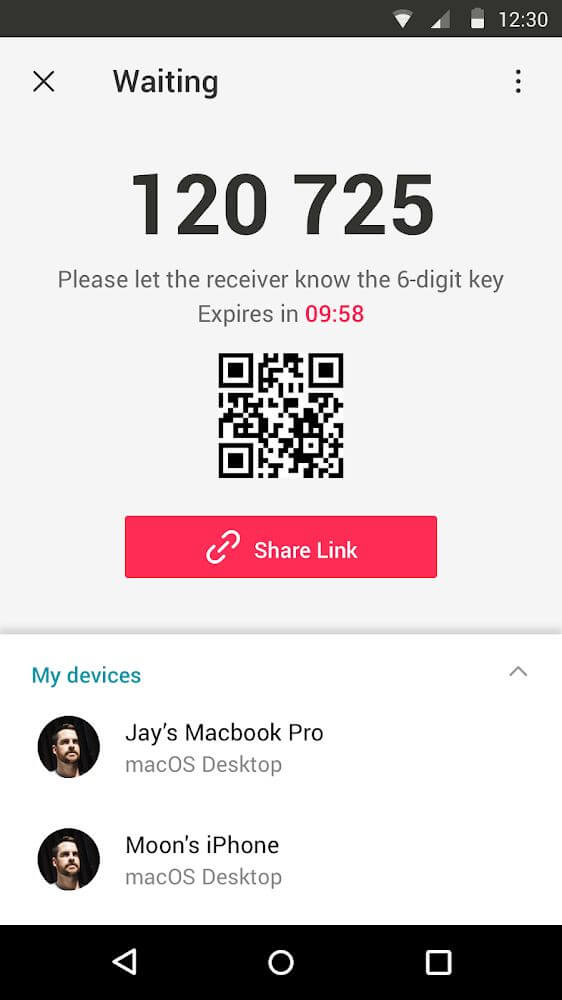
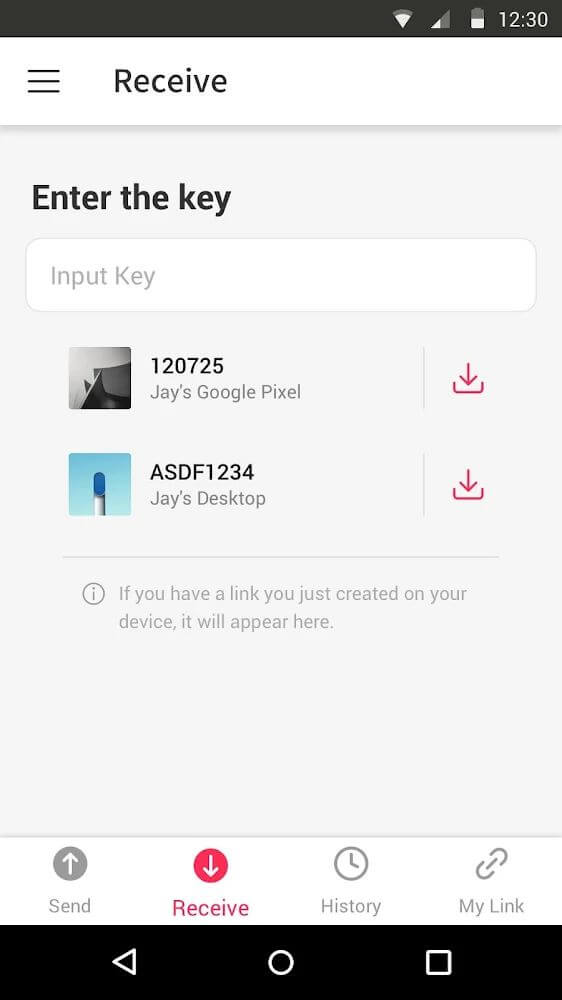
Transfers rely on a simple two-way verification system using 6-digit keys and dynamic QR codes. Once you select your items, the app generates a temporary PIN or a scannable graphic. The recipient simply enters this number or scans the QR code to connect and begin downloading instantly. Unlike conventional cloud services tied to centralized servers, this peer-to-peer setup removes typical cross-platform barriers, offering an intuitive, uniform interface whether you are moving a single document or massive folders.
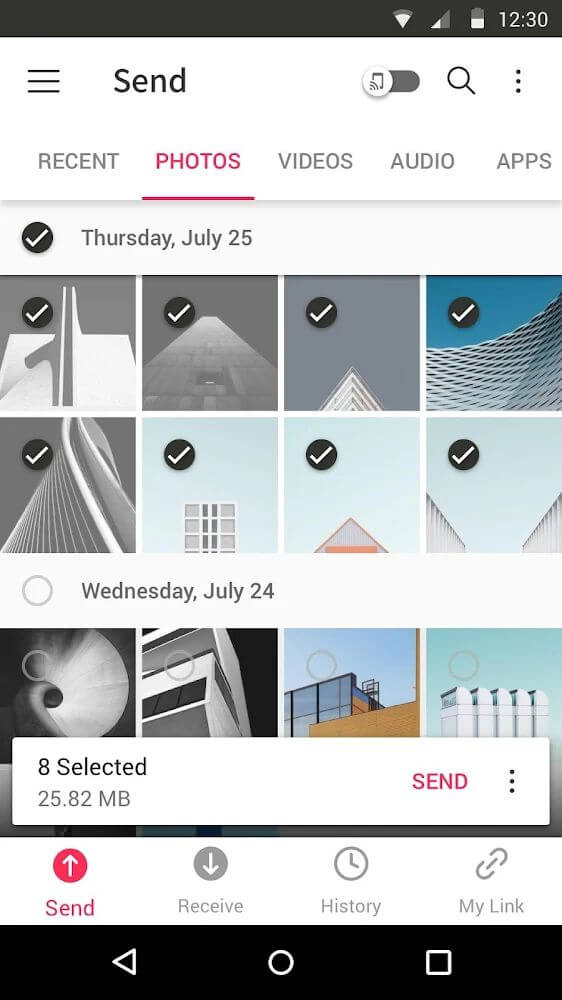
Smart content management makes choosing what to send remarkably easy. The app automatically categorizes on-device files into tidy sections: pictures appear under "Photos," music and clips sort into "Audio" and "Video," and address books display under "Contacts." This keeps you from digging through convoluted directory trees. On top of that, built-in search and filtering tools let you pinpoint files by name or format in seconds, making multi-file selection fast even on devices packed with gigabytes of data.
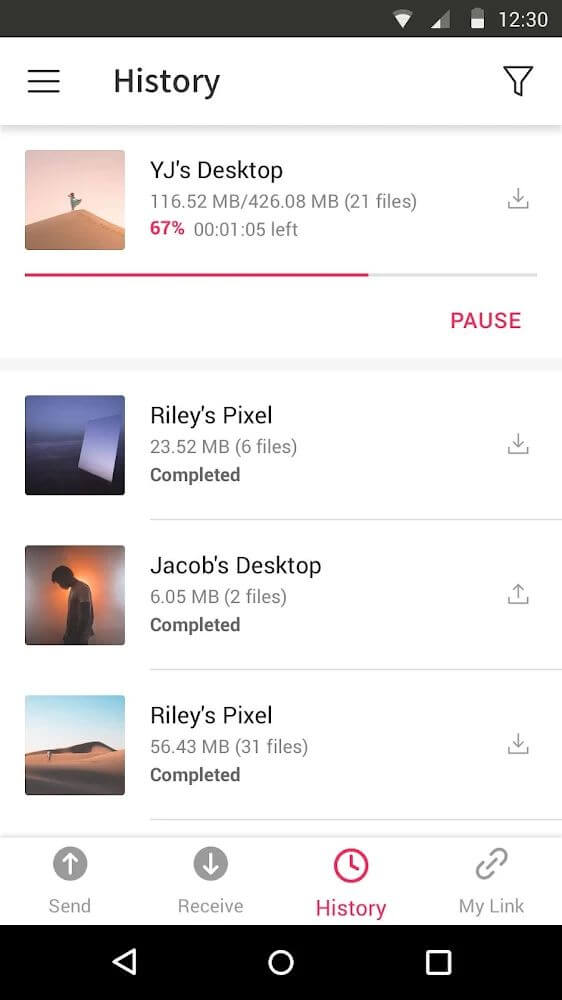
A dedicated history log tracks every sent and received item in one organized tab. This lets you revisit, reopen, or retrieve past files quickly without setting up a brand-new transfer. If you frequently exchange the same documents, this log functions as a practical, searchable archive of your transfer history.
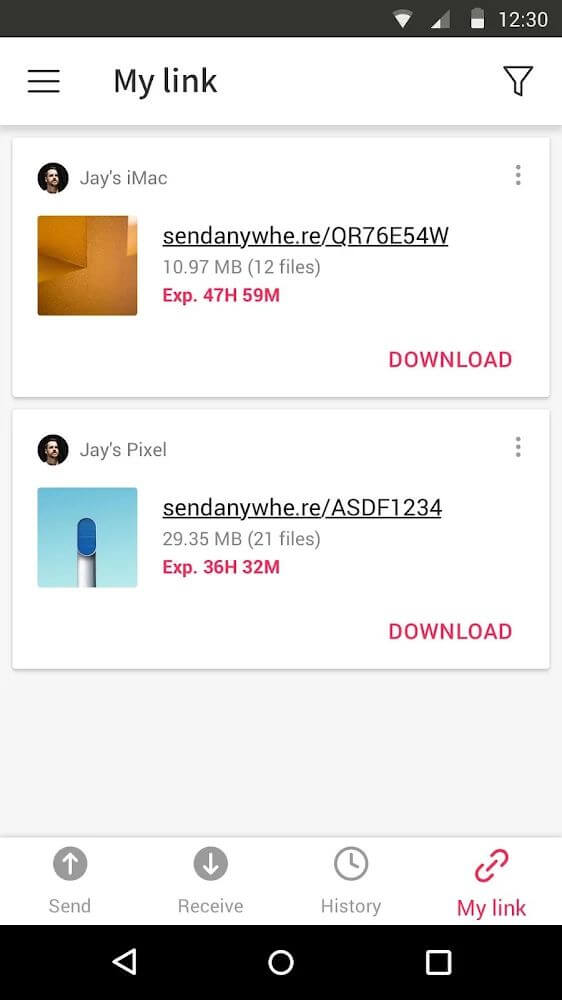
Send Anywhere also includes cloud link sharing for asynchronous transfers. Instead of direct live transfers, you can upload content to secure cloud storage and share a unique link with others. Recipients can download the files at their convenience, even when your device is offline. Plus, items are automatically cleared once fetched, so you never have to stress over accumulating cloud clutter or hitting strict storage ceilings.
This app offers advanced tools that let you manage how your files are shared. When sending APKs, remember that these files are tied to specific platforms, so ensure the recipient's device is compatible before transferring. It is also important to respect copyright regulations when sharing content. While the app supports video transfers, keep in mind that these files might not show up in your phone's standard gallery; you can easily view them using the built-in file manager. To ensure a smooth experience during cross-platform transfers, you can use the Send Anywhere MOD APK from GameMod.dev to take full control of your data.
Key features
- Seamless file sharing across Android, iOS, and PC
- Secure transfers via a unique six-digit key
- Fast device linking through QR code scanning
- Organize files automatically by photos, audio, and video
- Share and transfer your contact list easily
- Quickly find files using keyword search and filters
- Access your transfer history to download files again
- Generate cloud links for remote file sharing
- Manage received videos directly within the app
- Share APK files with helpful compatibility reminders
Related MOD APKs
- Grok – AI Assistant
- ChatGPT
- CamScanner
- Kling AI
FAQ
Is Premium unlocked in Send Anywhere MOD APK?
Yes, this version 23.2.11 of Send Anywhere comes with Premium Unlocked. All features function exactly like the official release from Estmob Inc., and they are ready for use immediately after installation.
What is the latest version of Send Anywhere MOD APK?
The 23.2.11 release corresponds with the Estmob Inc. update from November 8, 2025. We only provide the most recent version on GameMod.dev. Simply install this over your existing app; if you run into a signature error, please remove the previous version first.
Is Send Anywhere MOD APK safe to download?
This Send Anywhere 23.2.11 build by Estmob Inc. features Premium Unlocked and has received a 4.3 rating from 17 users. It does not require root access. If you see a warning from Play Protect, rest assured that files downloaded directly from our site are verified.
Can I use Send Anywhere MOD APK on PC or iPhone?
This is an Android application and cannot be installed on an iPhone. To run the 52M file on a PC, you will need to use an Android emulator like LDPlayer or BlueStacks and import the file there.
How to install
- Download the APK file above to your phone.
- Allow “Install unknown apps” when prompted.
- Open the downloaded APK and tap Install.
- If the package includes OBB/XAPK data, follow the bundled instructions.
MOD APKs are modified builds, so Play Protect may show a warning. Install only if you trust the file; use at your own risk.