

Screenshots
Description
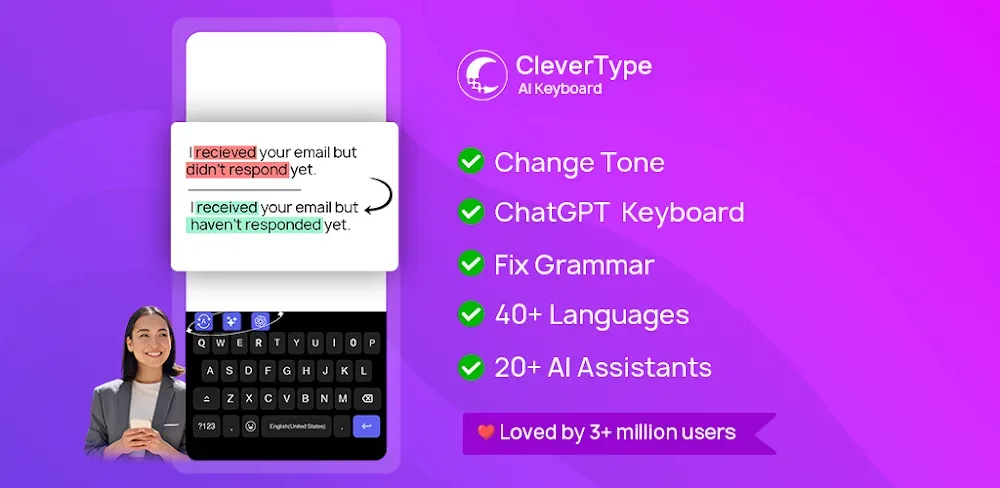
Write better with the CleverType AI Keyboard MOD APK! Take advantage of AI-powered grammar correction, tap into ChatGPT, and translate on the fly so your messages come across clearly every time!
The CleverType AI Keyboard MOD APK unlocks the premium features of the app, lifting the restrictions found in the standard version. Users can enjoy the complete set of AI-driven productivity tools and advanced language processing without paying for a subscription.
What’s Modified in CleverType AI Keyboard
- Unlocks the premium subscription features for all users.
- Gives unrestricted access to the full range of AI typing tools and assistants.
This particular build of the CleverType AI Keyboard MOD APK is version 8.10.3, with a file size of 35 MB and the package name com.clevertype.ai.keyboard. It is a re-signed file, so it cannot be installed over an existing store version.
About CleverType AI Keyboard
This app works as an all-in-one productivity suite that improves mobile communication through advanced artificial intelligence. It acts as a smart typing assistant focused on accuracy across everyday digital conversations, including emails, social media posts, and instant messages. While standard keyboards stop at basic autocorrect, this software is built into the device’s operating system so it works smoothly in every app. Its main goal is to help you communicate flawlessly by understanding the context and intent behind what you type. It works in real time, offering instant feedback and adjustments as you write, which matters greatly in a fast-moving digital world where clarity, both professional and personal, is essential.
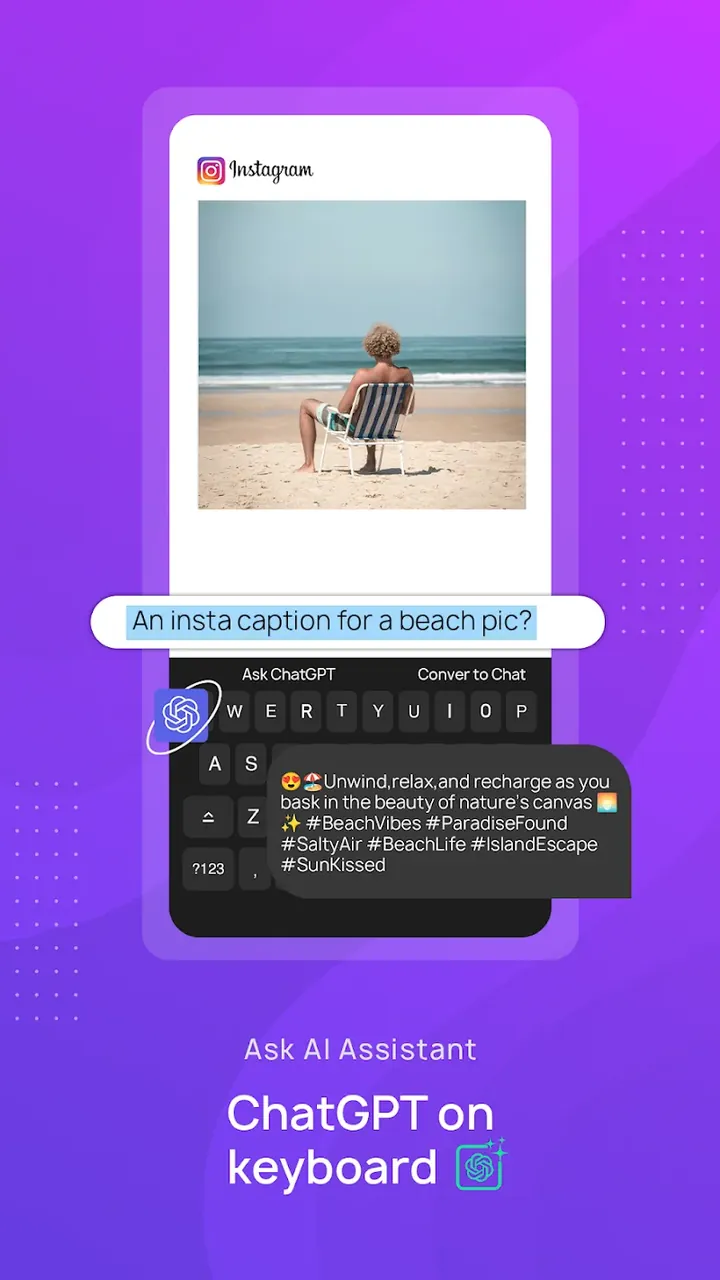
A key part of the software is its use of the latest generative AI, specifically ChatGPT 4. This turns the keyboard into much more than an input tool; it becomes a creative and brainstorming partner right inside your typing interface. You can tap into large language models to generate ideas, draft content, or get past writer’s block without switching to a browser or a separate AI app. The assistant is context-aware, tone-aware, and purpose-driven, so it grasps the subtleties of your writing and offers suggestions that fit your goals. This is especially useful for demanding writing tasks, such as drafting a formal email to a manager or working through a detailed academic assignment.
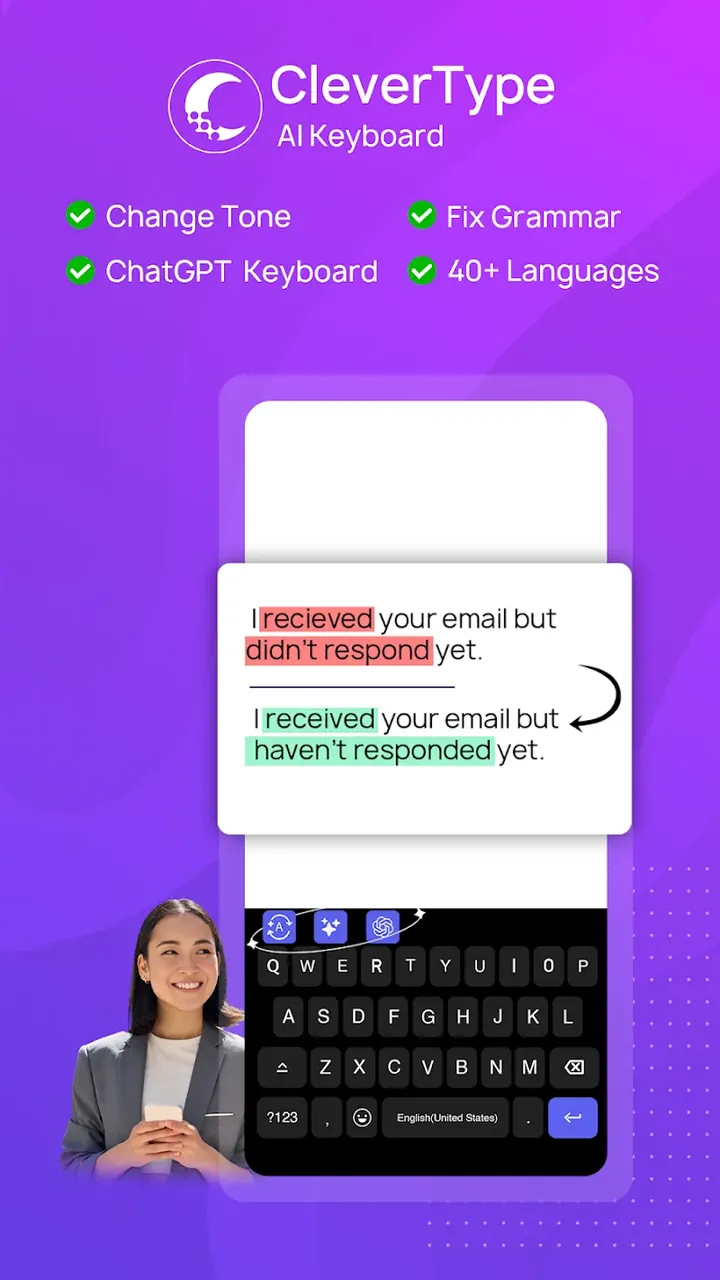
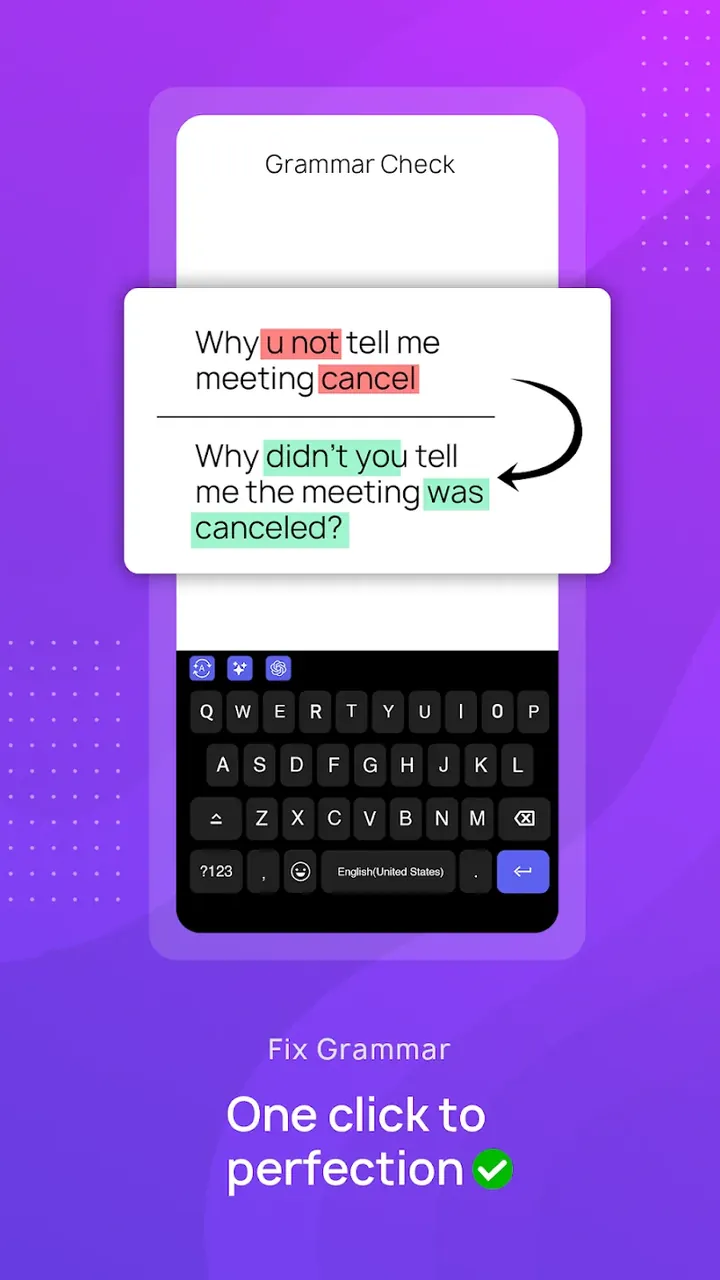
The AI Grammar and Spell Check feature marks a major step forward in text correction. Instead of just flagging mistakes or making silent edits that may not match what you meant, the system explains the corrections it suggests. This helps you learn from your errors and strengthen your writing skills over time. The assistant catches ordinary typos as well as more complex grammar problems with high accuracy, so your final text looks polished and professional. By taking over the technical side of language, such as syntax and punctuation, it frees you to focus on what you are actually saying.
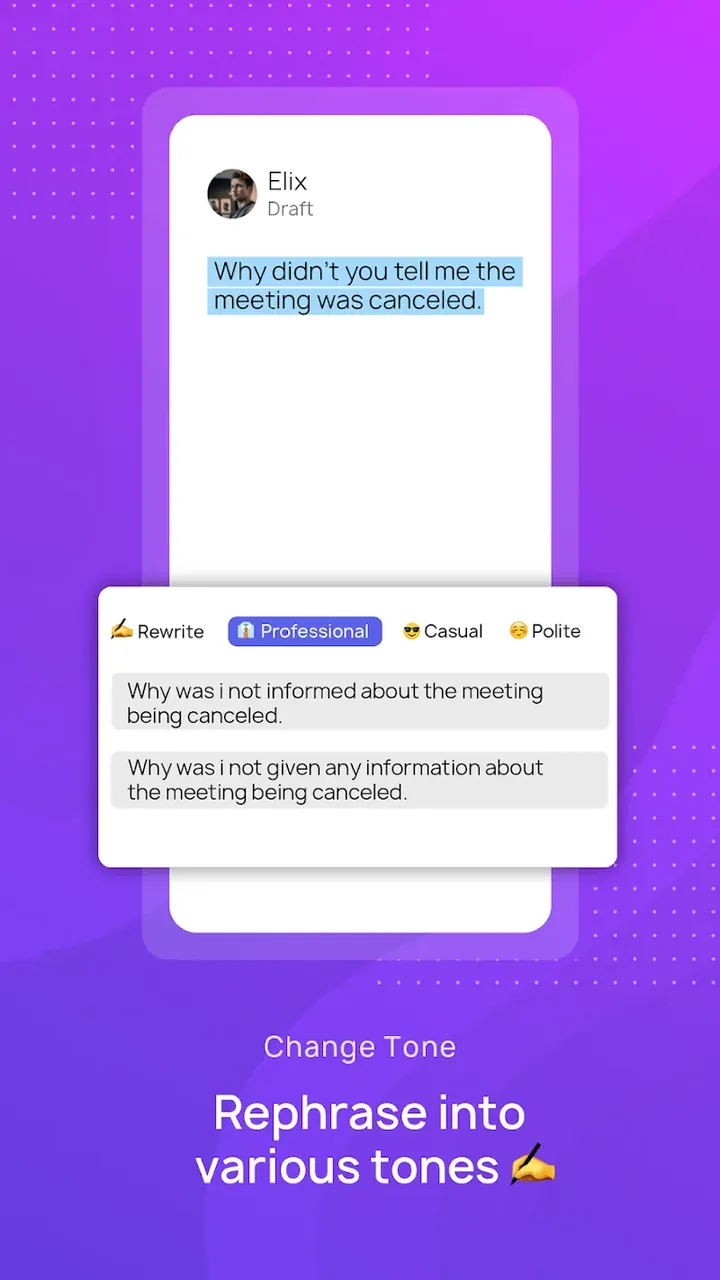
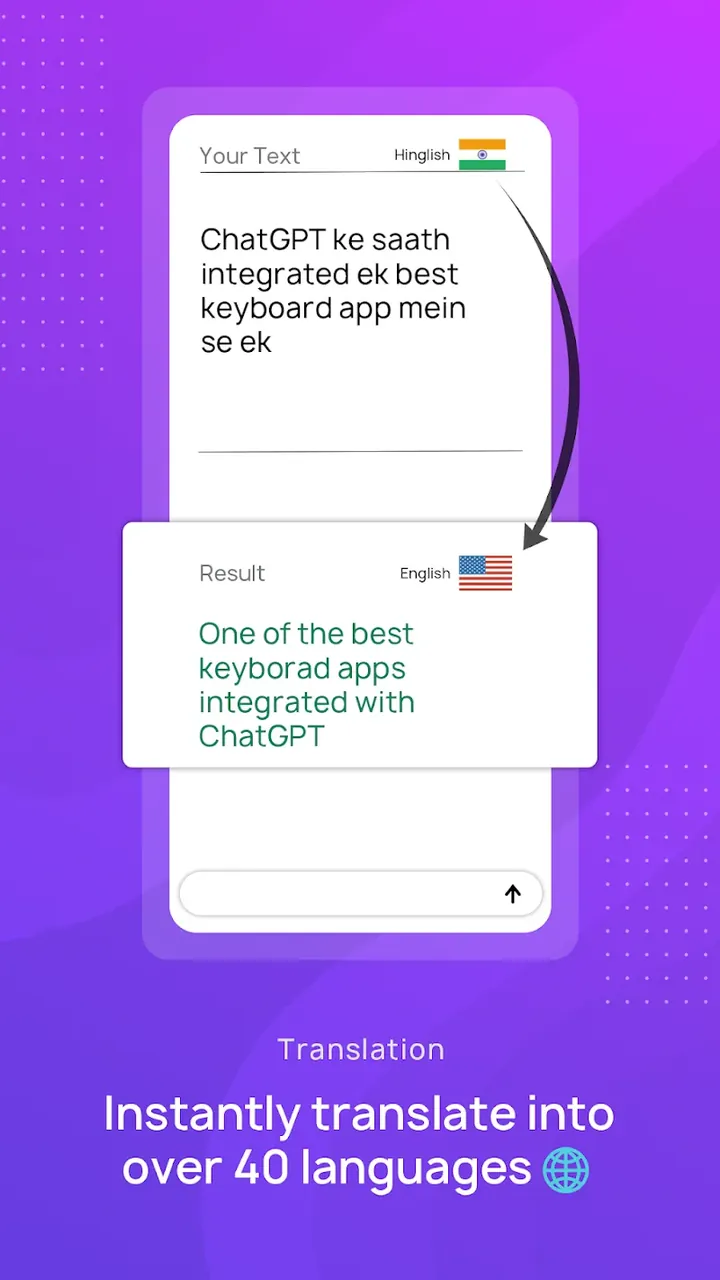
Communicating in a global world is made easier by the multilingual text output feature, which lets the keyboard work in more than 50 languages. This helps you reach a wider audience and bridge language gaps. To make sure your message lands as intended, the Tone Adjuster offers several presets that shape how your text sounds. You can make a message more formal, polite, casual, or enthusiastic depending on who you are writing to and why. This helps convey the right meaning and prevents misunderstandings that can happen when a message’s tone does not match the sender’s real intent.
To speed up mobile typing, the software includes Context-Aware Smart Replies and an advanced predictive text engine. The smart reply system reads the flow of a conversation and suggests relevant responses you can send with a single tap, a real time-saver when you are on the move. The predictive engine learns your typing rhythm and adapts to your vocabulary, making writing faster and more fluid. It goes beyond simple word completion by anticipating the most likely next words in a sentence based on the surrounding context, which noticeably cuts down the number of keystrokes needed to finish a thought.
The Ask AI sidebar gives you quick access to a range of AI-powered tasks, including summarizing lengthy documents, rewriting text to sound more creative, and answering specific questions. You can open it straight from the keyboard, so your workflow stays uninterrupted. Although it relies heavily on cloud-based AI processing, privacy remains a priority: all data and keystrokes are protected with end-to-end encryption, keeping your personal details and private conversations secure. Together, these advanced AI tools, efficiency features, and security measures make this keyboard a complete solution for modern mobile productivity and document writing.
Key Features
- AI Grammar & Spell Check
- ChatGPT Keyboard
- ChatGPT 4 Integration
- Multilingual Text Output (50+ Languages)
- Tone Adjuster
- Context-Aware Smart Replies
- Advanced Word Prediction
- Ask AI Sidebar
- End-to-End Encryption
- Auto Punctuation
Related MOD APKs
- Grok – AI Assistant
- ChatGPT
- CamScanner
- Kling AI
FAQ
Is Premium Unlocked in CleverType AI Keyboard MOD APK?
This CleverType AI Keyboard 8.10.3 build comes with Premium Unlocked. It works just like the standard CleverType Keyboard release, and the premium changes take effect as soon as you install it.
What Is the Latest Version of CleverType AI Keyboard MOD APK?
The latest version is 8.10.3, which matches the CleverType Keyboard update released on August 17, 2026. We don't host older builds here. To update, simply install this version over the existing one. If you encounter a signature error, uninstall the previous version first.
Is CleverType AI Keyboard MOD APK Safe to Download?
This CleverType AI Keyboard 8.10.3 file on GameUnlimit is the official CleverType Keyboard app with Premium Unlocked included. It has received a 3.1/5 rating from 88 users. Root access is not required. You may see a Play Protect warning during installation, which is normal, so always download from this page.
Can I Use CleverType AI Keyboard MOD APK on PC or iPhone?
Since this is an Android package, it won't run on an iPhone or iPad. To use the 35M APK on a computer, you can install an emulator such as BlueStacks or LDPlayer, then drag the file into it.
How to install
- Download the APK file above to your phone.
- Allow “Install unknown apps” when prompted.
- Open the downloaded APK and tap Install.
- If the package includes OBB/XAPK data, follow the bundled instructions.
MOD APKs are modified builds, so Play Protect may show a warning. Install only if you trust the file; use at your own risk.