
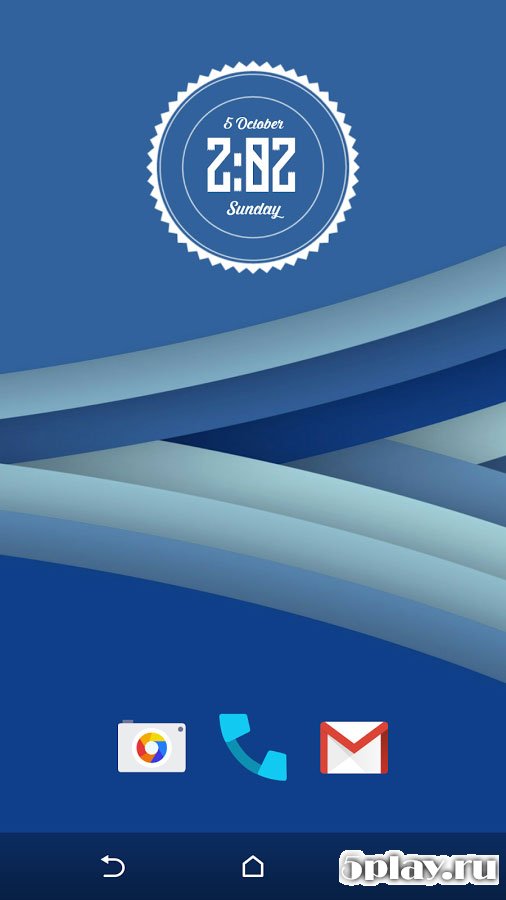
Screenshots

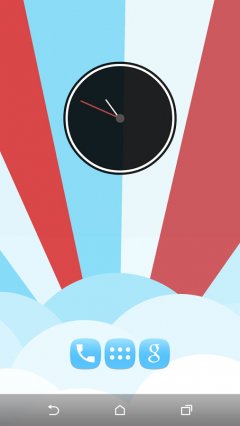

Description
Minima Pro Live Wallpaper- Updated 7-06-2017, 18:33
- Version 3.2.2
- Build number 65
- Requirements Android 4.0+
- Genre Live Wallpaper
- Price Free


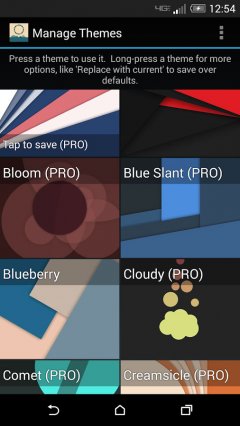
After activation of Minima Pro Live Wallpaper the default theme is activated on the device's home screen. To choose another one, go to the app's settings via the launcher menu and select the first item, Theme Manager. In the opened window, the themes included in the installer are displayed by default, but if you switch to the Online Themes tab, a window with animations will open that can be downloaded in one click.
In the Theme Editor menu, you can edit any selected wallpaper and even create your own. The base editor is equipped with a huge number of functions for creating and modifying templates, but unfortunately, it is not translated into Russian. If the user has basic knowledge of English, figuring out the settings won't take much effort.
Minima Pro Live Wallpaper will appeal to connoisseurs of abstract art, as most themes (if not all) are made in this style. The downsides of the program include the lack of Russian localization; however, this is more than offset by the vast capabilities for creating your own templates. Can't download? Installing games and apps Installing games with cache How to take a screenshot How to install APKS
How to install
- Download the APK file above to your phone.
- Allow “Install unknown apps” when prompted.
- Open the downloaded APK and tap Install.
- If the package includes OBB/XAPK data, follow the bundled instructions.
MOD APKs are modified builds, so Play Protect may show a warning. Install only if you trust the file; use at your own risk.