
Screenshots
Description
Koi Live Wallpaper- Updated 1-08-2017, 12:45
- Version 1.9
- Build number 21
- Requirements Android 2.2+
- Genre Live Wallpapers
- Price Free


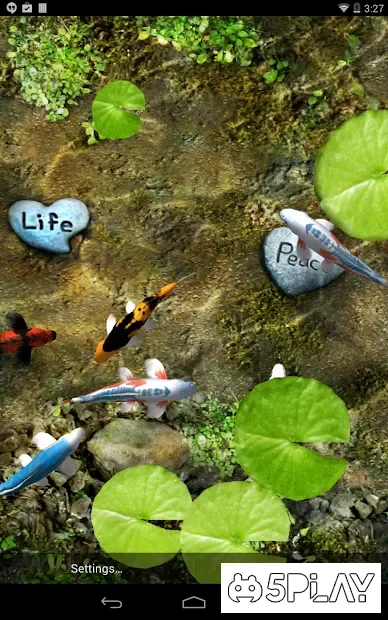
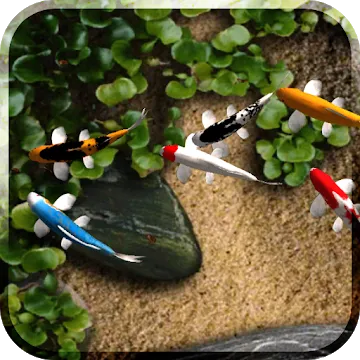
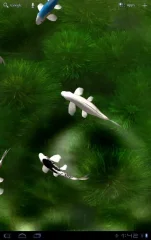
To activate the wallpaper, tap and hold on the screen and select from the installed backgrounds Koi Live Wallpaper. By default, the screen will show a sandy bottom with sea pebbles, around which beautiful fish proudly cut through the water. Swipe your finger across the screen, and an artificial ripple will appear, scaring the aquatic creatures. But after a while, they will return to explore the territory again.
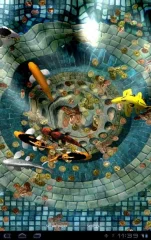
The app is not lacking in various settings. For instance, you can easily select a new pond bottom background from the default options or upload your own pictures. In the same way, you can change the appearance of the fish, as well as their size. For decoration, you can add lilies and beautiful water flowers, adjusting their quantity with a special slider. If that is not enough, you should check out the Rain Speed option, which lets you activate rain. If slight lags appear on your smartphone or tablet, you should try turning off shadows (Shadows). A definitely useful feature is the kids mode, activated by a checkbox at the very bottom of the settings. This option will help prevent accidental taps on desktop shortcuts.
Overall, Koi Live Wallpaper - is a high-quality app that will provide a fresh user experience and turn a boring home screen into a beautiful nature reserve. Recommended for installation for both adults and children. Can't download? Installing games and apps Installing games with OBB/cache How to take a screenshot How to install APKS
How to install
- Download the APK file above to your phone.
- Allow “Install unknown apps” when prompted.
- Open the downloaded APK and tap Install.
- If the package includes OBB/XAPK data, follow the bundled instructions.
MOD APKs are modified builds, so Play Protect may show a warning. Install only if you trust the file; use at your own risk.