

Screenshots


Description
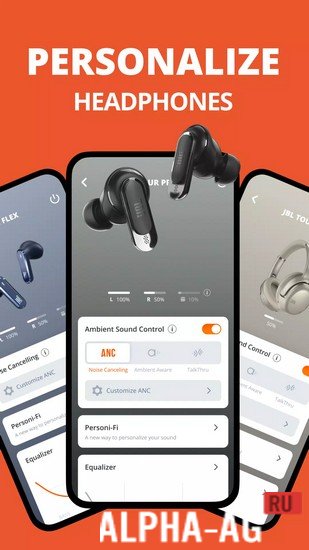
JBL HeadphonesWith this app, you can easily and conveniently manage the settings of headphones from the American brand JBL, allowing you to configure the voice assistant, equalizer, noise cancellation, and much more.
Description
If you have headphones from JBL, then you definitely need this app to help you get the most out of them. With it, you can easily manage the configuration of your headphones. To do this, first connect your headphones to the app, and then customize them as you need. To do so, turn on Bluetooth and location services on your device to connect to the headphones.
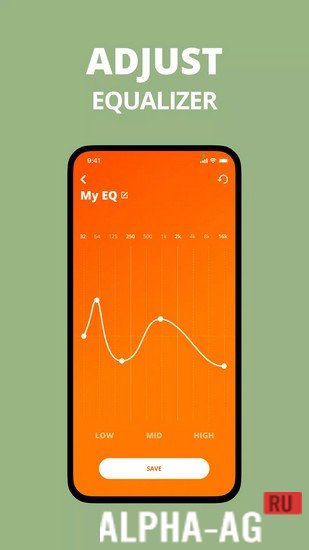
As soon as your headphones are connected, you will immediately be able to check the battery level, adjust the equalizer, turn on noise cancellation, configure gesture touch controls, Smart Audio mode, and more.
A smart audio mode will be available to you, helping you enhance the sound depending on where you are and what you are doing. In addition, you can use a voice assistant, which you can control via Alexa or Google Assistant.Key Features
This app supports most headphones and Bluetooth speakers released by the leading American brand JBL, which specializes in electronics and audio products. With it, you can get the most out of your headphones by managing their configuration directly from this app.
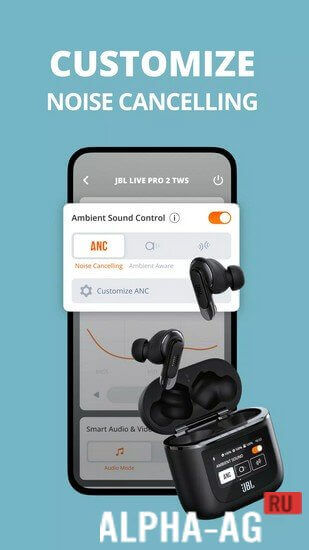
Settings include: preset equalizer settings, voice assistant, touch gesture controls allowing you to customize button functions to your preferences, multiple noise cancellation modes, and more. 0 Feb 26 Additional information:- Android version required: 7.0 or later
- Age rating: 3+
- Russian localization: present
- Cache installation: not required
Subscribe to our YouTube channel!
Add a commentHow to install
- Download the APK file above to your phone.
- Allow “Install unknown apps” when prompted.
- Open the downloaded APK and tap Install.
- If the package includes OBB/XAPK data, follow the bundled instructions.
MOD APKs are modified builds, so Play Protect may show a warning. Install only if you trust the file; use at your own risk.