

Screenshots





Description
- Home /
- Apps /
- Tools
Jasi Patcher APK (Full Version) 4.13
- Tools
Discover Jasi Patcher, a comprehensive utility tailored for app analysis and educational experimentation that maintains APK integrity without altering installed packages. Developer: Jasi2169 | Size: 5 MB | Version: 4.13 | Requirements: Android 4.0 and up | Available at GameMod.dev
- Telegram
Report This App
Screenshots
Note
- If an older build is already installed on your device, you can easily upgrade directly inside the app by selecting the "Check For Updates" feature found in the main patcher menu.
Overview
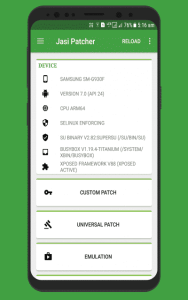
Jasi Patcher is engineered primarily as a research, educational, and testing utility that contains zero copyrighted materials. It is designed for software developers, students, and system analysts to evaluate their own builds or properly licensed applications. Because it operates exclusively on runtime configuration files generated by the Android OS rather than modifying installed APK binaries directly, it preserves original package integrity and strictly complies with app copyright boundaries.
Key Features:
- Tailored per-application patches built for complex, high-profile apps, including packages protected by various advanced obfuscation tools.
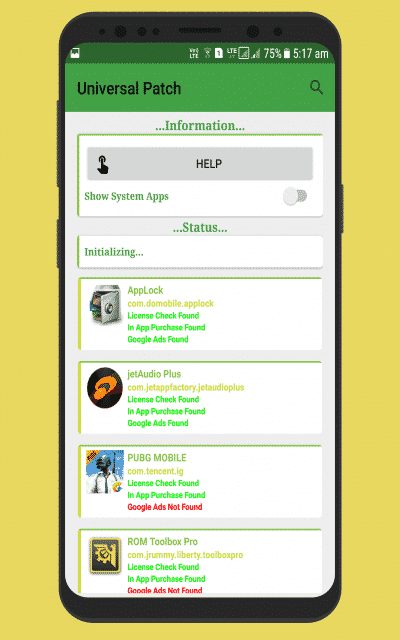
- Universal patching utility to bypass or manage license verification across Android applications.
- Server emulation designed to validate app licenses just like genuine Google servers.
- Easily remove Google Ads and unwanted banners from any installed Android app.
- Advanced in-app purchase (IAP) emulation module.
- Full-featured app management: erase data, force close processes, uninstall packages, and back up or restore APK files and app data.
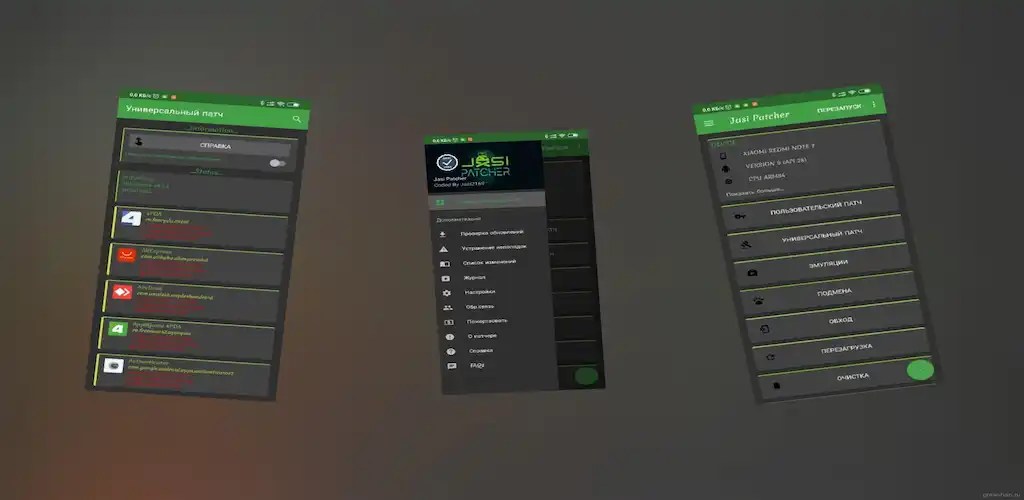
- Versatile reboot menu offering quick one-tap actions: soft restart, normal reboot, shutdown, recovery mode, download mode, safe mode, and SystemUI restart.
- System cleanup toolkit to wipe cache partitions, clear app caches, flush Dalvik cache, and remove obsolete Dalvik odex files in a single click.
- Identity spoofing suite to disguise IMEI, Wi-Fi MAC, Bluetooth MAC, hardware serials, device brand, vendor, model, product tags, hardware specs, and board details.
- System-level hooking engine to force app debugging, bypass debugger connection checks, skip Android version installation limits, permit package downgrades, ignore signature validation, and disable screen overlay warnings.
- Comprehensive log dumper capable of extracting system and application diagnostic logs to assist in troubleshooting other apps.
- Integrated ad blocker to toggle advert filtering on or off at will.
Customization Options: – Switch seamlessly between light and dark themes. – Adjust screen orientation according to your device defaults, portrait, or landscape mode. – Pick from over a dozen supported interface languages. – Tweak transition animations to your liking. – Customize item sorting preferences. – Modify typography and system fonts. – Toggle haptic vibration feedback on or off. – Turn app icon loading on or off. – Conceal the patcher from detection by other applications. – Automatically check for the latest updates. – Easily backup, restore, or reset all your custom configurations.
Important Note: If the tool fails to launch or crashes unexpectedly, head over to the built-in troubleshooting guide (Patcher > Menu > Troubleshooting). Should the problem persist, generate diagnostic logs via Patcher > Menu > Dump Logs and forward the files through the email option found at Patcher > Menu > About > Email Me.
This tool is completely free—if someone charged you for it, you have been scammed!
More by Developer
Uret Patcher APK (Full Version) 3.12 Jasi2169 3 MB
Similar Applications
APN Varies with device APN Tech Ltd. Premium Unlocked AdGuard 4.16.0 ADGUARD SOFTWARE LIMITED 56.82 MB Premium Unlocked Full Battery Charge Alarm 1.0.368 Syrupy 5.84 MB Premium Unlocked 1DM+ 20.0 Vicky Bonick 176.91 MB Full Version Video Converter, Compressor 20.16.0 Inverse.AI 60.07 MB Premium Unlocked
How to install
- Download the APK file above to your phone.
- Allow “Install unknown apps” when prompted.
- Open the downloaded APK and tap Install.
- If the package includes OBB/XAPK data, follow the bundled instructions.
MOD APKs are modified builds, so Play Protect may show a warning. Install only if you trust the file; use at your own risk.