

Screenshots


Description
Iron Order 1919 - Alternate History Strategy Game
Dive into a thrilling multiplayer grand strategy title set in a war-torn alternate timeline, where your primary mission is to dominate the territory and guide your country toward total triumph.
Storyline
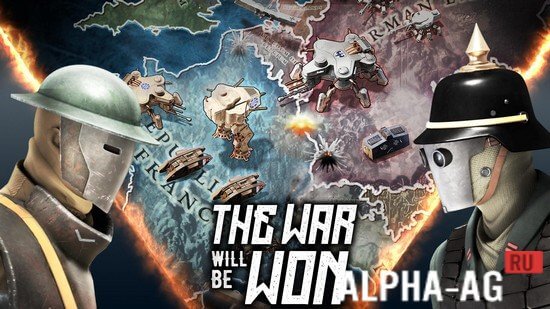
Set in an alternate 1919 reality, World War I never concluded, plunging the European continent into a relentless battle for supremacy. A fragile, extended armistice has held the peace so far, yet every power anticipates its imminent collapse.
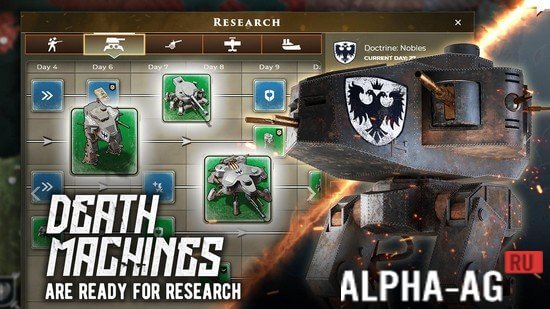
Behind the scenes, engineers and researchers have been developing classified war machines—massive, heavily armed mechs built to tear through entire infantry squads and armored tanks with ease.
The conflict reignites on an unprecedented scale as towering combat walkers claim the frontlines, leaving conventional soldiers as mere spectators.
Core Gameplay
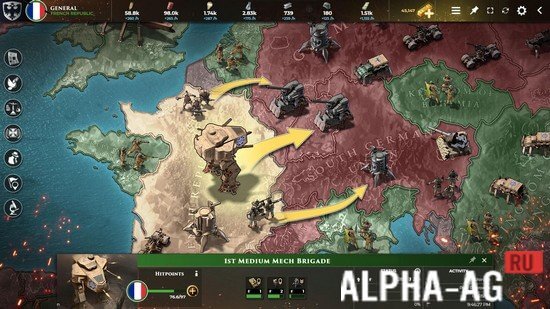
When starting out, a quick introductory tutorial walks you through essential controls and tactical systems. You will jump into real-time PvP conflicts hosting up to 26 commanders simultaneously, each governing an empire partitioned into distinct territories.
Every individual province features specific resource yields and regional advantages.
Claiming supremacy demands meticulous tactical planning to seize dominant map control and secure victory for your faction. Success hinges on expanding your domestic economy and unlocking cutting-edge technological advancements.
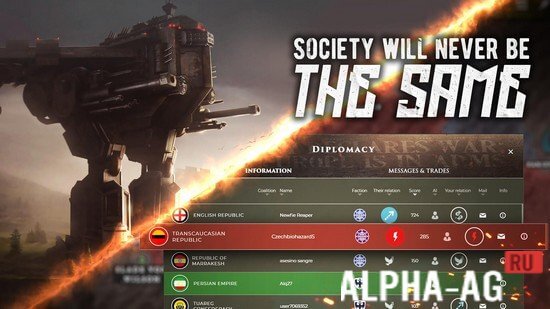
Forge diplomatic alliances with rival commanders while unleashing devastating war assets like the Flying Fortress, Titan, and Siege Mech to conquer opposing territories and push your empire's frontiers to the limit.
11 Dec - Additional Information:
- Requires Android: 7.1 and up
- Content Rating: 7+
- Russian Language Support: No
- OBB / Cache: Not required
Game Version: 0.191 | Online Mode: No | GameMod.dev Rating: 9/10 | Related Titles: Breach Wanderers, ReFactory, Planet Pi, Golden Age Again | YouTube Channel
Follow GameMod.dev on YouTube!
Drop a Comment
How to install
- Download the APK file above to your phone.
- Allow “Install unknown apps” when prompted.
- Open the downloaded APK and tap Install.
- If the package includes OBB/XAPK data, follow the bundled instructions.
MOD APKs are modified builds, so Play Protect may show a warning. Install only if you trust the file; use at your own risk.