
Screenshots
Description
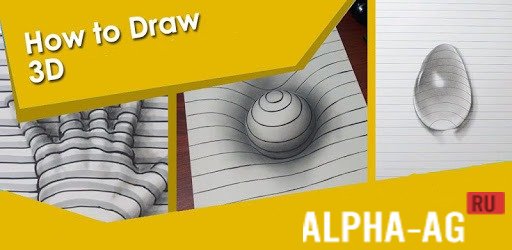
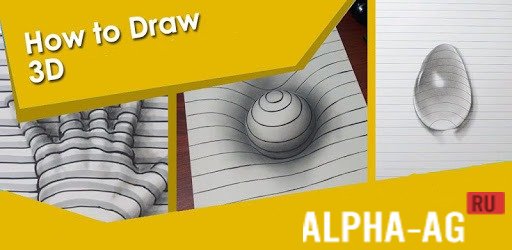
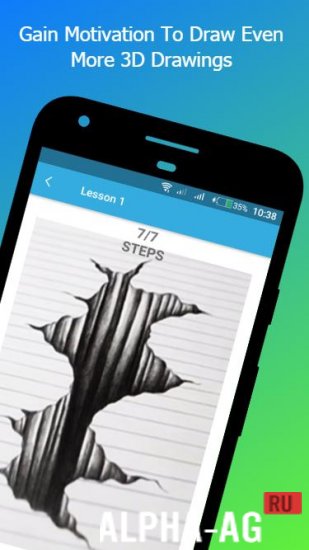
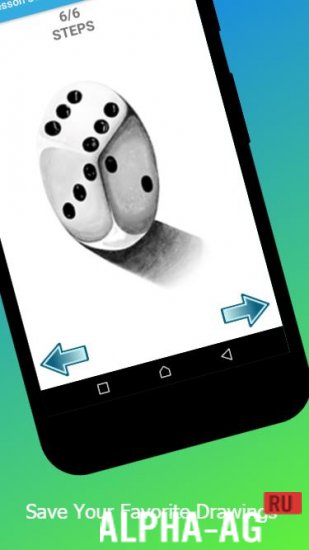
How to Draw 3DThis application is a step-by-step guide to drawing 3D pictures, with which you can learn to draw cartoons, various objects, diaphragms, tattoos and many other three-dimensional drawings.
Gameplay
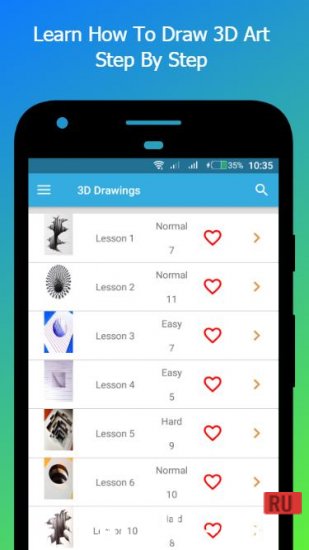
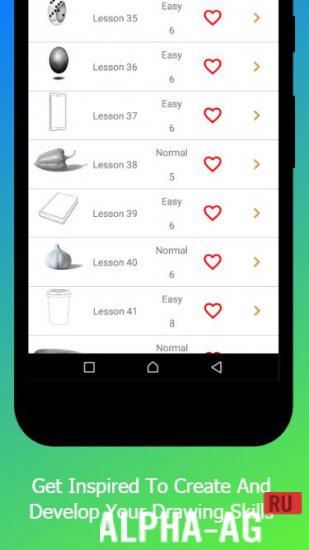
After launching the app, you will see the main menu, where you will find a large number of drawings of varying difficulty. At the beginning, you will need to select the three-dimensional drawing you want to draw.
Then the drawing editor will open, where various tools will be displayed at the top of the screen that you can use for drawing.You can change the brush size, make it transparent, and choose the color you will draw with. If you make a mistake, you can use the eraser to remove unwanted parts of the drawing. You can turn drawing mode on and off.
You can also use custom mode to start creating a new drawing from the gallery.
You can go to the "My Saved" section to view all your creations, and in the "My Favorites" section, you can view all your favorite images. In this app, you can learn step by step how to correctly draw three-dimensional pictures.Key Features
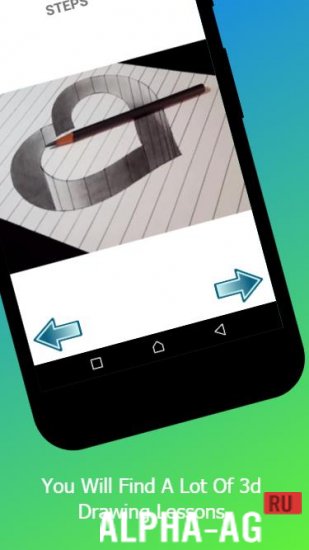
With this app, you can learn to draw many different three-dimensional pictures such as: pyramids, staircases, earth cracks, hearts, diaphragms, tattoos and many others. Each drawing will consist of 5 to 12 steps.
You must complete each of them to draw the picture. After finishing one drawing, you can move on to the next. You can share your created three-dimensional image with your friends.
On our website you can download the How to Draw 3D app for Android for free.
0 09 Jun Additional information:- Required Android version: 4.0.3 or later
- Age restrictions: none
- Russian localization: not available
- Cache installation: not required
Subscribe to our YouTube channel!
Add a commentHow to install
- Download the APK file above to your phone.
- Allow “Install unknown apps” when prompted.
- Open the downloaded APK and tap Install.
- If the package includes OBB/XAPK data, follow the bundled instructions.
MOD APKs are modified builds, so Play Protect may show a warning. Install only if you trust the file; use at your own risk.