

Screenshots


Description
Talking Phone
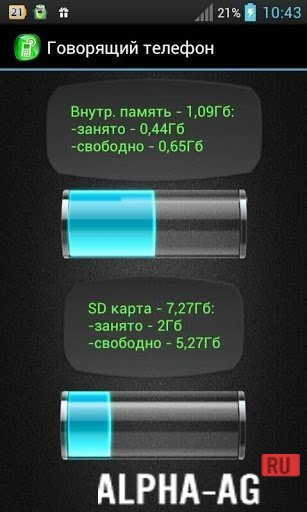
Wondering about remaining battery level, unread SMS messages, critical alerts, or low storage space? Forget about constantly pulling your smartphone out of your pocket or checking desktop widgets and settings menus—this smart utility speaks up and keeps you updated on everything!
Key Characteristics
An engaging tool designed to announce every essential update and activity happening on your Android phone.
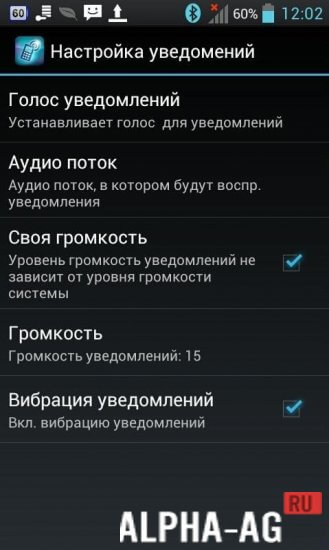
Pick either a male or female voice, customize the sound level and optional vibration, and get timed audio updates covering your battery level, unread text messages, and missed incoming calls.
The utility operates seamlessly in the background with the display turned off, requiring zero root permissions to function properly.
To ensure undisturbed sleep, an integrated night mode automatically silences every spoken notification after hours.
Key Features
- Flawless background functionality. Keep your screen powered off—the tool keeps announcing alerts even while tucked away in your pocket!
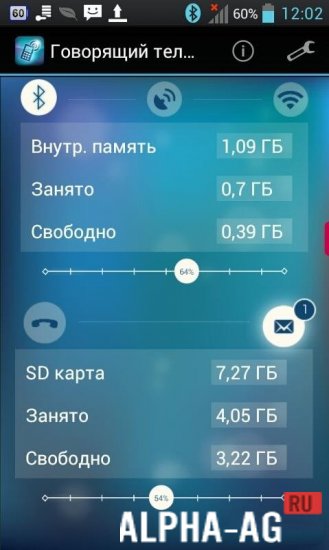
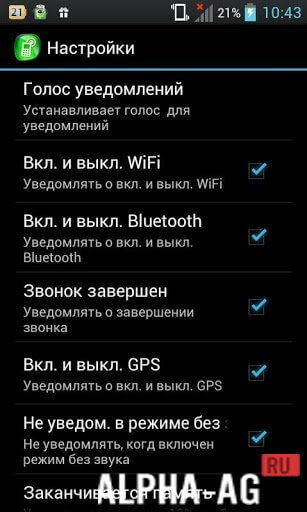
- Instant toggle controls. Enable or disable wireless connections like Wi-Fi, Bluetooth, and GPS directly from inside the utility!
- Entirely free of charge. Experience full functionality without irritating ads, locked tools, or compulsory subscriptions—the ultimate setup!
- Extensive personalization. Easily tailor the announcing voice, output volume, vibration patterns, custom alert triggers, and much more.
- Effortless navigation is made possible via the physical side buttons of your smartphone.
Get the latest "Talking Phone" APK for Android completely free directly from GameMod.dev.
Nov 03 - Additional Information:
- Requires Android: 2.3 or higher
- Content Rating: 3+
- Russian Language Support: Available
- OBB / Cache: Not needed
Version: 2.3.3 | Rating: 9/10 | Related Apps: Flash on Call, PrinterShare, Talking Battery, Talking Phone 2 | Official Channel
Subscribe to our channel for new updates!
Leave a Comment
How to install
- Download the APK file above to your phone.
- Allow “Install unknown apps” when prompted.
- Open the downloaded APK and tap Install.
- If the package includes OBB/XAPK data, follow the bundled instructions.
MOD APKs are modified builds, so Play Protect may show a warning. Install only if you trust the file; use at your own risk.