

Screenshots
Description
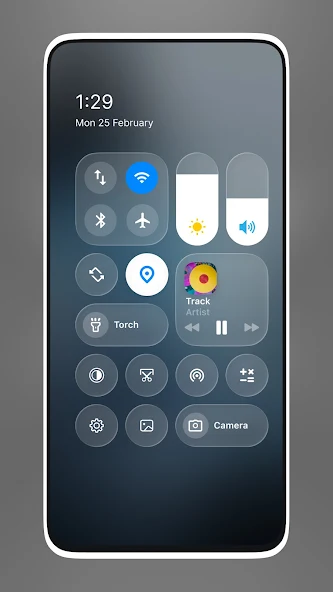
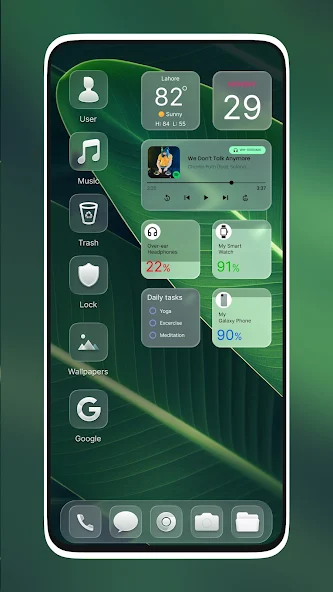
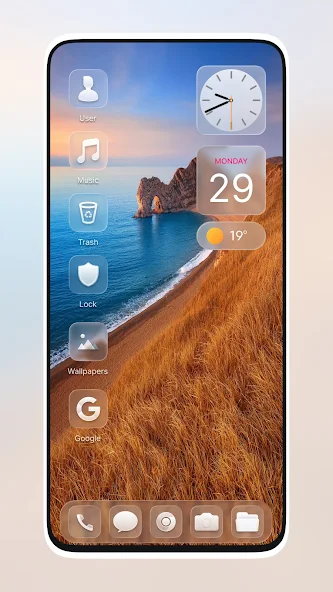
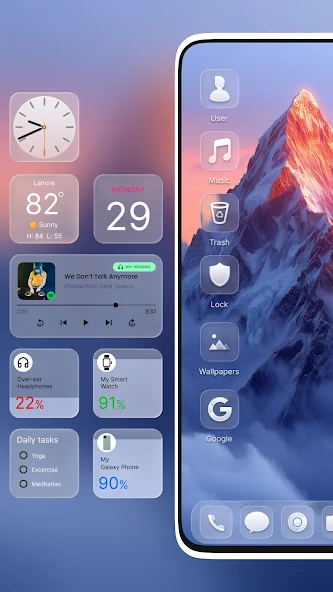
Glass Launcher is an Android customization app that gives your home screen a sleek, modern "glass-style" look, with transparent and blurred visual effects and a minimalist design. It brings together customizable themes, widgets, an integrated file manager, and support for standard Android widgets in one launcher. Organize your files, personalize your home screen, add weather and calendar information, and build a polished, glass-inspired interface for your everyday Android experience.
MODERN "GLASS-STYLE" HOME SCREEN
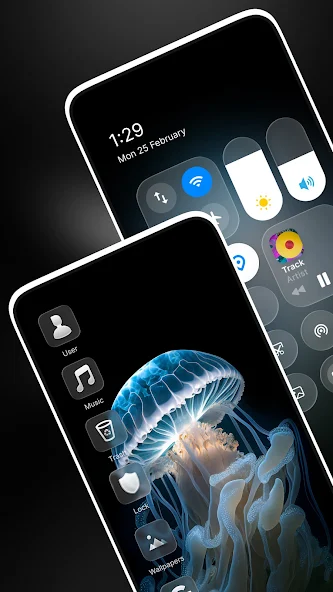
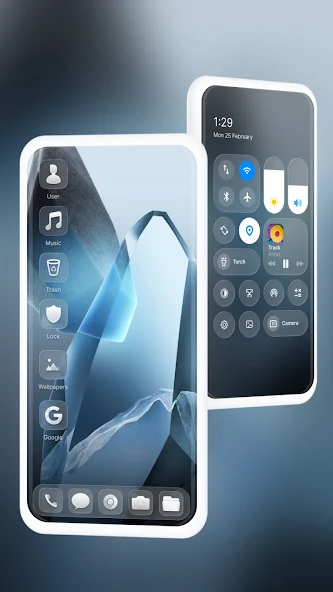
Glass Launcher reshapes the standard Android home screen with transparency and blur effects. Its minimalist interface follows a contemporary glass-inspired aesthetic, while still leaving room for personal touches. You can change the overall appearance with supported themes and pair the "glass-style" design with the home screen layout you prefer.
- Turn your home screen into a transparent, glass-inspired canvas.
- Enjoy clean visuals and a modern, uncluttered interface.
- Personalize the launcher with supported third-party themes.
INTEGRATED FILE MANAGER AND GALLERY
Glass Launcher comes with a built-in file manager to help you organize everyday data. Browse your files and handle basic tasks such as cut, copy, paste, and rename without ever leaving the app. A "slider-style" image gallery is included too, so you can view your stored photos right from the launcher.
- Browse and organize your files directly inside the launcher.
- Copy, cut, paste, and rename files with ease.
- View your images in the built-in slider-style gallery.
CUSTOM WIDGETS AND SYSTEM SUPPORT
The launcher supports custom widgets that display useful information such as weather, your calendar, and notes. It also works with Android system widgets, giving you more freedom to arrange your home screen. Glass Launcher blends practical everyday utility with customization and keeps a distinctive "glass-style" visual identity.
- Add custom widgets for weather, calendar, notes, and more.
- Use compatible Android system widgets.
- Set up a home screen that fits your preferences.
How to install
- Download the APK file above to your phone.
- Allow “Install unknown apps” when prompted.
- Open the downloaded APK and tap Install.
- If the package includes OBB/XAPK data, follow the bundled instructions.
MOD APKs are modified builds, so Play Protect may show a warning. Install only if you trust the file; use at your own risk.