
Screenshots
Description
Galactic Core Live Wallpaper- Updated 1-08-2017, 12:48
- Version 2.41
- Build number 43
- Requirements Android 2.1+
- Genre Live Wallpaper
- Price Free


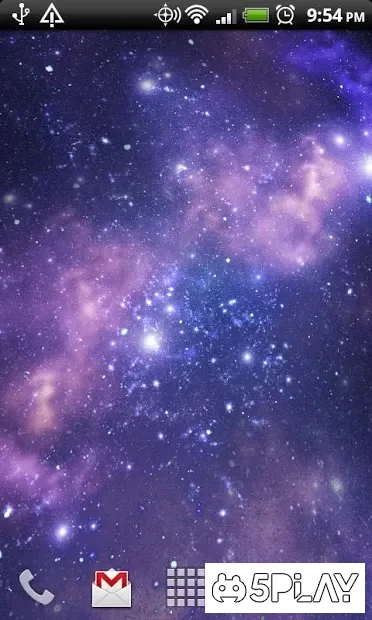
After installation and activation, a spiral galaxy will appear on the screen, slowly rotating around its bright core. If the user doesn't like this view, they should go to the settings of Galactic Core Live Wallpaper and explore the available customization options.
The first thing to check out is Theme. Here you can choose the visual style of the galaxy from five options: Spiral, Nebula, Darkness, Intensity, and Blue. All the options are completely distinct and look simply stunning. If your device has good specs, it's worth checking the Graphics Enhancement box, which will render the animation at 60 FPS.
In the Color menu, you can set custom colors for three layers of the galaxy, and if your gadget has an active gyroscope, it's worth enabling the Accelerometer option to control the camera movement by rotating the device. Among minor options, it's worth noting the ability to adjust the camera speed and home screen sensitivity.
Galactic Core Live Wallpaper is a worthy representative of space-themed animated wallpapers, and unlike its competitors, the settings menu is fully localized, making navigation much more familiar and comfortable. Can't download? Installing games and apps Installing games with cache How to take a screenshot How to install APKS
How to install
- Download the APK file above to your phone.
- Allow “Install unknown apps” when prompted.
- Open the downloaded APK and tap Install.
- If the package includes OBB/XAPK data, follow the bundled instructions.
MOD APKs are modified builds, so Play Protect may show a warning. Install only if you trust the file; use at your own risk.