
Screenshots


Description
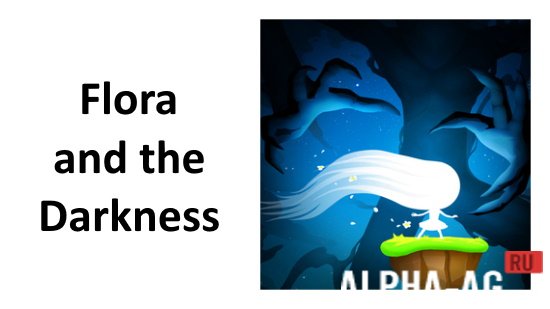
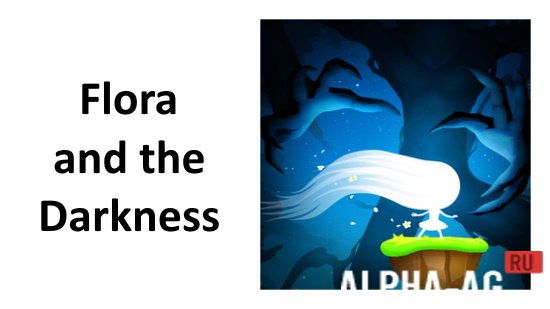
Flora and the Darkness
Journey through an expansive universe packed with thrilling trials, otherworldly vegetation, mystic gateways, and endangered realms desperate for your assistance against the creeping, all-consuming Darkness.
Gameplay
A sudden shroud of pitch-black Darkness engulfed the planet, with Mother Nature alone daring to resist its advance. Despite falling in battle, her final act was giving birth to a unique daughter who radiates an extraordinary glow capable of reviving hope everywhere. Playing as Flora, you must guide her safely as deep into the shadows as she can journey.
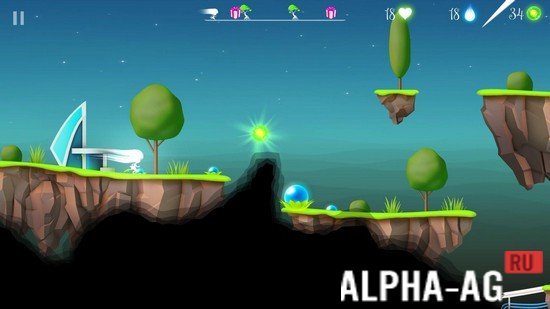
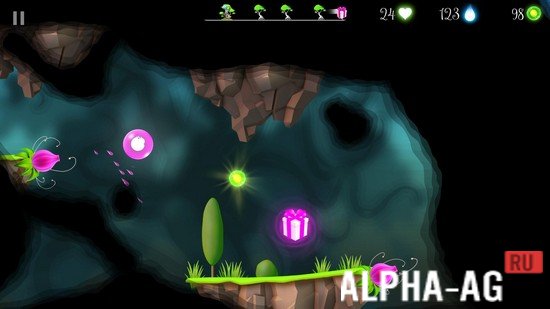
Throughout her quest, Flora leaps across deadly hazards, steps across dimensional portals, and brightens surrounding lands with her limitless inner glow. Stay vigilant every second, as the relentless Darkness will stop at nothing to snuff out this remaining spark of life.
Uncover uncharted, enigmatic territories filled with demanding obstacles that test the reflexes of the sharpest gamers.
Game Features
An enchanting 2D side-scrolling platformer crafted to charm mobile gamers everywhere. Effortless one-tap controls make guiding your heroine smooth and accessible. Lose yourself in a soothing, melodic soundtrack playing throughout the adventure.
Conquer 21 thoughtfully designed stages that ramp up in difficulty to deliver a genuinely captivating challenge. Take down every hostile creature standing in your way until you confront their shadowy overlord. Vanquishing this final adversary is the only way to banish the dark and revive peace across the land. 0 25 Feb Additional Information:
- Android OS Requirement: 4.3 and up
- Content Rating: Rated for 3+
- Russian Language Support: No
- OBB / Data File: Not required
Game Version: 1.9.05.0 | Internet Required: No | GameMod.dev Score: 8/10 | Recommended Titles: Stickman Master: Offline Game, Run n Gun, Middle Earth Heroes, LastCraft Survival | Official Video Channel
Join our official video community!
Share Your Thoughts
How to install
- Download the APK file above to your phone.
- Allow “Install unknown apps” when prompted.
- Open the downloaded APK and tap Install.
- If the package includes OBB/XAPK data, follow the bundled instructions.
MOD APKs are modified builds, so Play Protect may show a warning. Install only if you trust the file; use at your own risk.