
Screenshots

Description
Sega Emulator
Thanks to this dedicated SEGA emulator, your favorite Sega Mega Drive classics can now be played seamlessly on any Android phone or tablet. Just grab the APK, load your preferred ROMs, and relive the golden age of 16-bit retro gaming on the go!
Installation and Setup Guide
Getting this Sega emulator up and running on your Android device is straightforward:
- Grab the APK installer package from GameMod.dev;
- Allow the setup process to finish on your phone;
- Place your Sega ROM files into your device storage or an external MicroSD card;
- Browse and launch your chosen ROM using the emulator's built-in file explorer.
- Jump right into your favorite retro titles!
Key Features
Unlike many generic alternatives, this retro console emulator delivers an authentic 16-bit gaming experience optimized for modern smartphones.
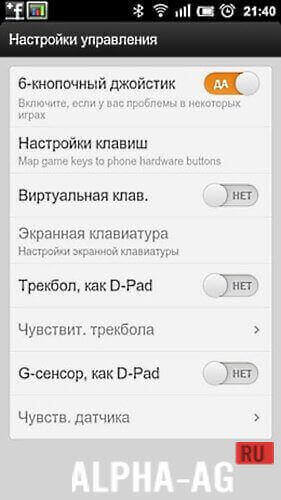
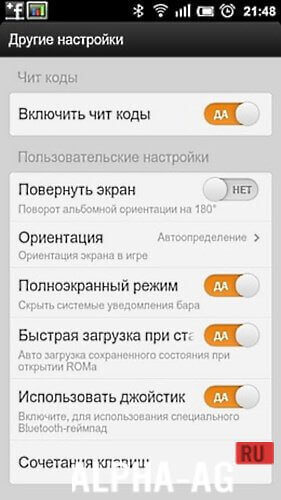
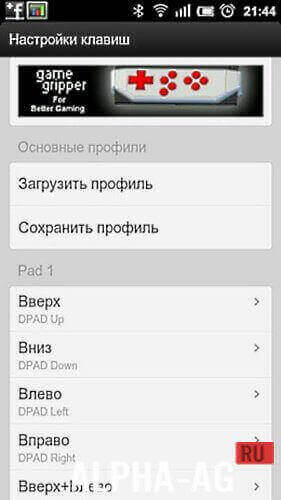
Boasting over 90% compatibility with the platform's game library, the app lets you command characters with responsive on-screen touch controls, challenge friends via Bluetooth or online multiplayer, toggle interface languages between English and Russian, and customize layouts with ease.
Finally, let us address a frequent issue encountered with retro console emulators: the frustrating "certificate expired" error prompt.
There are a few simple workarounds for this issue. You can enter an individual certificate code, or make sure the app has been granted full storage and system permissions.
Alternatively, you can manually roll back your Android device's calendar date to bypass the expiration check and resolve the warning immediately.
You can get the free Sega Emulator APK for Android with Russian language support directly below from GameMod.dev.
Additional Information
- Requires Android: 1.5 and up
- Content rating: Everyone
- Russian language: Included
- OBB / Data cache: Not needed
Version: 2.4.3 | Editor Rating: 9/10 | Related Apps: ExaGear Strategies, Dendy Emulator, Nintendo Emulators, SWAPit RAM EXPANDER
Follow our official updates!
Leave a Comment
How to install
- Download the APK file above to your phone.
- Allow “Install unknown apps” when prompted.
- Open the downloaded APK and tap Install.
- If the package includes OBB/XAPK data, follow the bundled instructions.
MOD APKs are modified builds, so Play Protect may show a warning. Install only if you trust the file; use at your own risk.