

Screenshots


Description
Unstable internet and high latency can quickly spoil your gaming sessions. Even for casual browsing, frequent drops lead to a frustrating experience. Between constant interruptions and the security vulnerabilities of public Wi-Fi, it is easy to feel concerned about your data privacy. Download DNS Changer IPV4 – IP Tools today to boost your connection speed and secure your traffic with a single tap, ensuring a smoother and more reliable online experience.
Optimize DNS and network connections
Manually setting up DNS is often overly complex and frequently demands root access, which prevents most users from improving their connection speeds. This app eliminates those hurdles by offering an intuitive switching system that performs flawlessly across both mobile data and Wi-Fi networks. It is designed to be user-friendly, allowing anyone to manage their network settings without any technical expertise.
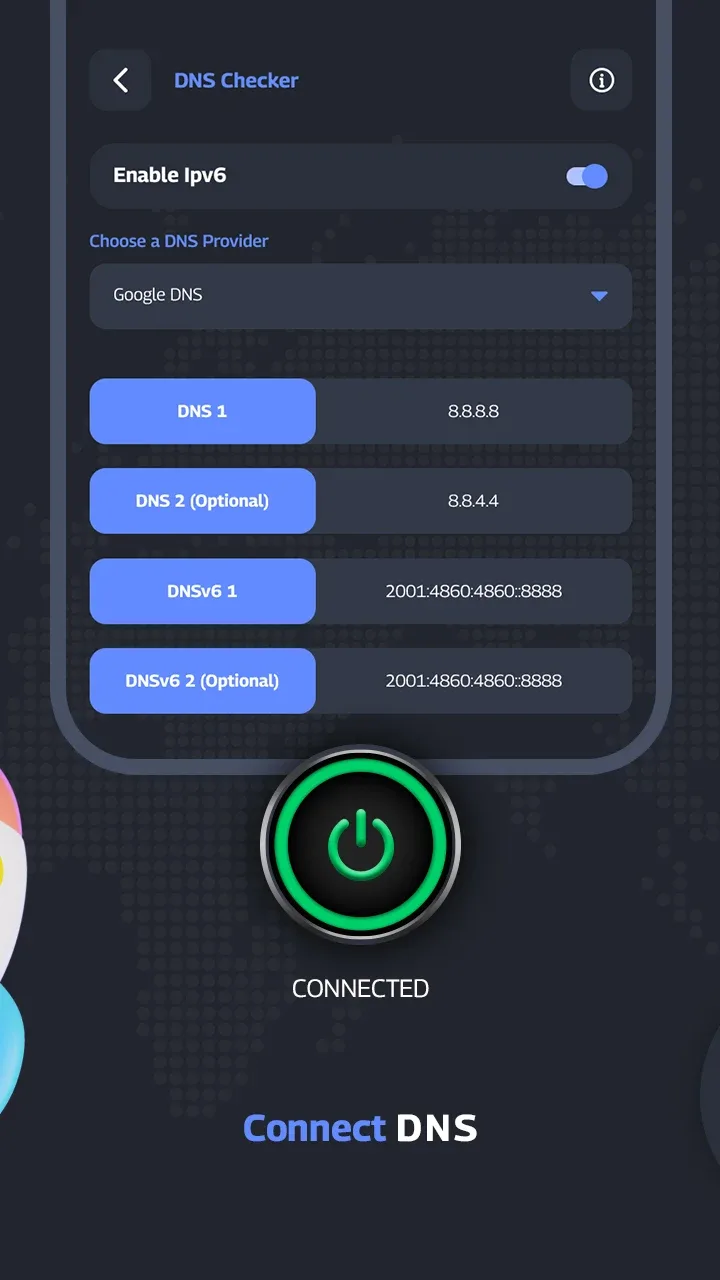
- One-tap switching: Instantly update your DNS settings without needing root or administrative system access.
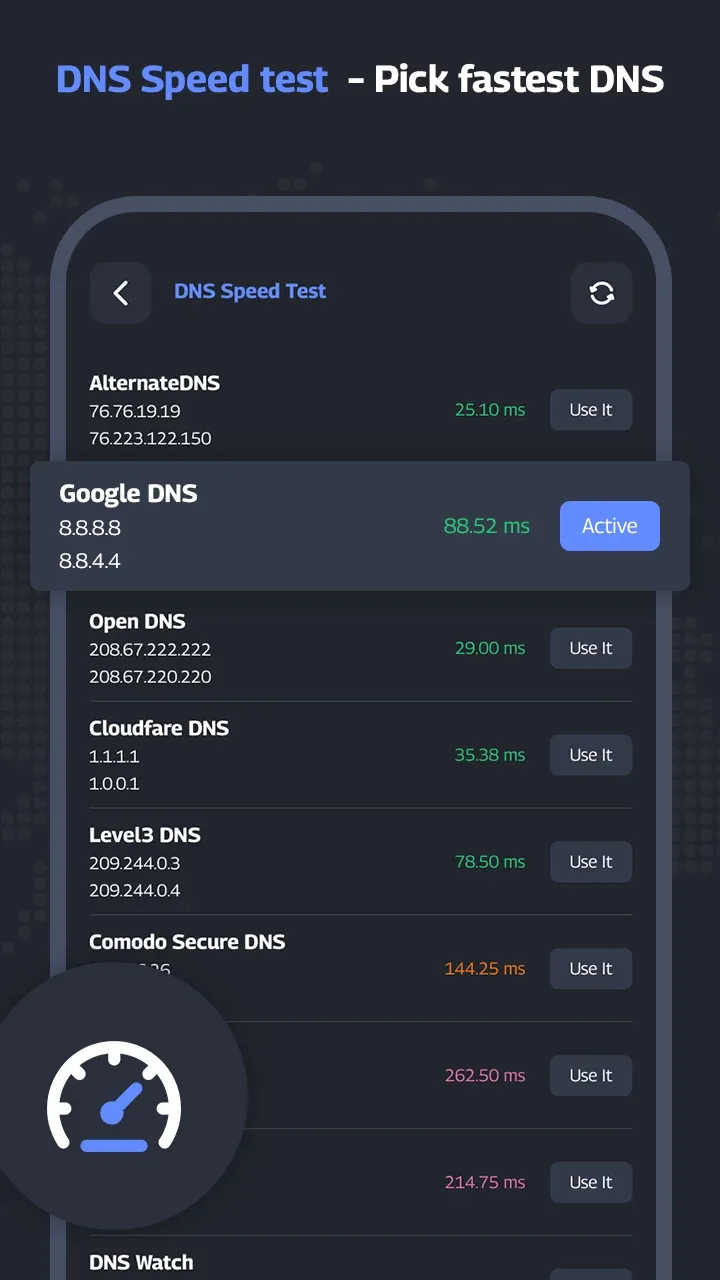
- Speed test: Automatically identify and connect to the fastest DNS server to maximize your network performance.
- Comprehensive support: Offers full compatibility with all current IPv4 and IPv6 network protocols.
Search for Wi-Fi and manage IP
Finding reliable public Wi-Fi while on the go can be a challenge. Sudden disconnects or blocked sites often disrupt your workflow. This application includes a suite of smart scanning tools that give you full control over your network environment, helping you maintain a stable and secure connection wherever you are.
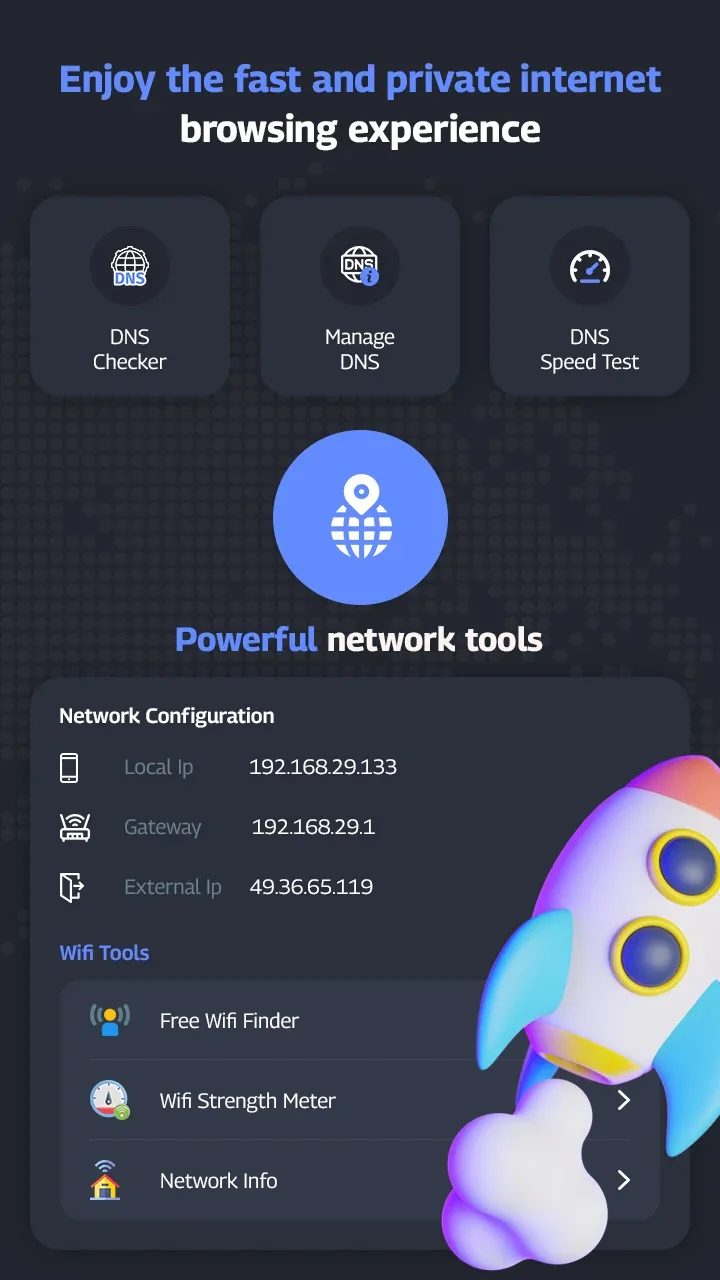
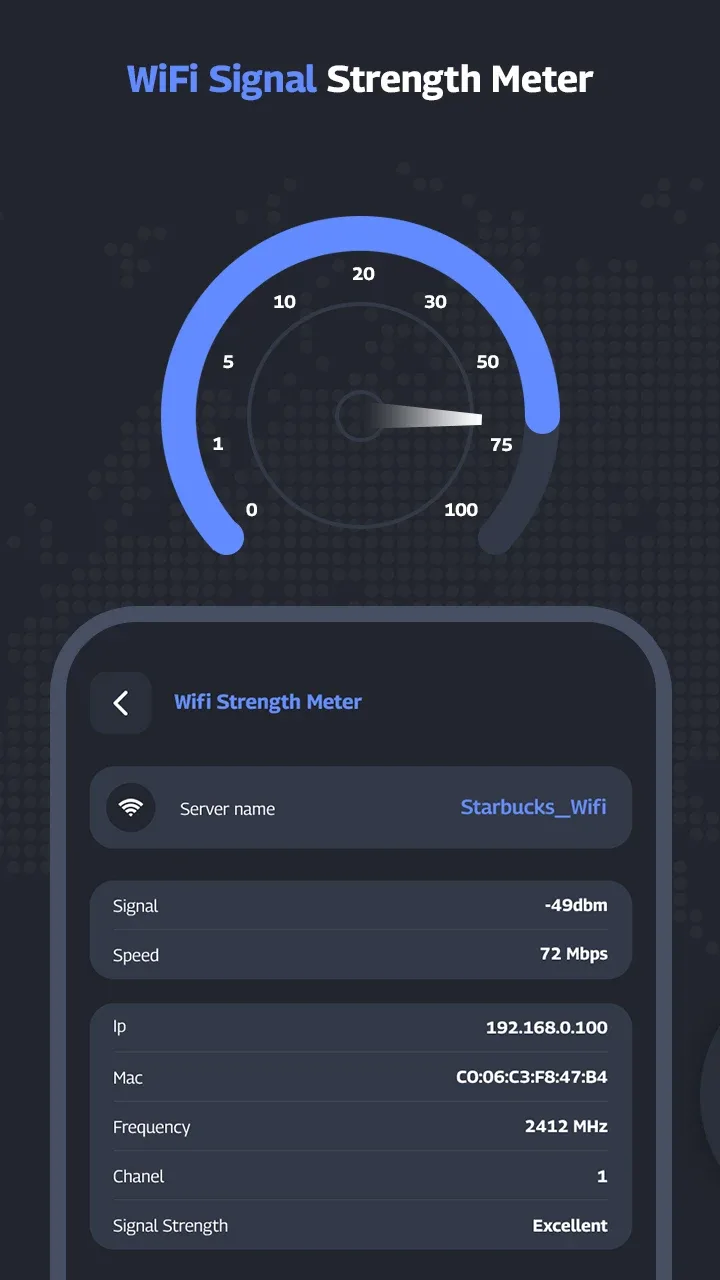
- Free Wi-Fi scan: Effortlessly locate and connect to nearby, reliable access points.
- Advanced IP tools: Features a built-in ping checker, port scanner, and robust network diagnostic utilities.
- Application control: Selectively manage which apps utilize your custom DNS server settings.
How to install
- Download the APK file above to your phone.
- Allow “Install unknown apps” when prompted.
- Open the downloaded APK and tap Install.
- If the package includes OBB/XAPK data, follow the bundled instructions.
MOD APKs are modified builds, so Play Protect may show a warning. Install only if you trust the file; use at your own risk.