
Screenshots
Description
Supercharge your productivity with ChatBox! Tap into Gemini, Claude, and DeepSeek for instant answers, voice conversations, and image recognition. Your all-in-one AI assistant has arrived.
This ChatBox MOD APK unlocks the premium features that are normally locked behind a subscription in the standard version. It gives you access to the complete lineup of advanced AI models and productivity tools without the usual restrictions or fees.
What's Changed in ChatBox
- Premium Unlocked grants full access to all paid features and specialized AI models inside the app.
This build is version 1.98.8, weighs 55M, and uses the package name chatgpt.ai.chatbot.open.chat.gpt.bot.writer.assistant. Since the file has been re-signed, it can't be installed over an existing copy from the official store.
About ChatBox
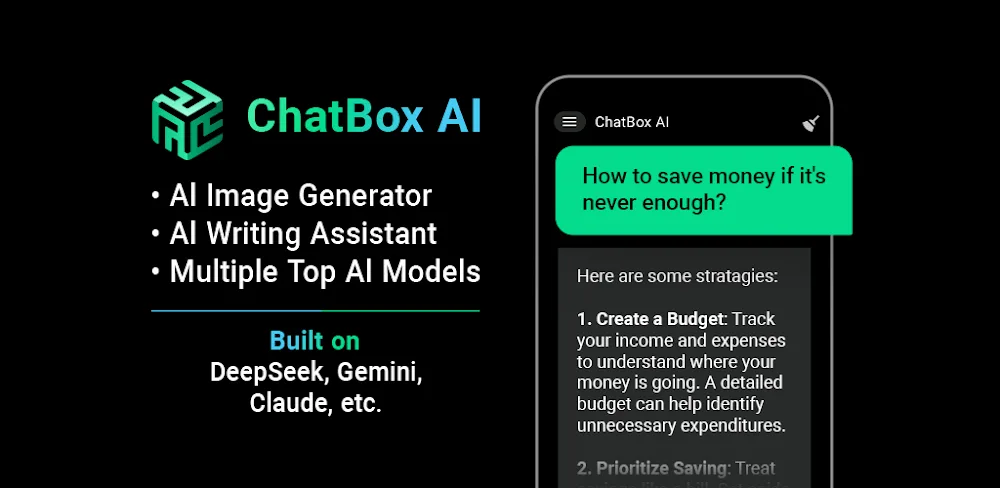
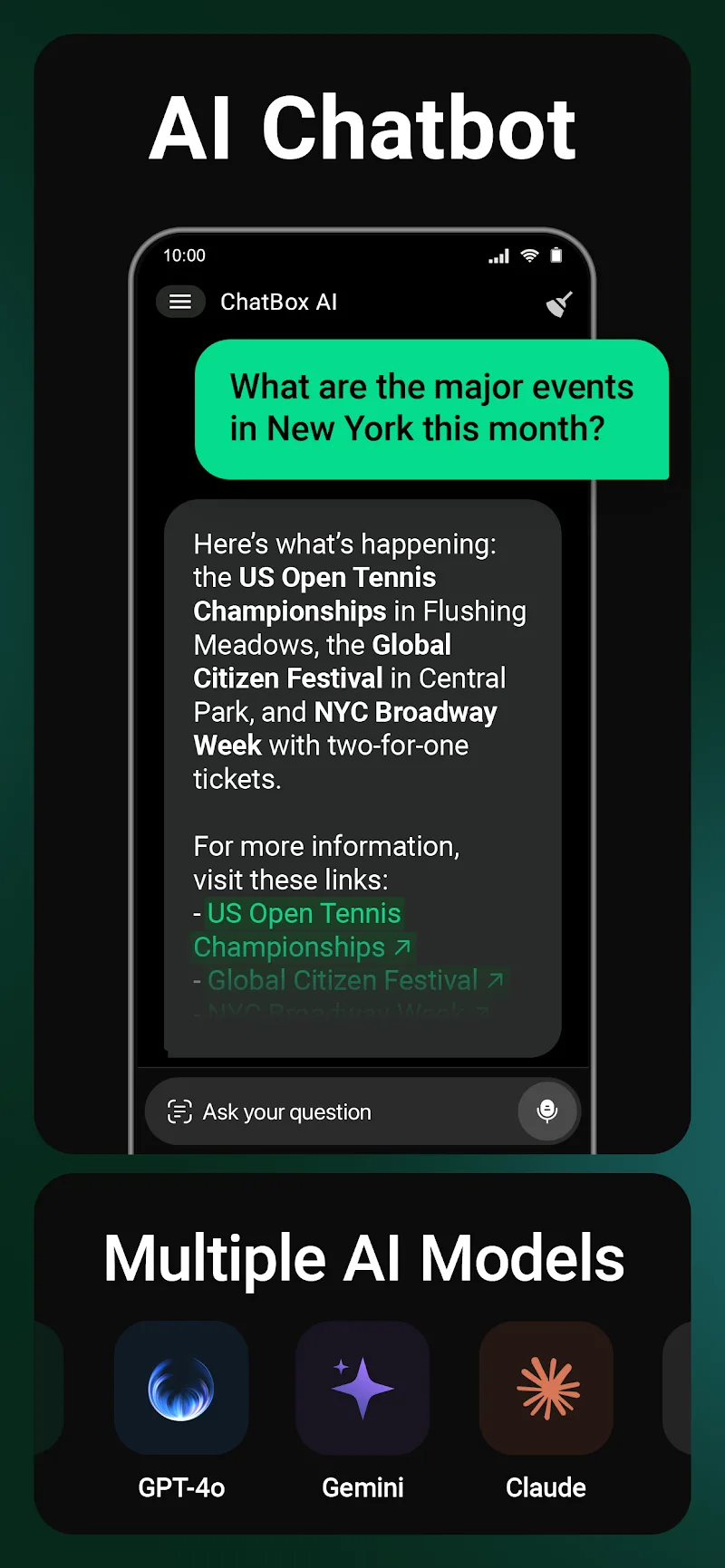
ChatBox: AI Chat Bot Assistant uses artificial intelligence to automate everyday productivity tasks. The app supports DeepSeek V3, Anthropic's Claude, and Google's Gemini. DeepSeek handles logic-driven work, Gemini specializes in retrieving information, and Claude excels at conversation. By switching between these AI engines, the app covers a wide range of jobs, from writing and editing content to research and troubleshooting technical problems. ChatBox MOD APK delivers both professional and personal services through its multi-model AI system.
The interaction system lets you communicate with the AI in many ways that go well beyond standard text input. Voice control is a core part of the experience, powered by speech recognition that understands spoken questions and commands. Using voice, you can have the AI read long passages aloud, look up information, set reminders, and handle other tasks. The system is built to feel like a natural conversation, making exchanges more direct and fluid. Thanks to its contextual memory, the AI remembers earlier parts of a chat and gives more relevant replies to follow-up questions, which helps it perform complex or multi-step tasks more effectively.
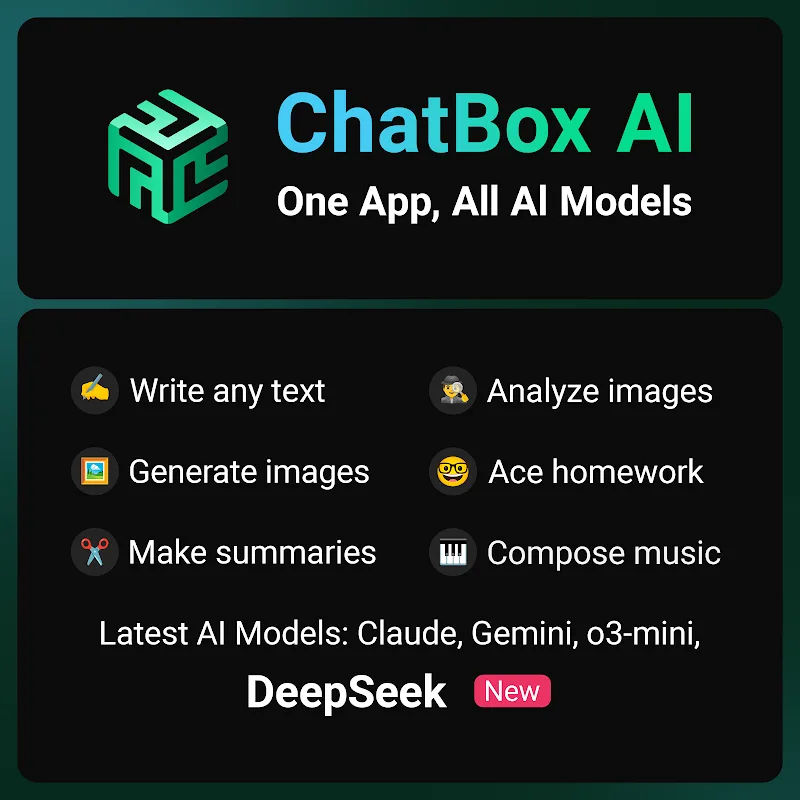
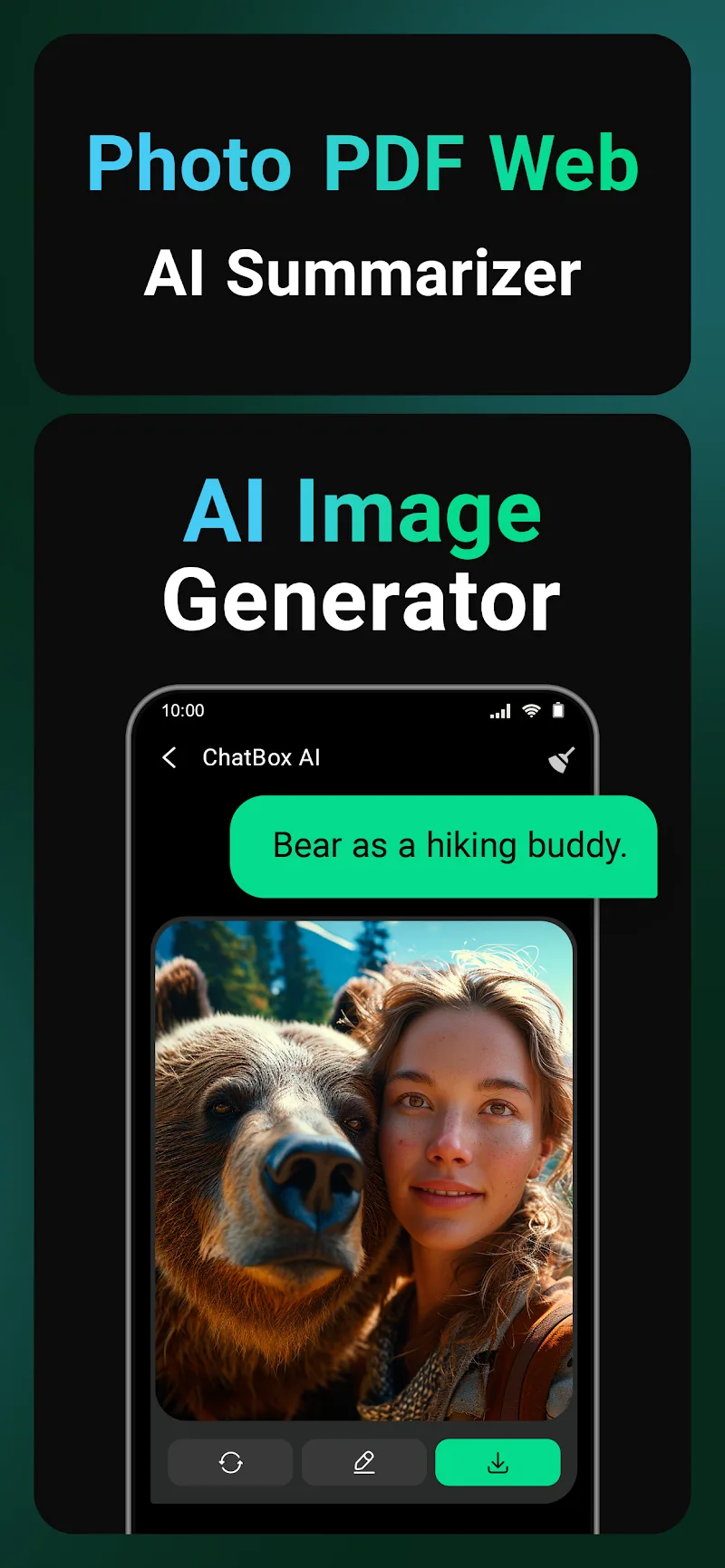
Alongside text and voice features, the app also offers image recognition and analysis. You can upload photos or digital documents for AI processing. The visual system can identify objects in a picture, translate text found in an image, and summarize what's written there. It can also summarize the contents of physical documents, saving you the trouble of transcribing them by hand. For anyone working with printed material, this makes it quick to capture information and convert it into a digital format. Combined with the text-based AI models, the visual engine lets you submit queries in different formats and receive answers in a variety of forms.
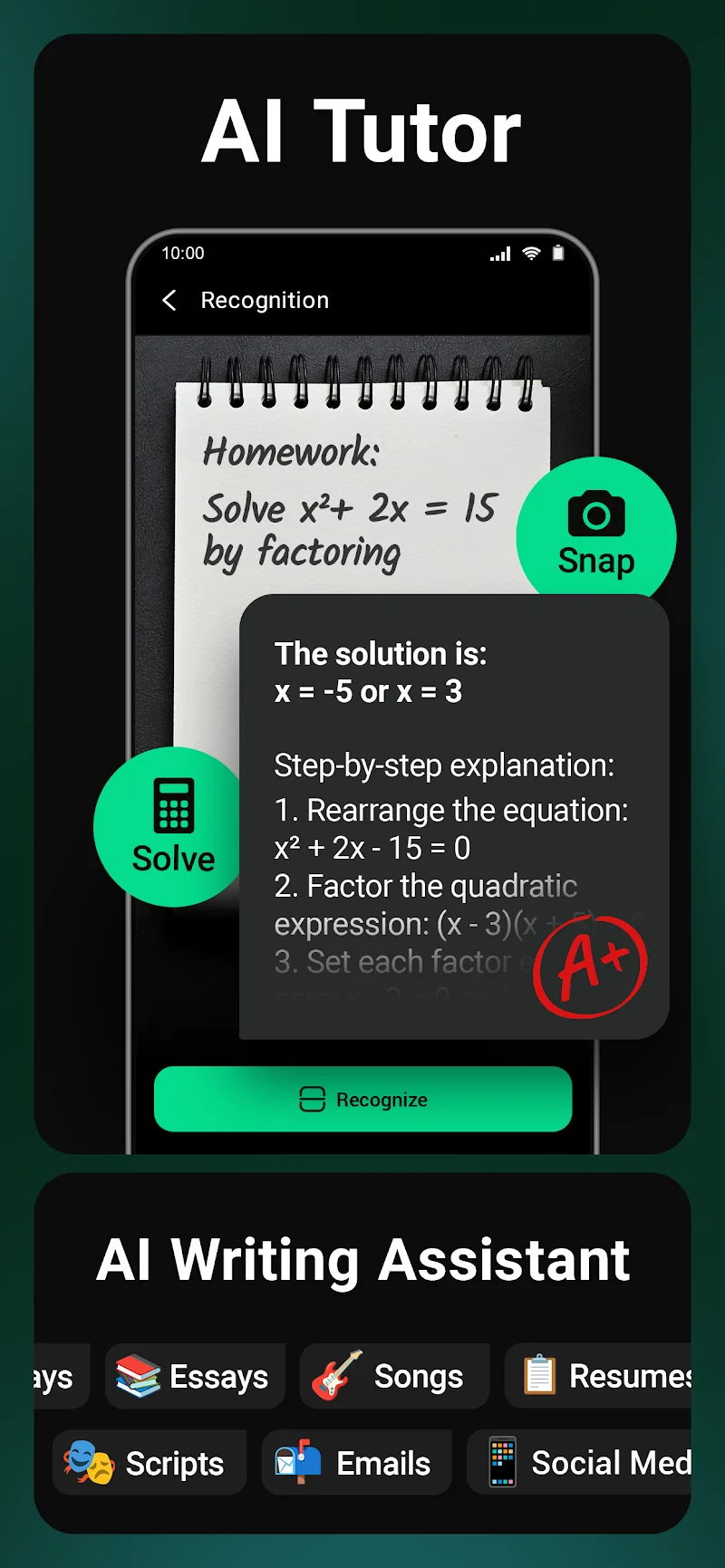
Productivity tools are at the heart of the app. The AI can help you draft professional emails and other correspondence, and generate many kinds of content, including book drafts. For more technical work, it can help write computer code and walk through math equations. Additional tools assist with conversions. Content is generated in real time. For research-heavy writing, the app includes a tool that helps you formulate queries so you can concentrate on developing the content itself. It's built for people who juggle large volumes of information and multiple tasks at once.
The app's organizational features help you manage information in several ways. A history log, for example, lets you revisit past interactions whenever you need them. This is especially useful for long-term projects, since it helps you maintain continuity from one session to the next. The app supports multitasking, so you can use it while other apps are running. Researchers and writers in particular benefit from this, as they can consult the AI while working in other documents or conducting online research.
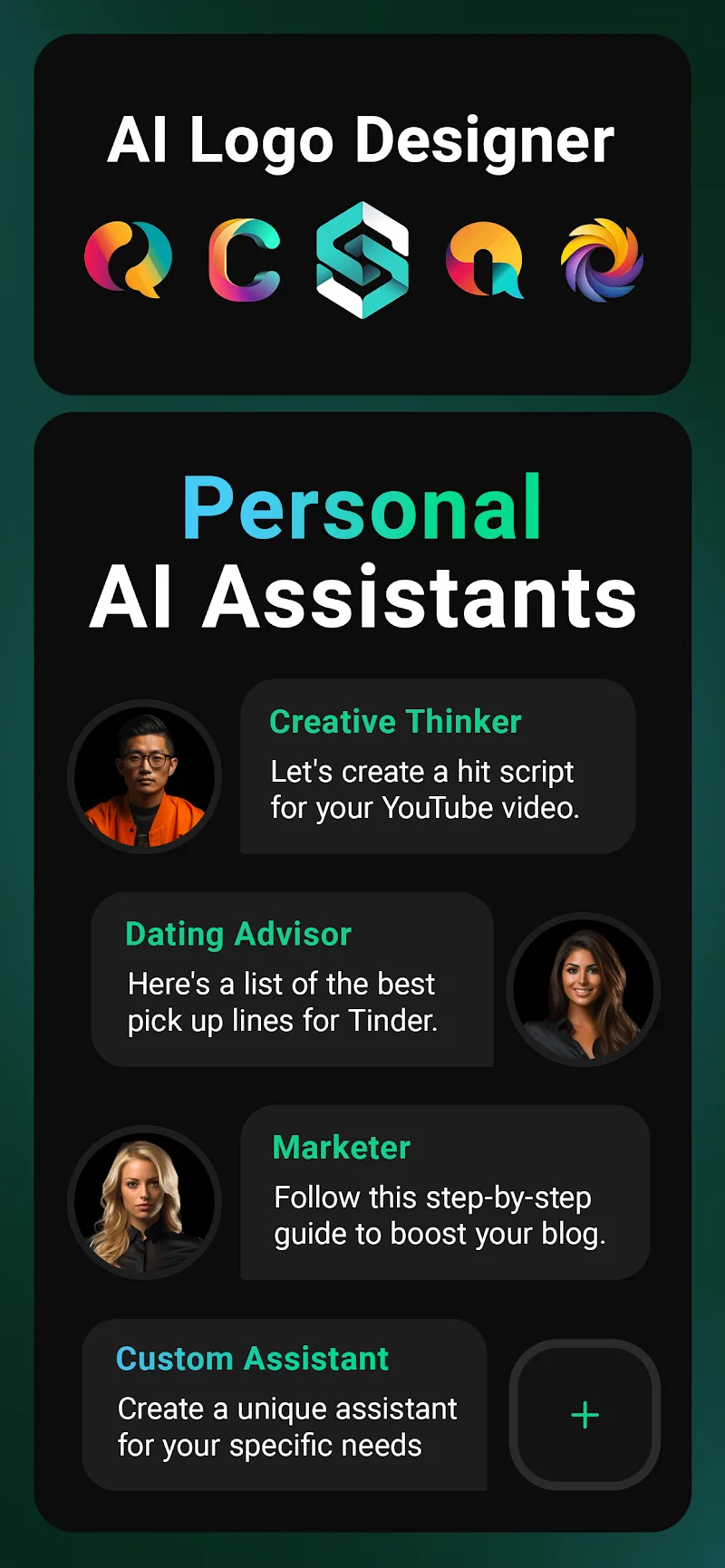
This app is designed to serve as the central hub for a range of AI services. By bringing several services together in one app, you no longer need to rely on separate apps for tasks like text generation. It also offers different models suited to the kind of work you're doing, helping you tailor the AI to your specific requests. Whether you want to polish your writing or carry out research, the app provides the tools to do it. Everything you need to handle digital tasks and process information is available in one place. The features are meant to give you a strong starting point for tackling tasks that feel difficult, such as improving your writing.
Key Features
- DeepSeek V3 model integration for reasoning
- Google Gemini support for information retrieval
- Anthropic Claude support for creative conversation
- Voice-activated interaction with speech recognition
- Image recognition and document analysis
- Real-time response algorithms
- Multi-turn conversation context memory
- Interaction history log
- Multitasking and synchronization features
Related MOD APKs
- Grok – AI Assistant
- ChatGPT
- CamScanner
- Kling AI
FAQ
Is Premium unlocked in the ChatBox: AI Chat Bot Assistant MOD APK?
This 1.98.8 release of ChatBox: AI Chat Bot Assistant comes with Premium unlocked. It works like the FLORATE LIMITED version, and every modification becomes active as soon as you install it.
What is the latest version of the ChatBox: AI Chat Bot Assistant MOD APK?
Version 1.98.8 matches the FLORATE LIMITED release dated May 28, 2026. We don't host older builds here. To update, install this file over your current app; if you get a signature error, uninstall the previous version first.
Is the ChatBox: AI Chat Bot Assistant MOD APK safe to download?
This 1.98.8 build of ChatBox: AI Chat Bot Assistant is the FLORATE LIMITED app with Premium unlocked. It has received a 4 rating from 60 users here. Root access is not required. You can ignore Play Protect warnings, but always download from this page.
Can I run the ChatBox: AI Chat Bot Assistant MOD APK on a PC or iPhone?
This app cannot be installed on an iPhone. To use this 55M file on a computer, set up an emulator such as BlueStacks or LDPlayer, then drag the APK into the emulator window to install it.
How to install
- Download the APK file above to your phone.
- Allow “Install unknown apps” when prompted.
- Open the downloaded APK and tap Install.
- If the package includes OBB/XAPK data, follow the bundled instructions.
MOD APKs are modified builds, so Play Protect may show a warning. Install only if you trust the file; use at your own risk.