
Screenshots
Description
Identify unknown callers, block spam calls, manage text messages, and protect your privacy with a smart caller ID and secure messaging app.
This Caller ID MOD APK gives you the Premium Unlocked version of the app, so every paid feature works without a subscription. The mod gives you full access to the caller identification and security tools that are normally reserved for premium accounts.
What's Modified in Caller ID
- Premium Unlocked: All premium features in the Caller ID MOD APK are enabled, so you can use the advanced identification and blocking tools in full without paying for a subscription.
Version 2.7 of this app is 41 MB and uses the package name com.caller.sms.trustedcall.app. The file is re-signed, so it cannot be installed over a copy from the Play Store.
About Caller ID
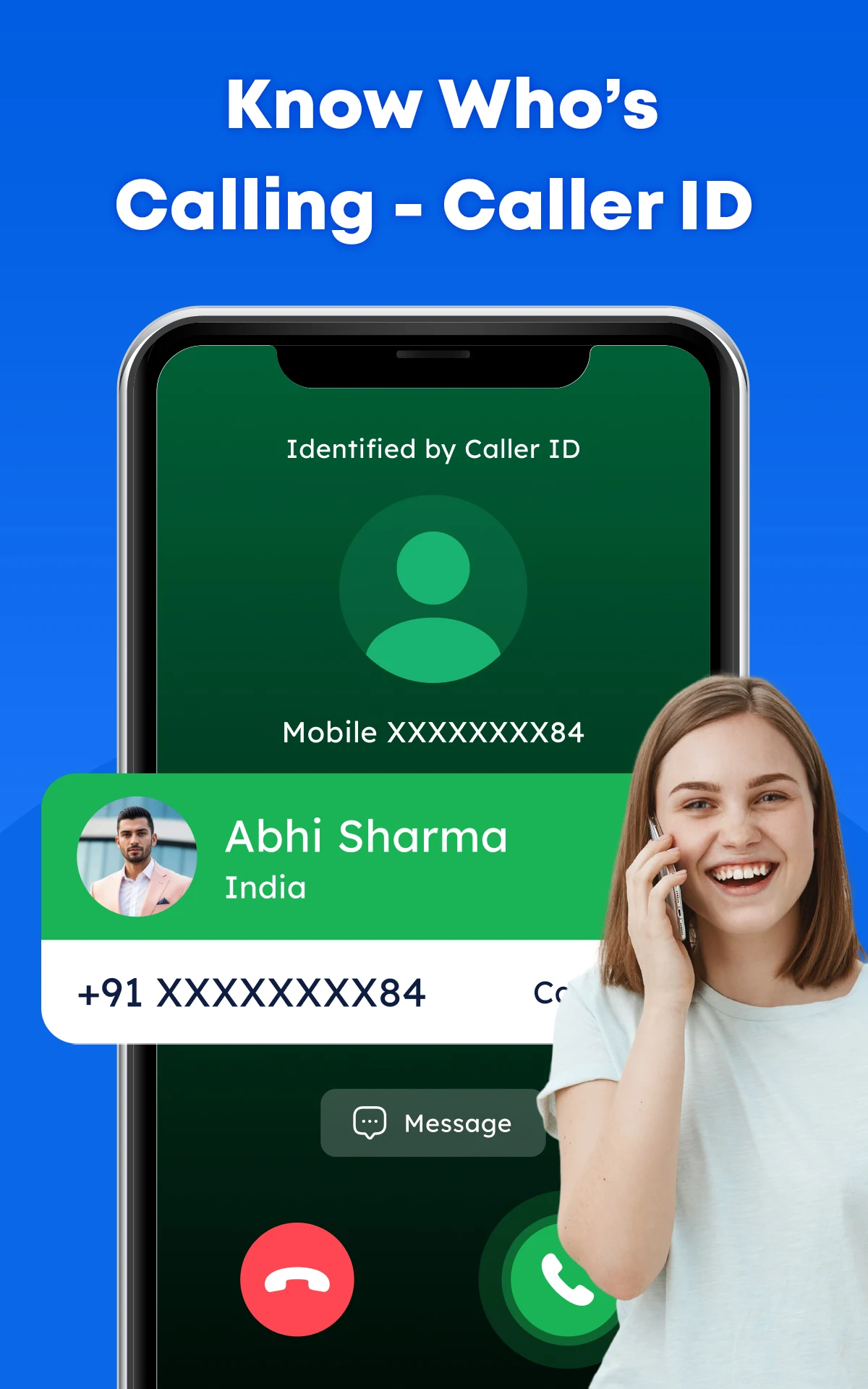
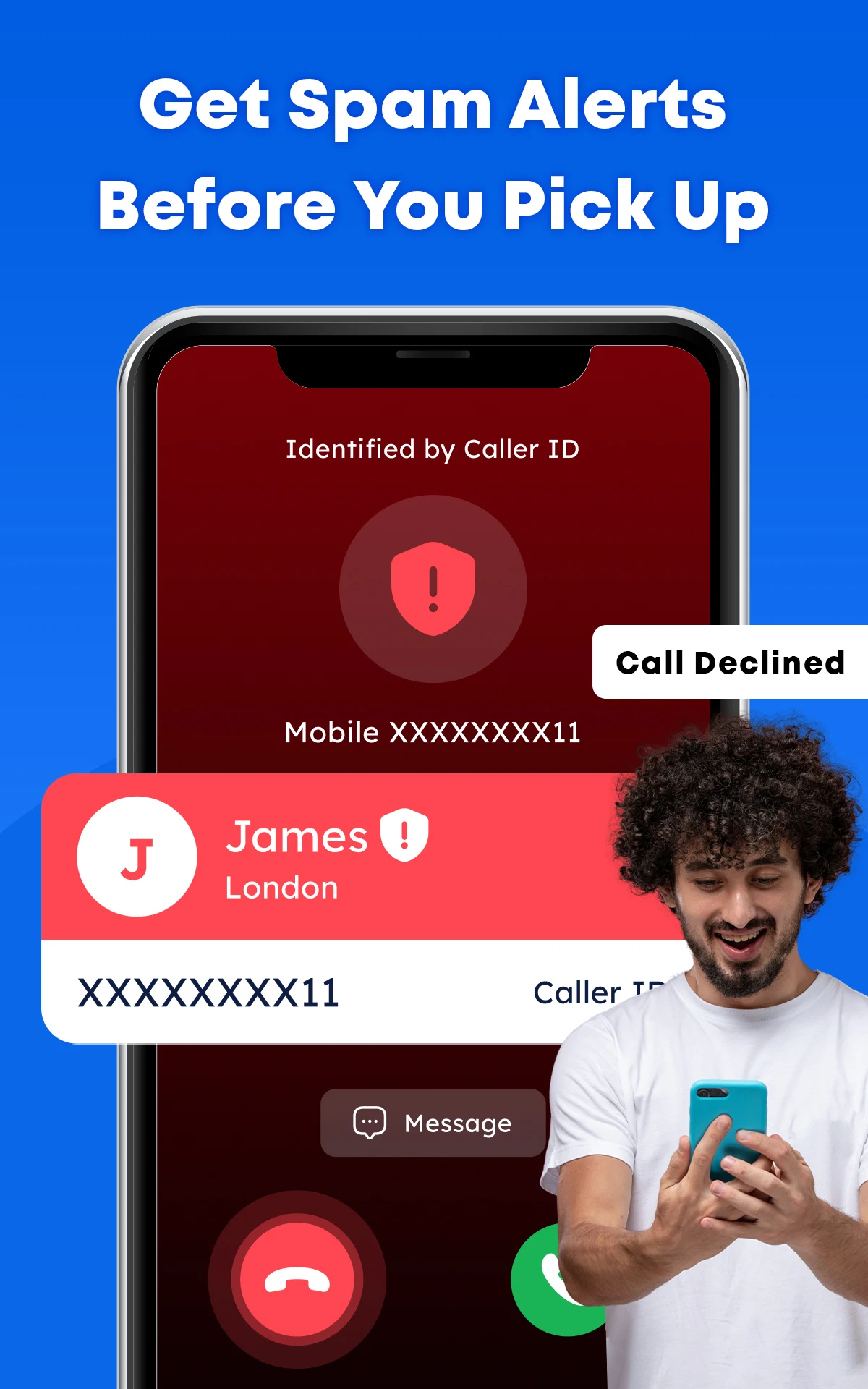
The core feature of this communication tool is Real-Time Caller ID, which shows you who is calling before you pick up. When an unknown number rings, the app displays the caller's name as the phone rings, so you can decide whether to answer. The name display is powered by a database that matches incoming numbers to businesses and individuals. By showing you the important, relevant calls first and filtering out the unimportant ones, Real-Time Caller ID helps you manage your time. It is especially useful for people in sales, business, or any public-facing job who receive many calls from unknown numbers, because it takes the guesswork out of those calls and removes anonymity from phone calls.
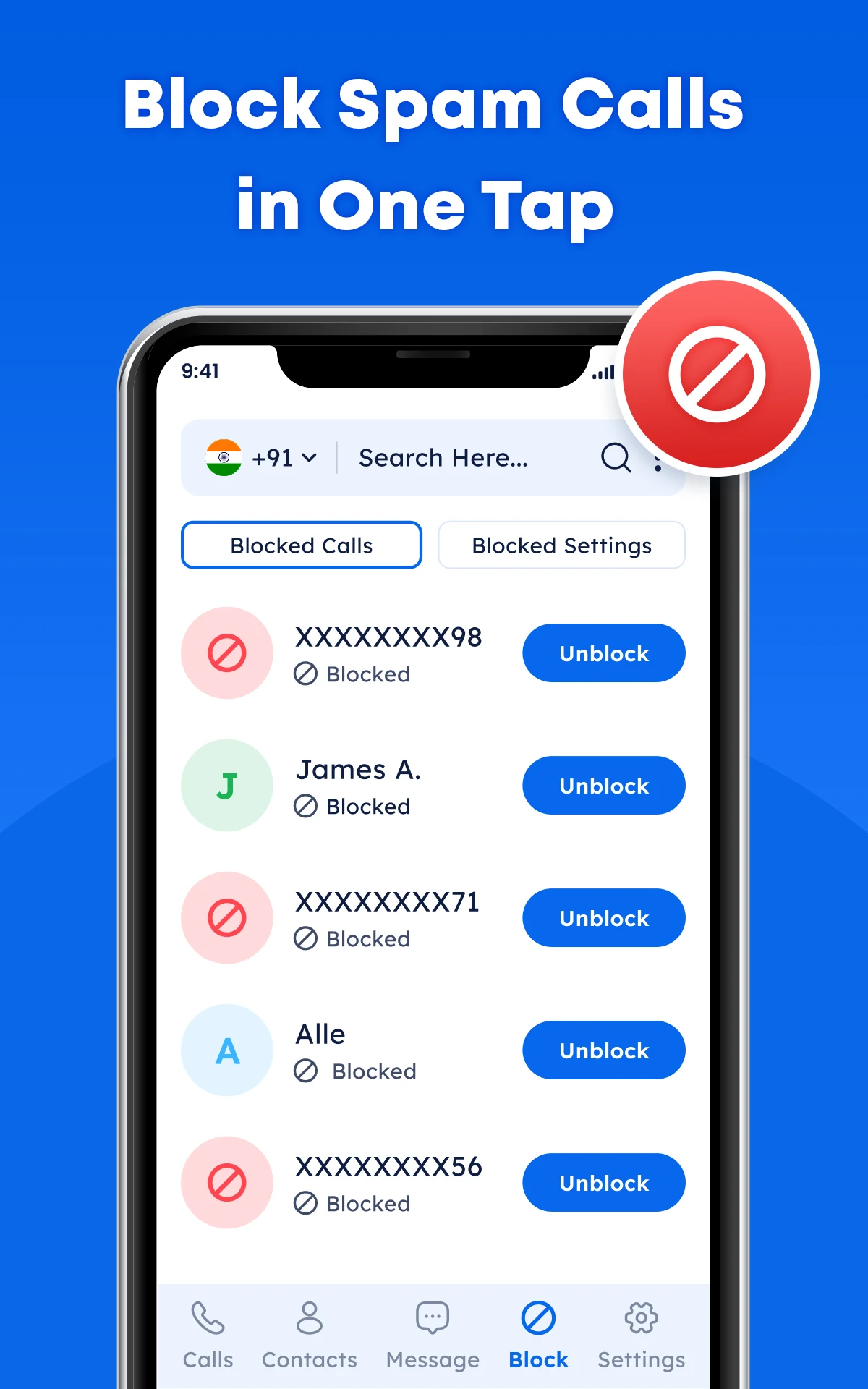
The app includes security features built to handle the threats of modern mobile communication, including Spam Call Blocking and Fraud Protection. It automatically detects and stops unwanted calls, from robocalls and aggressive telemarketing to known scam operations. When a call is flagged as malicious, the number is blocked so your phone never rings. The app also sends security alerts and checks the reputation of callers to help you spot potential threats. Phone-based scams can put your personal and financial information at risk, so these proactive features block dangerous calls and help protect your data, giving you a safer and more hassle-free mobile experience.
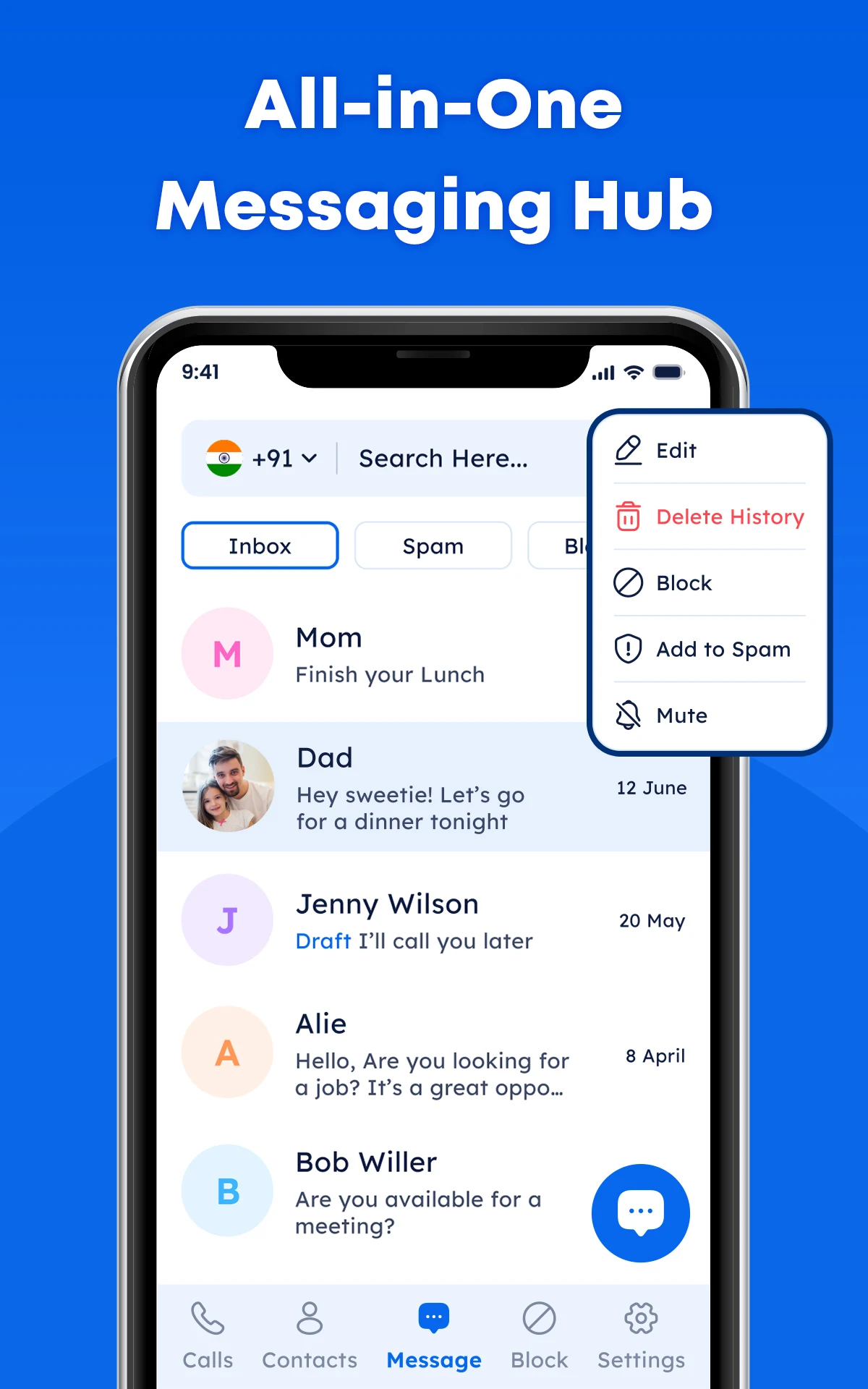
This extension applies the protection and organization features of the app to text messaging. SMS is far less secure than email, so most mobile users receive a lot of spam texts, from annoying marketing messages to dangerous phishing attempts. The app uses intelligent filtering to sort text messages and identify spam, then moves spam out of your main inbox. This keeps your inbox focused on relevant conversations. The filter also helps flag messages that contain malicious links or fraudulent content, so the app helps create a safer communication environment for both calls and texts.
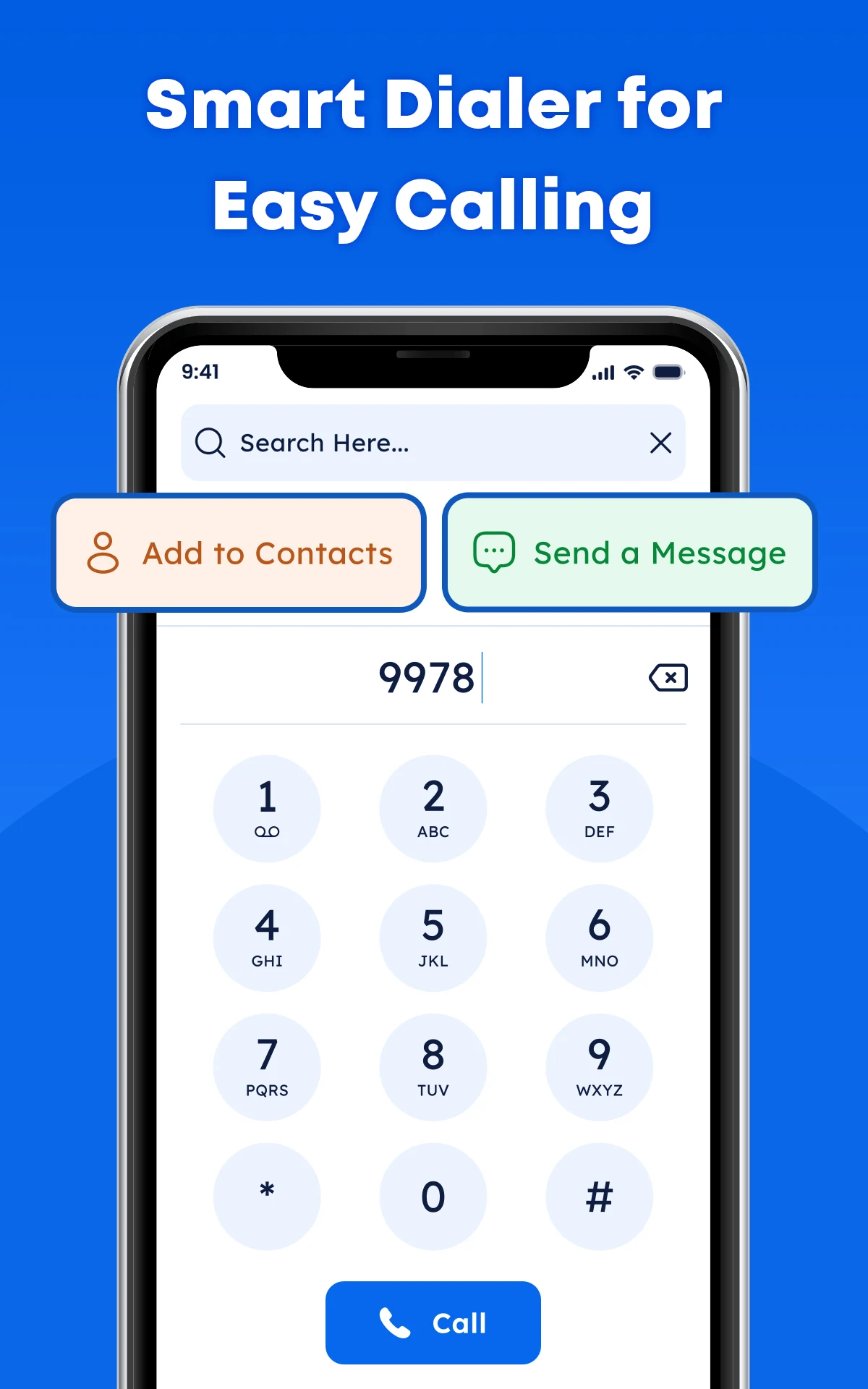
The Fast Number Search and Contact Management features go beyond basic lookup. Search lets you look up an unknown phone number and get identification details in a few seconds. You can use it to find out who called while you were away or to confirm that a business you are calling is legitimate. Contact management makes it easy to save and organize numbers and update contact details, so your phonebook stays quick and simple to use. The interface is built for fast, responsive input, so you won't have to click through many menus to get what you need.
Custom Block Lists and Secure Communications give you control over how you protect your digital privacy. Known threats are handled automatically by the built-in detection system, while Custom Block Lists let you manually add nuisance numbers. Persistent callers, and numbers that have not yet been cataloged as spam, can be added to your list and blocked. Secure communication is further strengthened by design choices that reduce unwanted contact. Together, these options let you shape your blocking preferences in several ways. Keeping control of your device and making sure it can't be used for unwanted communications is key to taking back control of your phone and your time.
The app is built around speed and a great user experience. It runs as a lightweight program that uses very few resources, working quietly in the background with little to no impact on battery life, processor load, or overall device performance. Incoming calls are identified almost instantly. Everyday functions are reachable through a set of thumb-friendly buttons on the main screen, while the remaining options sit in pull-down and pull-up menus, each with its own management and control settings. This performance-first approach sets the app apart from its rivals and enhances the overall experience, all while keeping essential security features in place.
Key Features
- Real-Time Caller ID
- Spam Call Blocking
- Smart SMS Management
- Fraud & Scam Protection
- Contact Management
- Secure Communication
- Fast Number Search
- Custom Block List
- User-Friendly Interface
- Lightweight & Efficient
Related MOD APKs
- Truecaller
- Telegram
- Truecaller
- Psiphon Pro
FAQ
Is Premium Unlocked in Caller ID: Trusted Call & SMS MOD APK?
This 2.7 build of Caller ID: Trusted Call & SMS comes with Premium Unlocked. It works just like the Appsquad release, and the modifications take effect as soon as you install the app on your device.
What is the latest version of Caller ID: Trusted Call & SMS MOD APK?
Version 2.7 matches the Appsquad release dated May 25, 2026. We don't host older versions here. To update, install this file over your existing app; if you run into a signature conflict, uninstall the current version first and then reinstall.
Is Caller ID: Trusted Call & SMS MOD APK safe to download?
This 2.7 version of Caller ID: Trusted Call & SMS from Appsquad includes Premium Unlocked and has earned a 5-star rating from 11 users. Root access is not required. Expect a Play Protect warning during installation, and for consistency, always download the file from this page.
Can I use Caller ID: Trusted Call & SMS MOD APK on PC or iPhone?
This Android file won't run on an iPhone. On a computer, however, you can run the 41 MB package through an emulator such as BlueStacks or LDPlayer. Set up the emulator, drag the file into it, and the installation will begin.
How to install
- Download the APK file above to your phone.
- Allow “Install unknown apps” when prompted.
- Open the downloaded APK and tap Install.
- If the package includes OBB/XAPK data, follow the bundled instructions.
MOD APKs are modified builds, so Play Protect may show a warning. Install only if you trust the file; use at your own risk.