

MOD features
Mod 1 Info: – Paid features unlocked – Won't keep the device awake after you exit the app (WAKE_LOCK permission removed) – Unneeded receivers, activities, trackers, alarms, and metadata stripped from the manifest.
Mod 2 Info: – Built on Mod 1 – Location and audio permissions removed
Screenshots

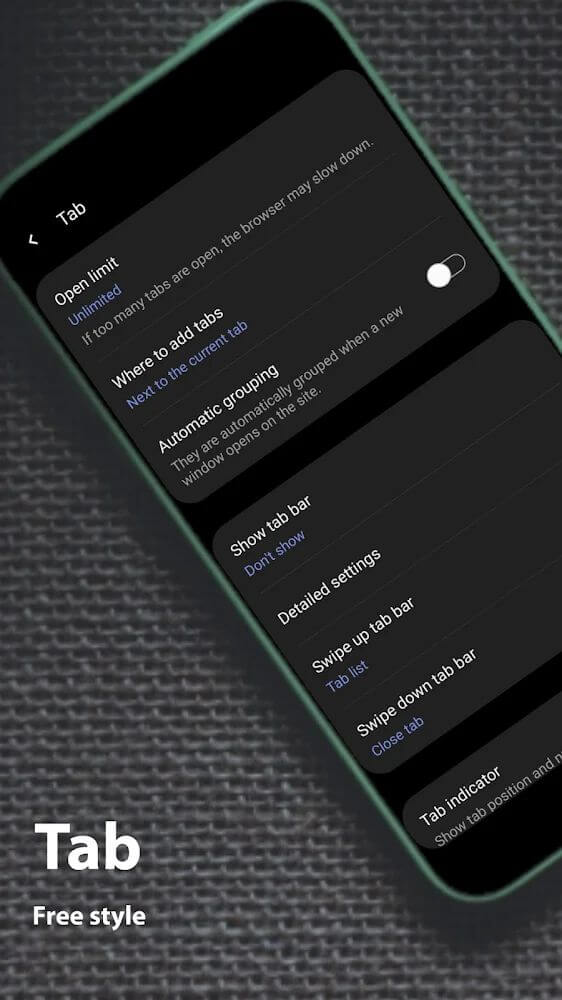
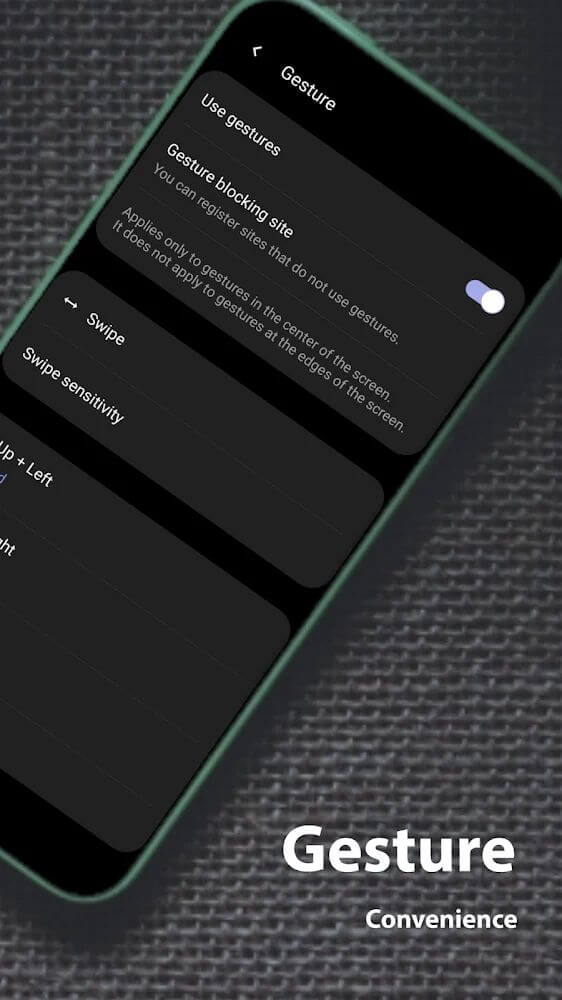
Description
Soul Browser is a web browser designed to make getting around the internet easier, packed with standout features such as data cleaning tools and gesture-based controls.
This Soul Browser MOD APK is built to strip out advertisements and unlock premium features that are normally locked in the standard version. It also tweaks how the app runs by removing unneeded background processes and excess system permissions, giving you a smoother browsing experience.
What's Modified in Soul Browser
- All paid features within the app are unlocked, giving you full access to premium tools.
- The WAKE_LOCK permission has been removed, so your device won't stay awake after you close the app.
- Unnecessary receivers, activities, trackers, alarms, and metadata have been stripped from the manifest file to cut down on background activity.
- Location and audio permissions have been removed in certain build variants to limit the app's access to your device hardware.
- All advertisement components and tracking scripts have been removed for a cleaner interface.
The Soul Browser MOD APK for version 1.4.85 is 30 MB and uses the package name com.mycompany.app.soulbrowser. Keep in mind that this file is re-signed, so it cannot be installed as an update over a version downloaded from the official store.
About Soul Browser
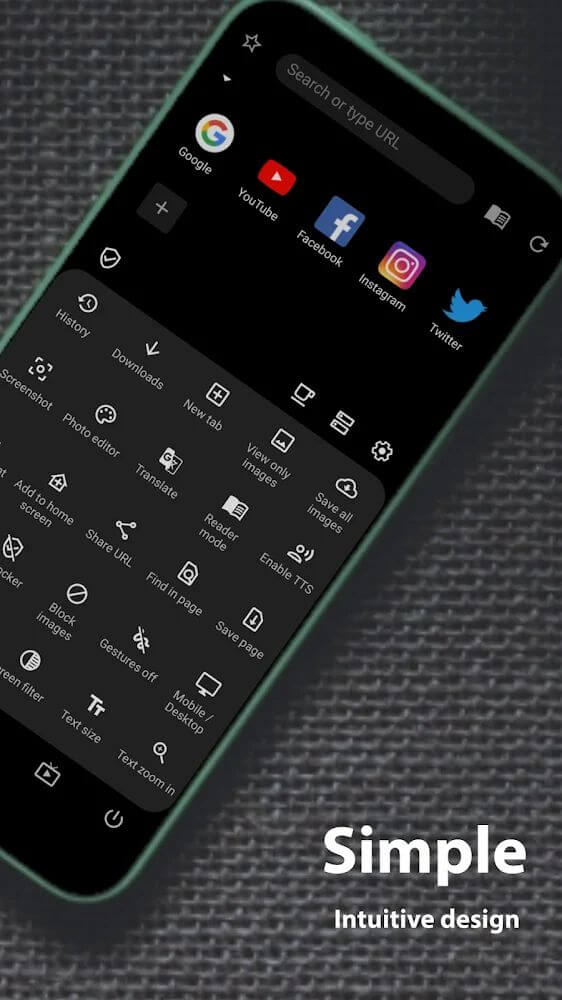
Soul Browser aims to offer a seamless way to explore the internet by combining several handy utilities that would normally require multiple apps into one solution. For example, it includes its own built-in PDF viewer. While most mobile browsers struggle to process PDFs and often make you download them or open a third-party viewer, Soul Browser integrates the viewer directly into its interface, so you can view PDFs just like any other web page. The app also lets you turn standard web pages into image formats, a feature designed to mimic the experience of reading a physical book. This gives you a new way to consume content, letting you archive long-form articles and images right within the browser.
Clean Mode handles security and memory management. It works as a cleaning system built specifically for browsers. As you visit different web pages, browsers generate and store a large number of cached and temporary files to speed things up, but over time those junk files can slow the browser down. Clean Mode identifies this junk data and removes it to keep the browser responsive. Beyond housekeeping, it also helps protect you from malicious software by monitoring for viruses and preventing your data from being stolen while you browse. Together, efficient performance and security form the core of the app, helping shield you from harmful files while keeping your device running smoothly.
The app offers strong media tools, especially for video. While most web browsers let you play media, Soul Browser also supports downloading multiple videos at once, unlike many mobile browsers that only handle one download at a time. Background downloading lets you queue up videos in the system. You can also place a video that is downloading or streaming into Picture-in-Picture (PIP) mode, so a small video window keeps playing while you use other features of the browser. Playback can be controlled as well, including a repeat mode that loops the video.
This browser includes Incognito mode to build trust and protect your privacy. When Incognito mode is turned on, the browser deliberately avoids logging your data or the websites you visit. This covers your browsing history, personal data, and downloaded files, so you can count on the browser to keep your sensitive information out of sight. The browser also offers Dark Mode to help ease strain on your eyes. Dark Mode provides an alternative theme that reduces the potential risks of prolonged exposure to screen light. You can choose to enable Dark Mode based on the time of day and the lighting around you.
This app comes with advanced accessibility tools, most notably a built-in text-to-speech engine. With one tap, the engine reads aloud the text on any webpage in a more natural-sounding voice. It serves as a helpful reading aid for users with visual impairments, and it is equally useful for people who like to multitask, since they can listen to long articles while doing other things. Converting text to speech saves time because readers no longer need to read every line themselves and can simply listen. The browser also helps tailor the listening and reading experience by letting users change the color, font, and size of all text on a webpage, as well as its positioning. This level of text customization makes it possible to browse in a way that fits each person's visual needs.
Managing visual content in the browser is now much simpler thanks to a new system. Users can save many images at once, instead of the old method of long-pressing and saving each one individually. Once saved, images can be sorted into different groups, so finding a specific picture later is quick and doesn't require scrolling through an unsorted gallery. Together with the ability to view web content in an image format, these tools turn the browser into a practical management interface for people who work mainly with visual data. Everything works together to deliver an optimized experience for viewing and organizing images, as well as presenting web content in an easy-to-manage format.
Key features
- Built-in PDF viewer and image format viewing mode
- Clean Mode for clearing junk data and scanning for viruses
- Simultaneous multi-video downloading
- Gesture-based controls, including repeat and Picture-in-Picture modes
- Incognito mode for private browsing and history protection
- Dark theme designed to ease eye strain
- Text-to-speech engine for converting web content to audio
- Batch image saving with category-based organization
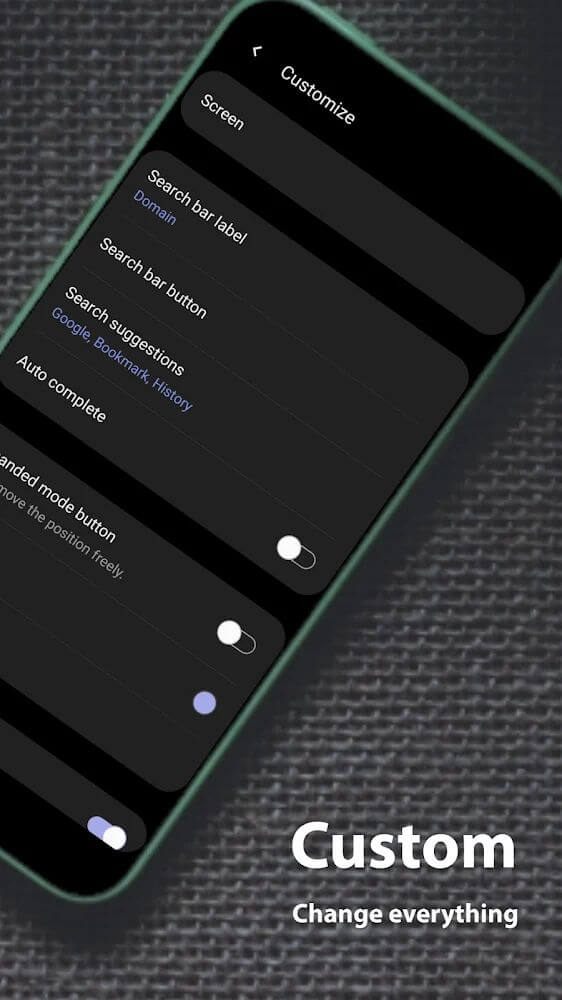
- Customization options for fonts, font sizes, and text colors
Related MOD APKs
- MovieBox ID: Watch Movies, TV Series, K-Dramas & Anime for Free
- KWGT Kustom Widget Pro
- SnapTube
- Terabox
FAQ
Does Soul Browser MOD APK remove ads?
This Soul Browser 1.4.85 build has ads removed. It works just like the SoulSoft release, and the changes take effect right after installation.
What is the latest version of Soul Browser MOD APK?
Version 1.4.85 matches the SoulSoft release from December 13, 2025. We don't keep older versions here. To update, install this file over your current app. If you see a signature error, uninstall the old version first.
Is Soul Browser MOD APK safe to download?
This Soul Browser 1.4.85 build from SoulSoft only has ads removed. It has received a 4.5 rating from 161 users. It does not require root access. You may see a Play Protect warning, but always download from this page.
Can I use Soul Browser MOD APK on PC or iPhone?
This package will not work on iPhone or iPad. To use it on PC or Mac, run an emulator such as BlueStacks or LDPlayer, then set up the emulator and drag the 30M APK file into it.
How to install
- Download the APK file above to your phone.
- Allow “Install unknown apps” when prompted.
- Open the downloaded APK and tap Install.
- If the package includes OBB/XAPK data, follow the bundled instructions.
MOD APKs are modified builds, so Play Protect may show a warning. Install only if you trust the file; use at your own risk.