

Screenshots

Description
FAB Adblocker Browser lets you browse the web and watch videos without the interruption of annoying ads, while also providing built-in security features.
With FAB Adblocker Browser, you can enjoy a smoother web experience and entertainment free from intrusive ads. You can watch videos and visit your favorite sites with confidence, knowing your browsing stays secure. The app also includes VPN servers to get past web restrictions, a reader for documents and comics, and one-tap video downloads across multiple platforms.
NO ADS WHILE WATCHING VIDEOS
The first thing FAB Adblocker Browser delivers is an ad-free video experience. When you watch videos in this browser, the ads that usually accompany them are blocked, so you can enjoy the content you love without interruption. Beyond video, the app improves many other parts of your browsing and helps keep you safe online.
FEWER DISTRACTING ELEMENTS ON SCREEN
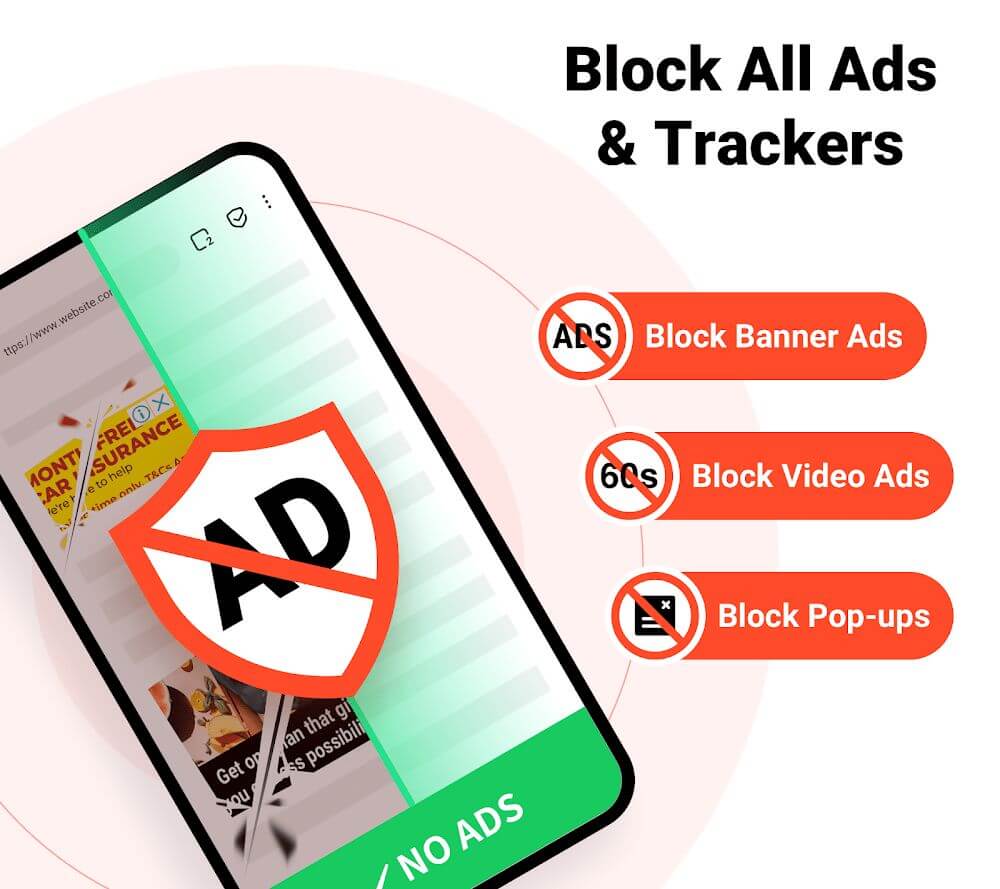
When you visit a website, banner ads often cover the page, and hidden pop-ups can appear every time you tap something. FAB Adblocker Browser removes these unexpected elements and the flood of ads across the sites you visit. Because you avoid tapping suspicious or dangerous ad links, you face fewer security risks.
BROWSING THE WEB IN DIFFERENT WAYS
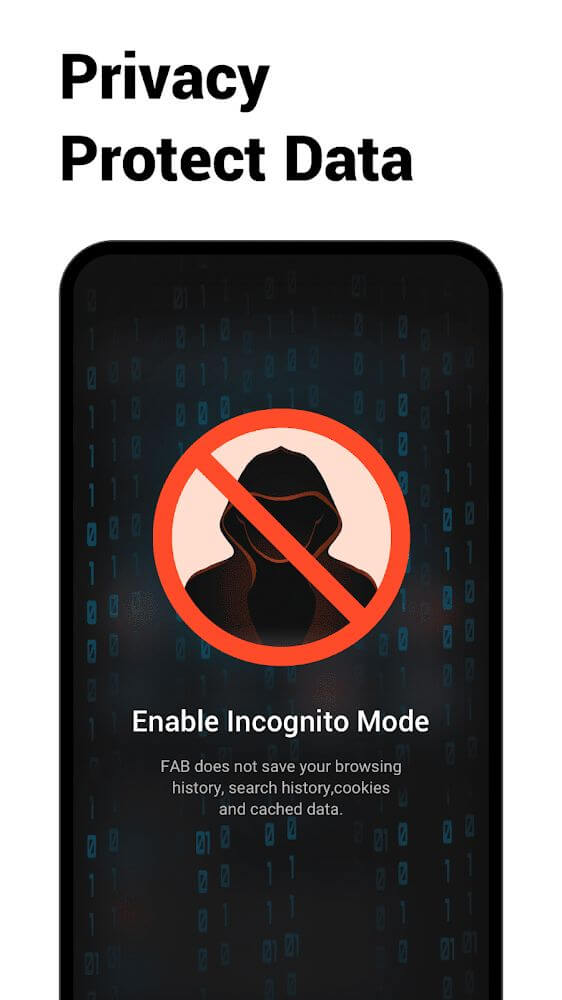
FAB Adblocker Browser lets you use its features safely in a variety of ways. You can browse normally with its built-in ad blocking, so you won't waste time on annoying elements. The incognito mode is also available, which doesn't save your browsing history, and you can configure the browser's security settings as well.
ADJUSTING SETTINGS WHEN USING THE BROWSER
Since a browser can give access to a lot of different content, FAB Adblocker Browser lets you set a password to protect it. You can choose a password you like that is hard for others to guess. You're also free to change the browser's theme to suit your taste and make the experience more comfortable to look at.
STRONG DOCUMENT READING FEATURES
When you read documents in the app, you can rely on its reading mode. It is designed for smooth, stable reading with different settings, and two commonly used options are full screen and auto-scroll. The feature is especially well suited to reading comic pages, and ads on the sites you visit won't get in the way.
FREE VPN CONNECTIONS
Being blocked from certain websites while browsing is common, but you don't need to search for and install a separate app. The browser gives you access to its VPN servers so you can bypass restrictions and carry on with the activities you enjoy. The built-in VPN is available whenever you need it and helps you browse quickly and smoothly.
DOWNLOAD YOUR FAVORITE VIDEOS WITH ONE TAP
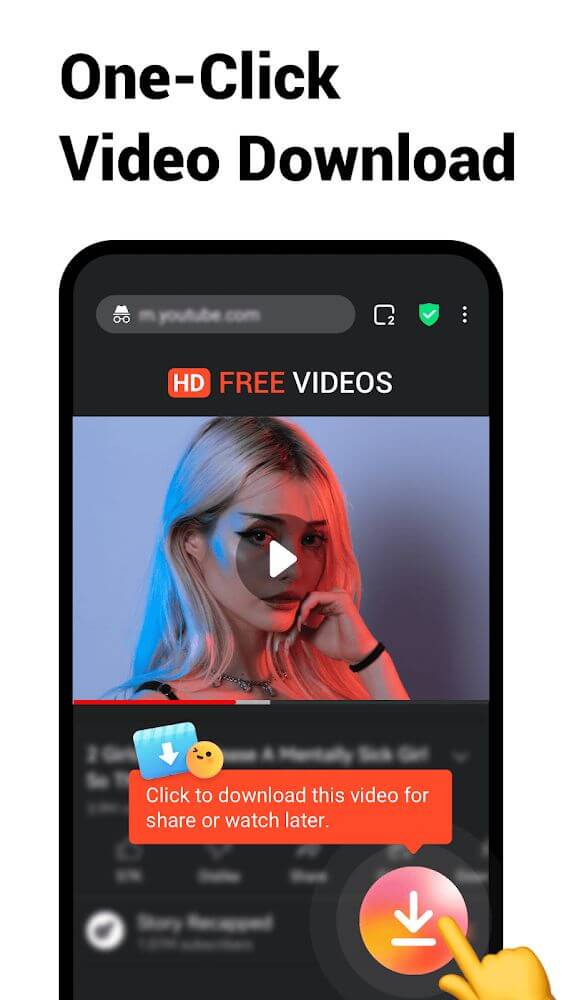
Sometimes you'll find a great video on a website that you want to keep. With FAB Adblocker Browser, you can find the video you want and download it with a single tap. The downloader works with many types of videos from different platforms, such as TikTok and YouTube, so you can build a collection of videos for entertainment.
Don't miss the browser's standout features:
- Watch videos or visit any website without ads for a smooth experience.
- Switch between browsing modes to protect your privacy and set up the options you want.
- Protect the browser with a password, change its theme, and pick the reading mode that suits you, especially for comics.
- Connect to fast VPN servers and get past restrictions when accessing your favorite websites.
- Quickly download the videos you want in just a few simple steps on video platforms.
How to install
- Download the APK file above to your phone.
- Allow “Install unknown apps” when prompted.
- Open the downloaded APK and tap Install.
- If the package includes OBB/XAPK data, follow the bundled instructions.
MOD APKs are modified builds, so Play Protect may show a warning. Install only if you trust the file; use at your own risk.