

Screenshots
Description
Authored by Albert H. Gates
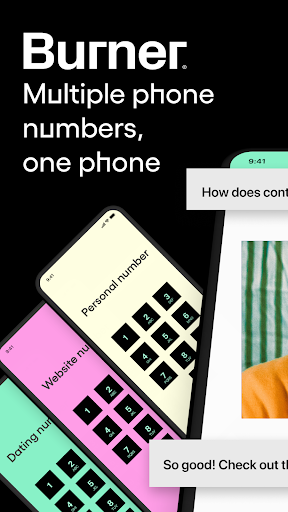
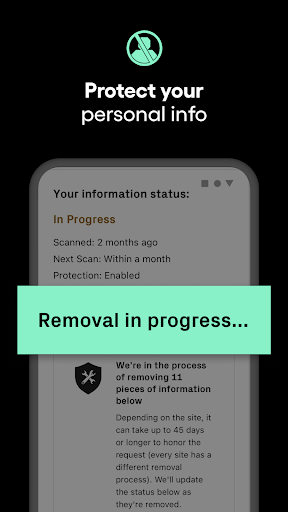
Crafted by Los Angeles-based Ad Hoc Labs, Inc., Burner: Second Phone Number delivers a versatile communication tool centered around privacy and freedom. The app lets you set up disposable phone lines on demand, enabling you to place calls, send texts, and exchange pictures without ever sharing your primary contact details. It is built on a straightforward yet practical philosophy: keep personal records safe, block unwanted spam, and grant you full mastery over your mobile interactions.
About Burner: Second Phone Number App
How Does the Burner App Work?
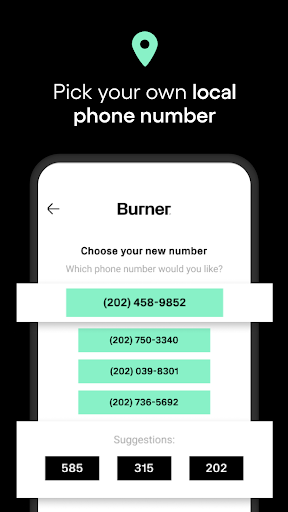
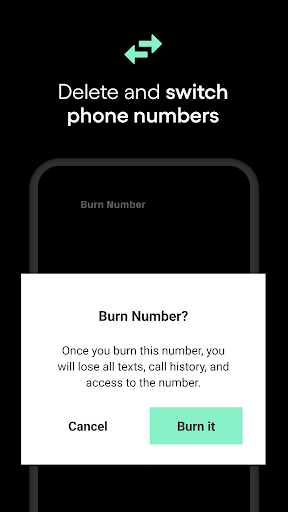
Getting started with Burner is simple. Once registered, simply pick an area code of your choice to immediately activate a secondary phone line. Operating separately from your main plan, this line lets you send texts, place voice calls, and transmit pictures over mobile data or Wi-Fi. Its standout feature remains the ability to "burn" the line whenever you choose—instantly wiping the number along with its entire history of calls and messages so zero traces remain.
Key Features
Privacy Protection: Perfect for online marketplaces, dating apps, or quick chats with strangers, Burner keeps your genuine phone line hidden at all times.
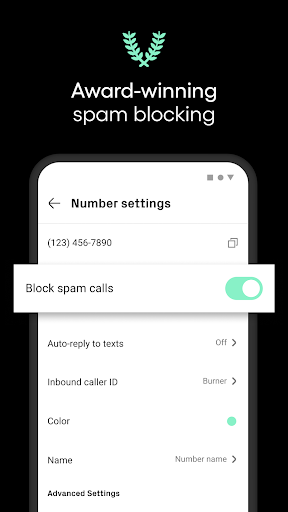
Spam Blocking: Built-in automated filtering tools stop nuisance calls and spam texts before they ever reach your screen.
Flexible Customization: Tailor your availability with a dedicated "Do Not Disturb" schedule or set up automated text replies for effortless communication.
Voicemail Support: Whenever you are unavailable to take a call, reachers can easily drop a voice recording for you to listen to later.
Upgrade to Premium for More Privileges
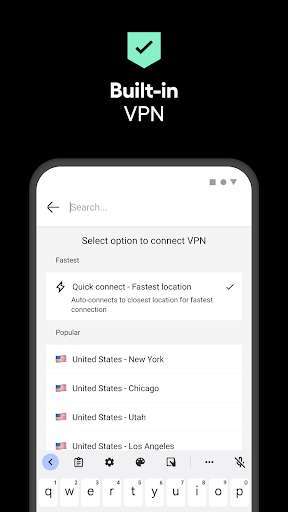
Beyond its essential toolkit, Burner offers an upgraded Premium plan that incorporates a dedicated privacy-focused VPN. Featuring an anonymous, zero-logs architecture, this VPN shields your web activity to ensure complete digital privacy.
Download Burner: Second Phone Number APK for Android
While Burner is not intended to swap out your standard carrier plan entirely, it remains an indispensable asset for guarding digital privacy. If you need a more reliable and secure way to handle everyday communications, Burner is a fantastic choice to install!
Comments
How to install
- Download the APK file above to your phone.
- Allow “Install unknown apps” when prompted.
- Open the downloaded APK and tap Install.
- If the package includes OBB/XAPK data, follow the bundled instructions.
MOD APKs are modified builds, so Play Protect may show a warning. Install only if you trust the file; use at your own risk.