

Screenshots



Description
- Home /
- Apps
Boosted Music Player Equalizer Pro 4.5
- Payment
- Apps
- Music & Audio
Boosted Music Player Equalizer Pro delivers a high-grade listening experience packed with impressive audio capabilities. Developer: Boosted. Tools for sound music and productivity | Size: 8 MB | Version: 4.5 | Requirements: Android 4.1+
- Telegram
Report App
Screenshots
MOD Info
- Full Unlocked
App Overview
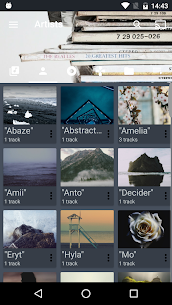
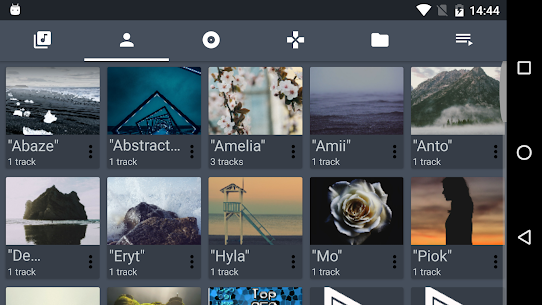
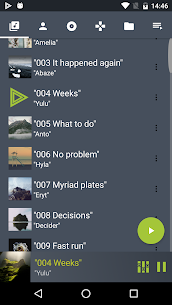
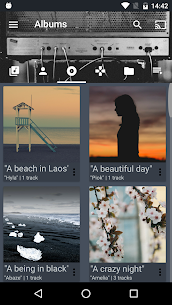
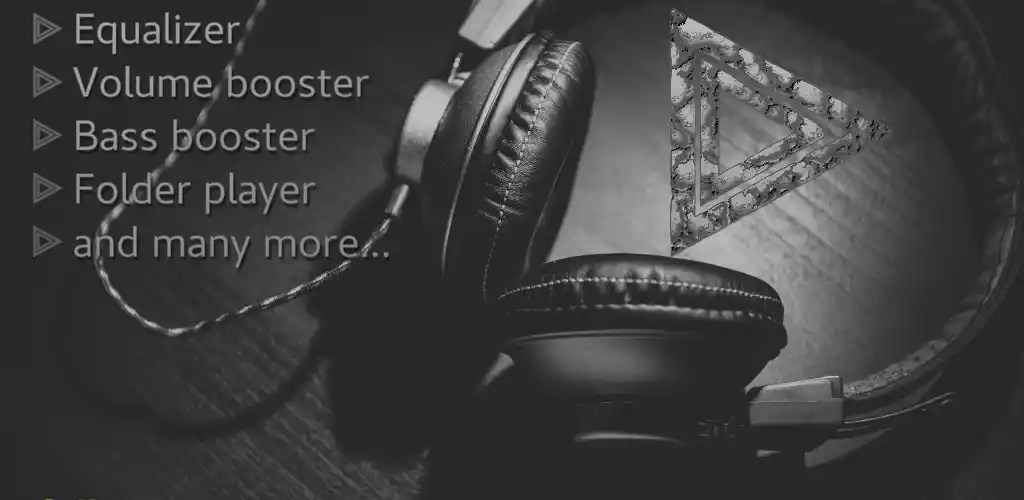
Boosted Music Player Equalizer Pro is a versatile sound player loaded with powerful audio features:
– Integrated volume amplifier – Dynamic bass enhancement – Multiband equalizer featuring custom presets tuned for various media – Directory-based audio browser – Dedicated MP3 audio player – Comprehensive playlist organizer (build and customize playback queues) – High-resolution FLAC support on compatible hardware – Wear OS / smartwatch connectivity — handle playback directly from your wrist – Android TV and Leanback integration — stream your MP3 collection to your television – Chromecast / Google Cast streaming support (experimental) — cast tunes effortlessly to external displays – Fast library search — instantly scan and filter local tracks – Lock screen playback widget – Offline audio playback — listen to saved MP3s without an internet connection – Planned updates: ID3 tag editor, custom ringtone maker, and automatic lyrics downloader
Boosted Music Player Equalizer Pro features a streamlined interface designed around responsive gesture controls, allowing smooth navigation with quick swipes.
Because the equalizer, volume amplifier, and bass booster offer exceptionally loud output, listen responsibly and monitor your volume levels carefully.
Boosted Music Player Equalizer Pro offers a completely ad-free audio environment!
Similar Applications
Poke Genie 8.19.1 Poke Genie 107.92 MB | Poweramp Music Player build-1031-uni Poweramp Software Design (Max MP) 25.21 MB Premium Unlocked | SpotiDuck 1.2.4 SpotiDuck 2.89 MB No Ads | Murglar 6.9.325-stable Murglar 22.39 MB Premium Unlocked | Play Music Files Offline App 1.5.6 Tresor Tech 43.34 MB Premium Unlocked
How to install
- Download the APK file above to your phone.
- Allow “Install unknown apps” when prompted.
- Open the downloaded APK and tap Install.
- If the package includes OBB/XAPK data, follow the bundled instructions.
MOD APKs are modified builds, so Play Protect may show a warning. Install only if you trust the file; use at your own risk.