

Screenshots


Description
BeeSpeaker Learn English
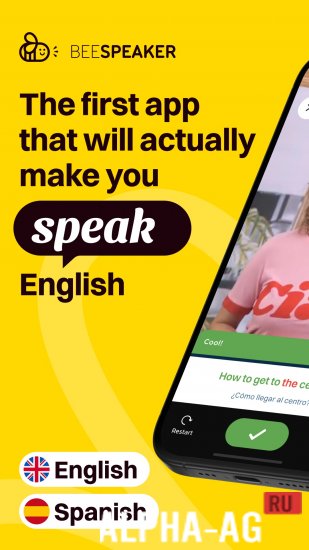
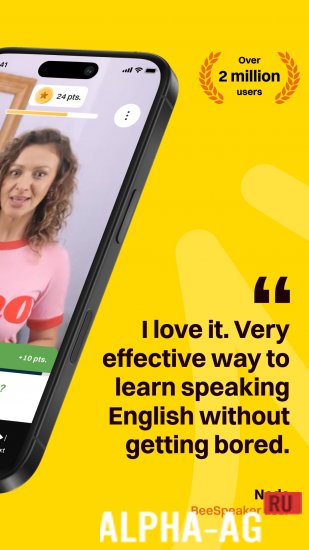
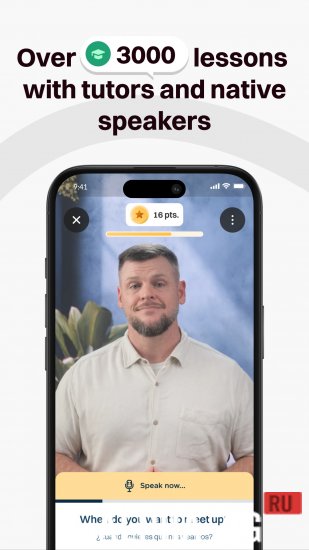
This program relies on voice control and speech recognition, so you're not just listening or reading. You take an active part in the conversation, and every phrase you say is analyzed and scored.
About the app
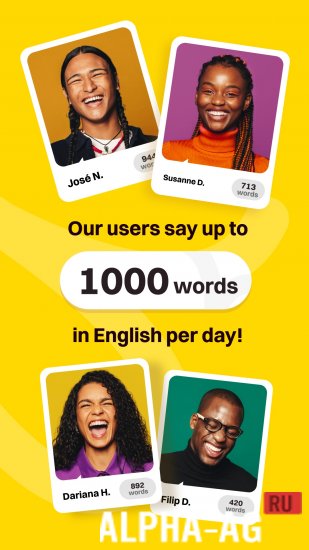
What sets this app apart is its focus on real-world communication. Instead of flashcards you forget, dry grammar charts, and repetitive drills, you get lively, interactive dialogue.
Lessons are built around everyday situations people actually face while traveling, working, or studying. Each course is split into short thematic blocks that fit easily into a busy schedule.
You can pick topics that match your goals, from core vocabulary and common expressions to grammar structures and listening practice. Video lessons are also included, where native speakers share practical tips and pronunciation details. This helps you build vocabulary and get comfortable with different accents, including British, American, and Australian.
Key features
If your pronunciation or intonation is off, the system prompts you to repeat the phrase until it reaches the required level. Learning English becomes a dynamic conversation rather than boring memorization. With every lesson you gain confidence, and the fear of making mistakes fades on its own.
This is more than an educational app. It works as a full digital communication partner that motivates you, supports you, and helps you grow in a comfortable setting.
There's no need to hunt for tutors or wade through complicated textbooks. Simply install the app and start your path toward fluent English conversation. 0 Jun 21 Additional information:
- Requires Android 8.0 or later
- Age rating: 3+
- Russian localization: available
- Cache installation: not required
App version 1.0.125 Our rating: 10 out of 10 Similar apps: Handsome: Man Makeup Photo Lifesum Speak and Translate Voice Translator Who's Calling: Caller Name Speaker Our YouTube channel
Subscribe to our YouTube channel!
Add a comment
How to install
- Download the APK file above to your phone.
- Allow “Install unknown apps” when prompted.
- Open the downloaded APK and tap Install.
- If the package includes OBB/XAPK data, follow the bundled instructions.
MOD APKs are modified builds, so Play Protect may show a warning. Install only if you trust the file; use at your own risk.