
Screenshots


Description
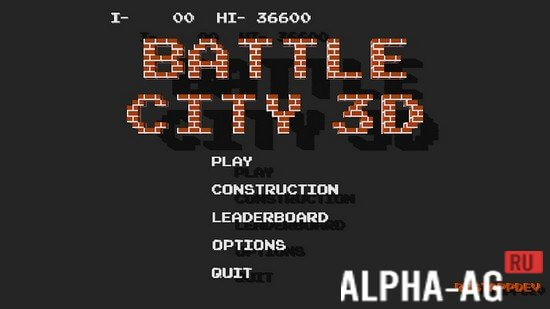
Battle City 3DDefend your eagle-shaped base, collect various power-ups, and destroy hordes of enemy tanks.
Gameplay
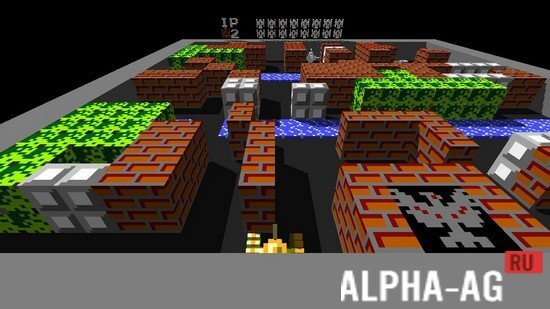
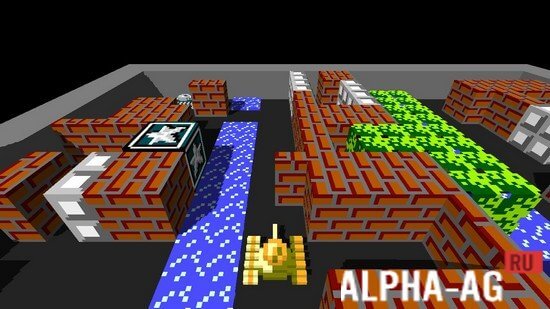
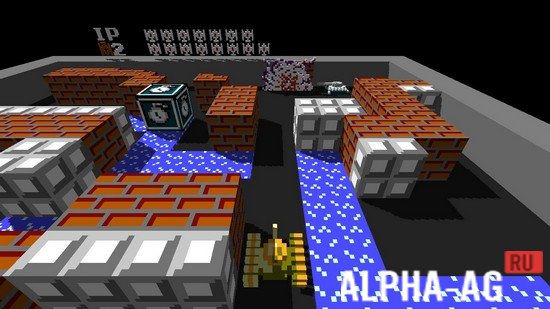
Immerse yourself in the good old atmosphere of the Dendy console and play the legendary "Tanks" game, but in a brand-new 3D rendition.
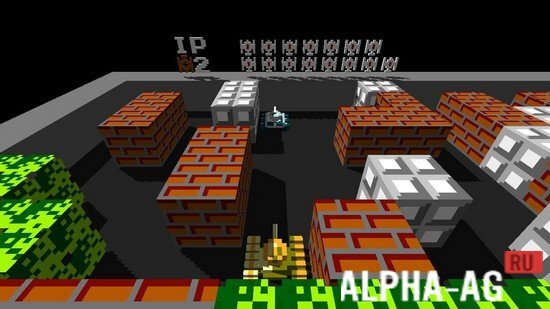
In classic mode, on each level you head onto the battlefield in a tank with three objectives set before you: destroy all enemy tanks, protect your base, and survive the battle.Doing so won't be easy, as each battlefield features various obstacles and terrain: brick walls, concrete walls, bushes, ice, and water. A brick wall is destroyed by a single tank shot, whereas a concrete wall can only be destroyed after collecting stars to upgrade your tank.
Water blocks tank movement but lets shells pass through, bushes reduce the visibility of enemy tanks and their fired shells, and ice reduces the maneuverability of your tank. On the battlefield, you will fight against 4 types of enemy tanks.
Each of them features different armor durability and movement speed. You will battle against such tank types as: basic tank, armored vehicle, fast tank, and heavy tank. Also, various power-ups will appear on the battlefield from time to time, helping you wipe out your enemies.
Game Features
In the game, several game modes will be available to you, such as classic and a special mode featuring two new power-ups.
At the same time, enemy tanks will also be able to pick up bonuses. In classic mode, you will have to beat 35 exciting levels.After beating a level, you can replay it, but the set of enemy tanks will be changed. There is also a convenient built-in editor that allows you to create your own maps and then play on them.
On our website you can download the game Battle City 3D for Android for free.
1 Mar 09 Additional information:- Requires Android version: 4.1 or higher
- Age rating: 3+
- Russian localization: none
- OBB/Cache installation: not required
Subscribe to our YouTube channel!
Add a commentHow to install
- Download the APK file above to your phone.
- Allow “Install unknown apps” when prompted.
- Open the downloaded APK and tap Install.
- If the package includes OBB/XAPK data, follow the bundled instructions.
MOD APKs are modified builds, so Play Protect may show a warning. Install only if you trust the file; use at your own risk.