
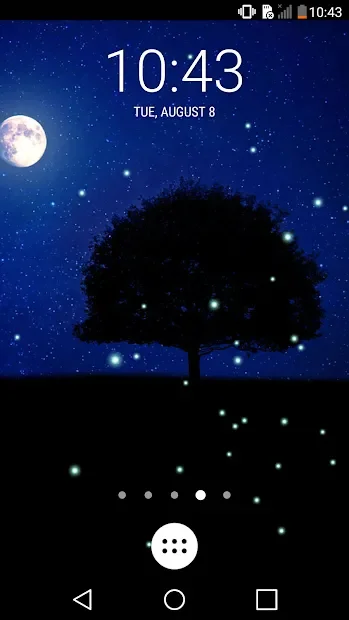
Screenshots

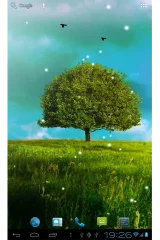
Description
Awesome Land 2 Pro- Updated 7-03-2018, 16:19
- Version 1.0.7
- Build number 8
- Requirements Android 2.2+
- Genre Live Wallpapers
- Price Free


After installation, the app does not create a shortcut, so to change the wallpaper you should use the methods provided by the Android developers. Often, this is a long tap on the home screen, after which a special menu appears to select the screen saver.
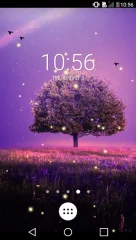
Nevertheless, Awesome Land 2 Pro contains a number of settings for personal customization. Thus, if a user likes a particular landscape, it can be fixed to make it static. By default, backgrounds change dynamically, which is not suitable for everyone. You can also set a time interval for changing the background images.
There is also an option to add or remove birds fluttering over the trees, as well as customize their number, intensity, and flight speed. For a more spectacular animation, glowing particles have been added, the placement of which can also be adjusted.
Overall, Awesome Land 2 Pro - wonderful live wallpaper that will appeal to nature lovers. Beautiful animation, changing time of day, and a rich selection of settings offer a fresh look at your smartphone or tablet home screen. Can't download? Installing games and apps Installing games with cache / OBB How to take a screenshot How to install APKS
How to install
- Download the APK file above to your phone.
- Allow “Install unknown apps” when prompted.
- Open the downloaded APK and tap Install.
- If the package includes OBB/XAPK data, follow the bundled instructions.
MOD APKs are modified builds, so Play Protect may show a warning. Install only if you trust the file; use at your own risk.