
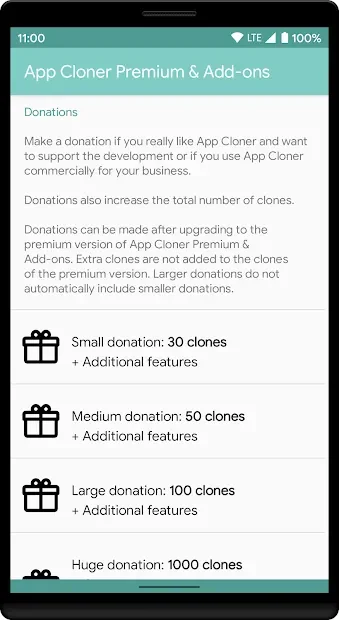
Screenshots

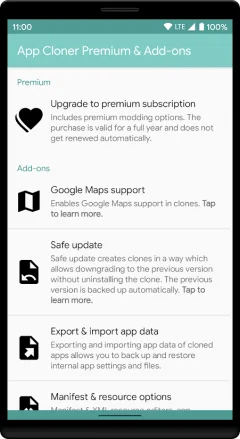
Description
App Cloner Premium & Add-ons
- Updated 1-02-2021, 13:48
- Version 2.9.0
- Build Number 20120414
- Requirements: Android 4.1 and up
- Genre: Miscellaneous
- Price: Free
Get the App Cloner Premium & Add-ons APK, a handy tool that lets you duplicate apps already installed on your phone. With it, you can put several identical app icons on your home screen and run each copy separately from the others. Cloning is especially useful if you juggle multiple accounts in the same app, such as social media profiles. Every clone keeps its own settings, which makes switching between them easy in everyday use. Trouble downloading? Installing games and apps, Installing games with OBB/data cache, How to take a screenshot, How to install APKS
How to install
- Download the APK file above to your phone.
- Allow “Install unknown apps” when prompted.
- Open the downloaded APK and tap Install.
- If the package includes OBB/XAPK data, follow the bundled instructions.
MOD APKs are modified builds, so Play Protect may show a warning. Install only if you trust the file; use at your own risk.