
Screenshots

Description
Wifi AnalyzerWith this application, you will be able to perform a quality analysis of the WiFi wireless network, which your device will detect. In just a few seconds, you can get detailed information about channel congestion and network signal quality.
Gameplay
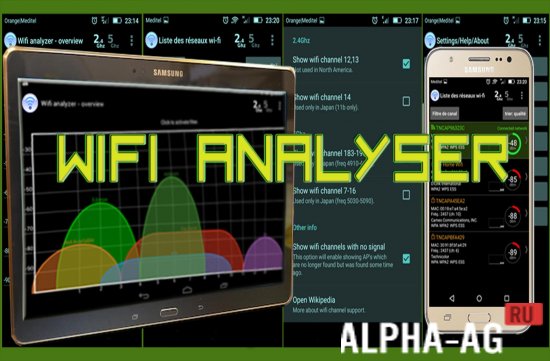
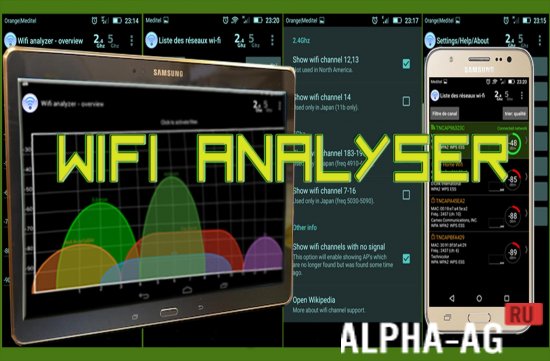
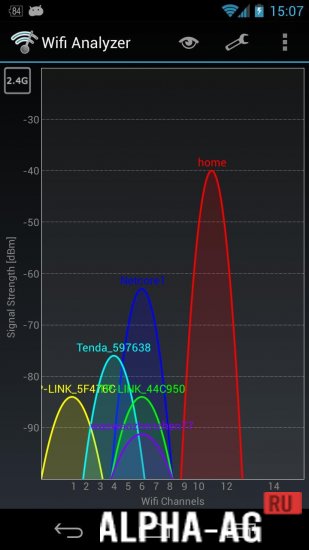
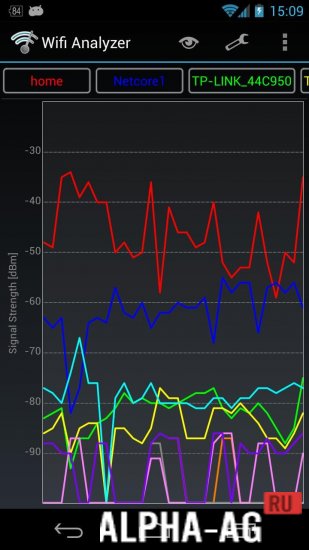
Upon launching the application, a graph of channels will immediately appear on the main screen, where you can see all nearby WiFi wireless networks with their signal quality.
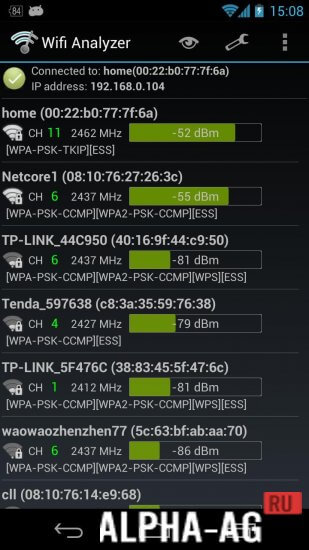
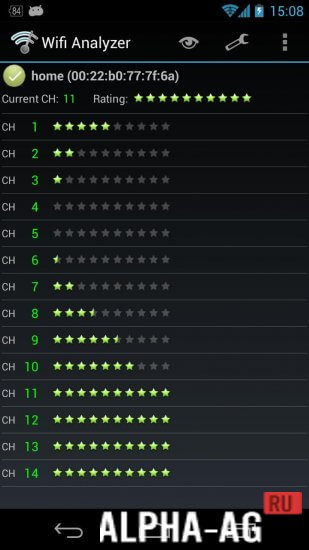
Thanks to this, you can choose which channel to connect to in order to get the best data transfer speed.In the channel rating tab, you will see which channel is best to connect your router to and which channels are most busy. By going to the “List AP” tab, you will see all available wireless networks and see which of them are open or password protected.
You can also view their encryption, signal strength, data transfer rate, and which channel and frequency they are on.
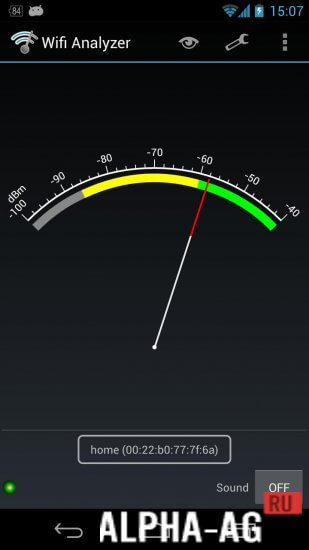
You can also use this application to find so-called “dead zones” in your network where the signal from your router does not reach.Key Features
A sufficient and useful program that will help you choose which of the nearest WiFi wireless networks to connect to in order to get the best signal quality. With this application, you can determine many characteristics.
Here you can see the number of available nearby wireless networks, their degree of congestion, strength, and signal quality. All information will be displayed to you in the form of a simple graph, which makes the analysis quite convenient.
0 Nov 21 Additional information:- Required Android Version: 6.0 or later
- Age Restrictions: 3+
- Russian Localization: Present
- Cache Installation: Not Required
Subscribe to our YouTube channel!
Add a CommentHow to install
- Download the APK file above to your phone.
- Allow “Install unknown apps” when prompted.
- Open the downloaded APK and tap Install.
- If the package includes OBB/XAPK data, follow the bundled instructions.
MOD APKs are modified builds, so Play Protect may show a warning. Install only if you trust the file; use at your own risk.