

Screenshots
Description
Automate your messaging with WhatAuto! Set up custom auto-replies, build smart bots, and stay in touch even when you're busy or on the road. Quick, simple, and smart!
The Whatauto MOD APK unlocks all premium features from the start, so you won't need to make separate in-app purchases. This version gives you immediate access to advanced automation tools and the full bot builder as soon as you install it.
What's Modified in Whatauto
- Premium status is fully unlocked, giving you access to the advanced bot builder and scheduling features with no in-app subscription required.
This build of Whatauto MOD APK is version 4.60, around 29 MB, with the package name com.guibais.whatsauto. Because it is a re-signed file, it cannot be installed as an update over a copy downloaded from the official store.
About Whatauto
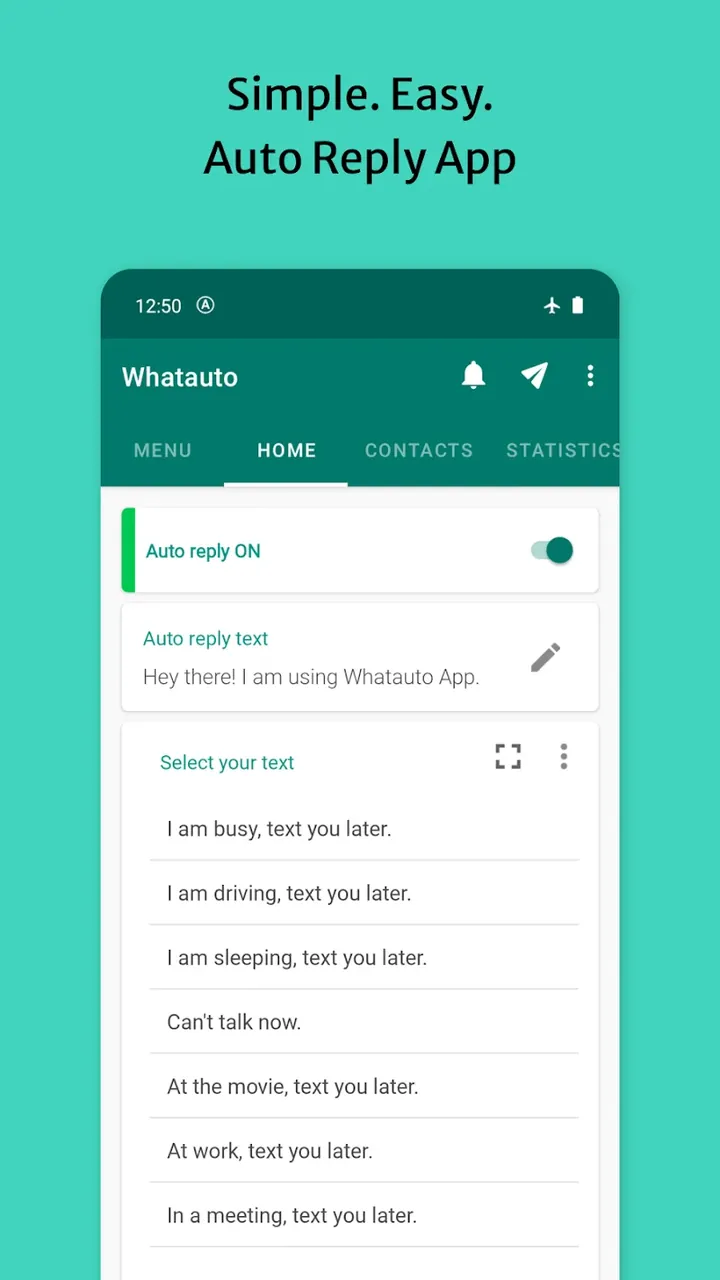
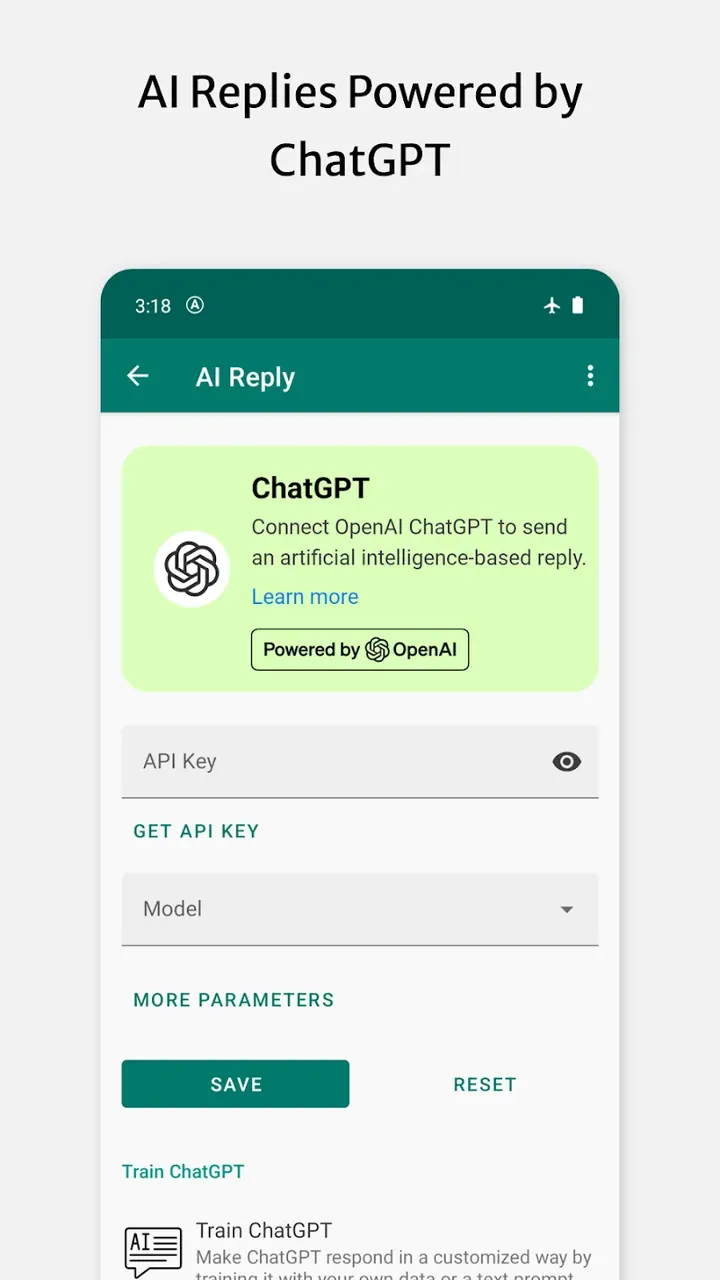
Whatauto – Auto Reply helps you take back your personal time by managing your digital conversations more effectively. It acts as a handy digital assistant that eases the pressure of a constant stream of messages. It suits both individuals who want more control over their time and business owners who need to handle large numbers of customers efficiently. Whatauto – Auto Reply achieves this with artificial intelligence and advanced natural language processing, offering a sophisticated yet easy-to-use messaging automation solution. It handles conversations on your behalf so you can stay professionally connected with your audience without being tied to your phone. With Whatauto – Auto Reply, your smartphone becomes an essential productivity tool.
The app includes a feature called Instant Automation, which lets you switch the auto-reply system on with a single tap. This makes it much easier to handle high volumes of messages, since you don't have to type each reply by hand. For people who are often on the move, the AI-powered Driving Mode detects when you're behind the wheel and automatically replies to messages on your behalf, so you can concentrate on the road. Driving Mode is built for safety and peace of mind, making sure your contacts still get a response. The developer's aim is to deliver a versatile, AI-supported communication automation app that combines safety with constant connectivity for today's mobile users.
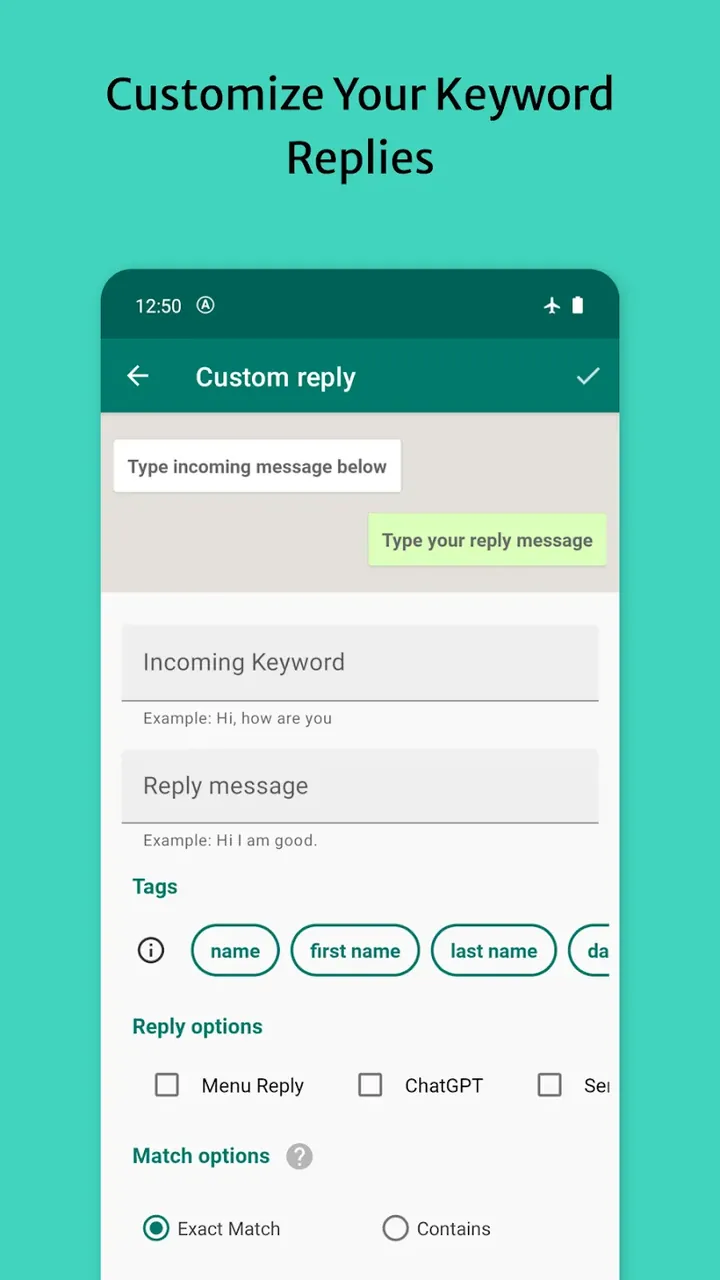
For more complex interactions, the Advanced Bot Builder lets you create chatbots without any programming knowledge. Smarter bots tend to provide more value to the people messaging you, since they can respond to more nuanced questions. The builder uses an intuitive Logic Engine to drive bot behavior, and triggers can be set to match exactly or by similarity. Similarity triggers allow the bot to understand questions that vary in wording from your keyword. You can also create triggers to improve response speed. The software is designed so you can build professional-grade messaging bots in seconds, greatly reducing the manual effort needed to answer repetitive messages.
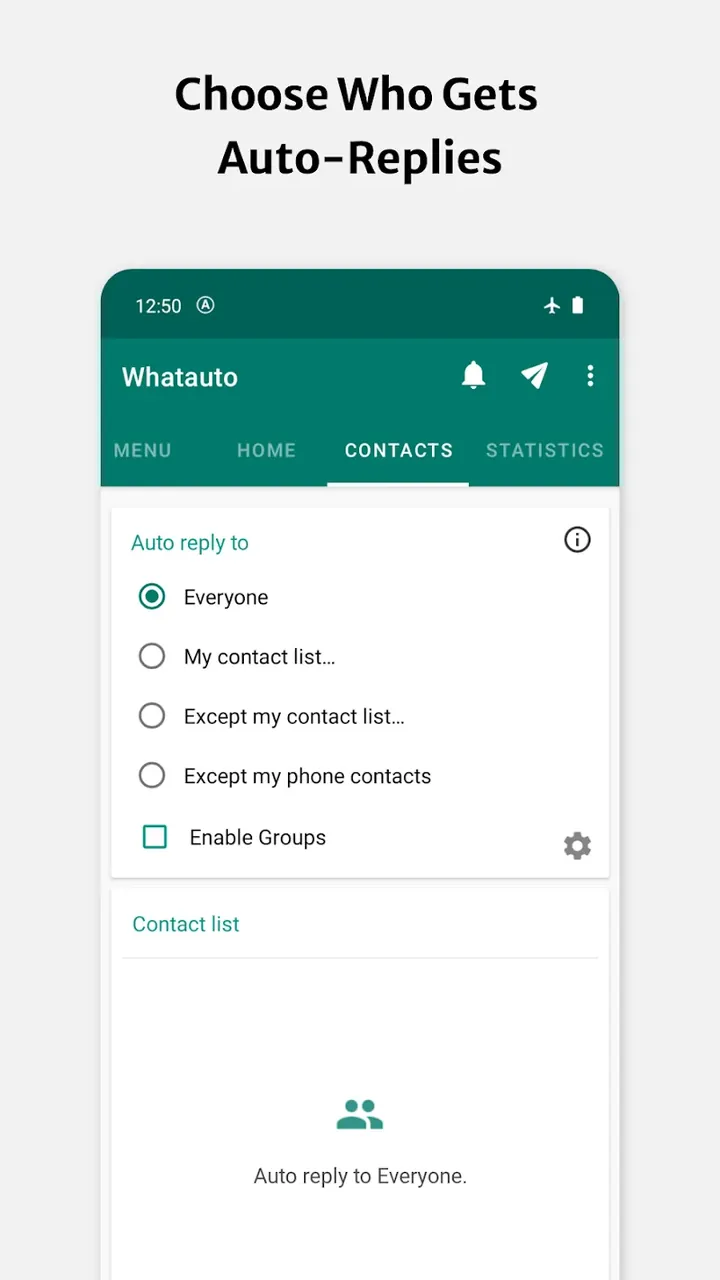
You stay in control of automated replies through Granular Contact Management. You can filter responses by individual contact or by group, and exclude your favorite contacts entirely. Automation works best for the routine, professional, or repetitive parts of your day, while you keep a personal touch for everything else. Dynamic Scheduling lets you manage your availability and link automation to a range of other tasks. You can set the app to run at specific times, such as during work hours or gym sessions, so it replies on your behalf whenever you don't want to be interrupted.
Setting up the app involves defining how and when a response is sent. First, you define a Trigger, which is a keyword or message that automatically starts an action. Next, you write the response using a custom editor. The editor lets you dynamically insert various pieces of text, which the app calls variables. Examples include the sender's name and the time of day. Adding these variables makes automated messages feel more personal instead of robotic. The app also offers a Delay Timer, which, like the dynamic variables, helps replies feel more natural. Together, this logic and automation system turns an ordinary smartphone into a more sophisticated communication device.
This tool's Universal Multi-App Support works with the most popular messaging platforms, including WhatsApp, Telegram, and Messenger. It gives users one consistent way to communicate across all of them. The company describes the app as a tool for improving daily life. Its goal is to offer users "digital freedom" by using smart automation to manage both their professional and personal conversations. Its straightforward yet capable computer-automated-phone (CAP) technology puts users in charge of their online presence. All they need to do is set up their communication strategy, and the technology handles the rest. With CAP, a user's digital presence stays managed while they focus their full attention on real-life activities.
Key Features
- Instant Automation
- Smart Driving Mode
- Advanced Bot Builder
- Granular Contact Management
- Dynamic Scheduling
- Universal Multi-App Support
- Logic Engine
- Custom Editor with Dynamic Variables
- Delay Timer
Related MOD APKs
- WhatsAuto – Reply App
- Truecaller
- Telegram
- Truecaller
FAQ
Is Premium Unlocked in Whatauto – Auto Reply MOD APK?
Version 4.60 of Whatauto – Auto Reply comes with Premium Unlocked. It works just like the original Bringar Apps release, and the extra features become available right after installation.
What Is the Latest Version of Whatauto – Auto Reply MOD APK?
Version 4.60 matches the Bringar Apps release from July 5, 2026. We don't host older versions here. To update, install this file over your current one. If you see a signature conflict, uninstall the previous build first.
Is Whatauto – Auto Reply MOD APK Safe to Download?
This 4.60 build of Whatauto – Auto Reply from Bringar Apps only adds Premium Unlocked. It has a 4.7 rating from 7 users. Root access is not required. You may see a Play Protect warning, so always download it from this page.
Can I Use Whatauto – Auto Reply MOD APK on PC or iPhone?
This Android package won't run on iPhone or iPad. To use the 29M APK on a computer, install an emulator such as BlueStacks or LDPlayer, then drag the file into the program window.
How to install
- Download the APK file above to your phone.
- Allow “Install unknown apps” when prompted.
- Open the downloaded APK and tap Install.
- If the package includes OBB/XAPK data, follow the bundled instructions.
MOD APKs are modified builds, so Play Protect may show a warning. Install only if you trust the file; use at your own risk.