

MOD features
- Subscription Features Unlocked
- Video Wallpapers Unlocked
- Multiple Languages
- AOSP Compatible (No Google Services Needed)
- CPUs: armeabi-v7a, arm64-v8a, x86, x86_64
- Debug Info Removed
Screenshots

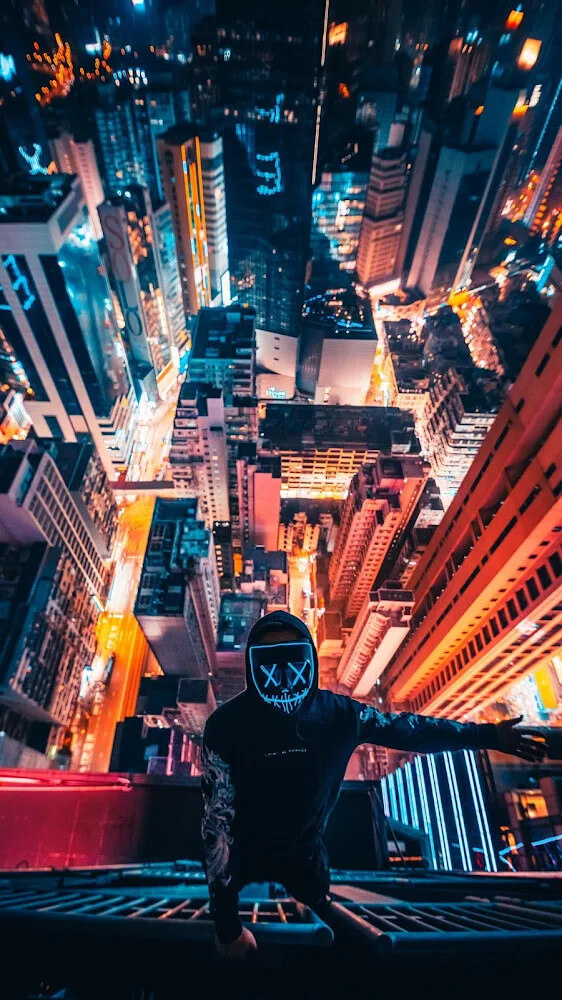
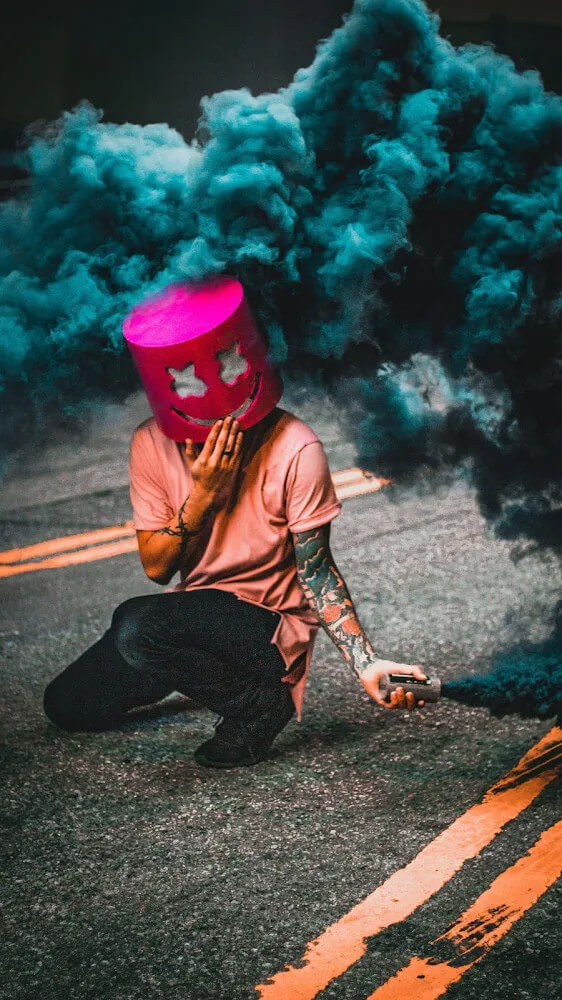
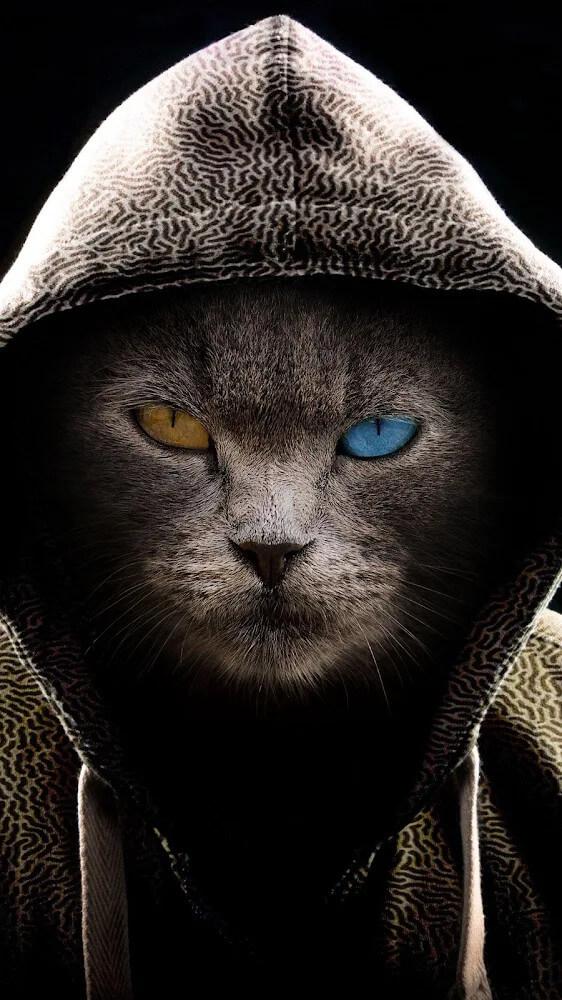
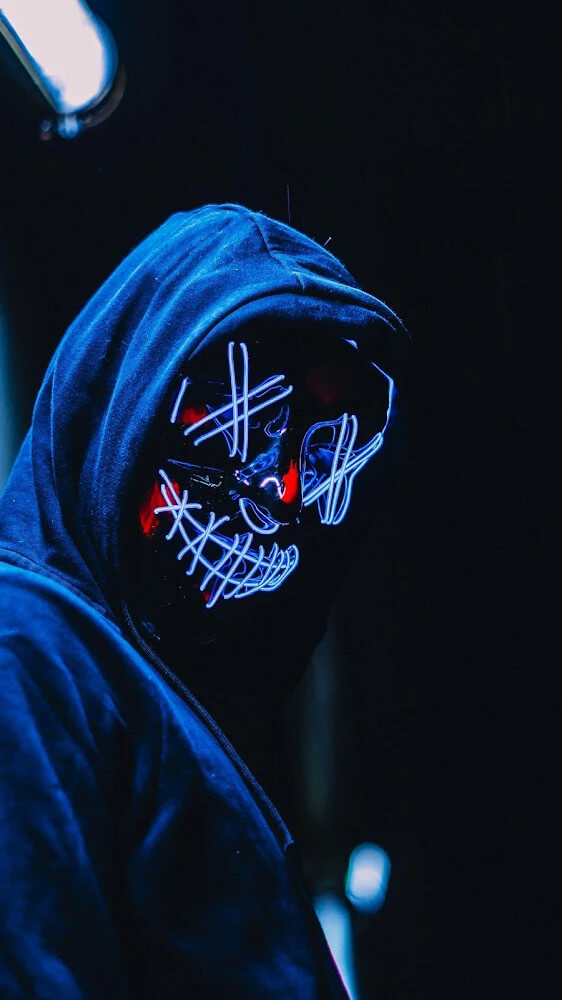

Description
Wallcraft MOD APK only shows wallpapers and backgrounds that suit your screen size. Every photo is high quality, with HD resolutions from 4K up to 8K.
This Wallcraft MOD APK is a modified version of the personalization app with the subscription features unlocked. You can reach premium content and tools that normally require a paid subscription, without buying an active account. This version makes it easier to browse the full high-resolution image library.
What's Modified in Wallcraft
- Subscribed Unlocked: Gives you full access to the app's premium subscription tier.
This build is version 3.62.0, around 67 MB, and uses the package name com.wallpaperscraft.wallpaper. Because it is re-signed, it cannot be installed as an update over the official store version.
About Wallcraft
Wallcraft is a wallpaper library whose main strength is finding wallpapers that fit your device and making them easy to set. When you launch the app, it reads your device's display resolution and aspect ratio, then searches its database using those details. Since every wallpaper's resolution and aspect ratio are known before it is shown, the app can ensure the picks work as-is. Depending on your phone and the tool you use to set wallpapers, cropping or resizing can reduce image quality, and Wallcraft helps avoid that. The app stores this display information the first time it runs, so every wallpaper it suggests afterward is sized correctly. In short, it learns your screen's limits on first launch and only offers wallpapers that will fit. It may also optimize wallpapers for your display to help improve their quality.
The app gives you access to a huge collection of images, so you can find plenty of options for your interests. Resolutions go up to 4K, which is especially useful if you have a high-resolution screen. Sharp images need a quality display to look their best, and the images here meet that standard. The collection is organized for easy searching, and you can browse the catalog to find what you like. The app supports multiple input methods and doesn't require any special skills to use. The homepage features a selection of images and other media. You can set your preferred image and media quality standards, and the content meets them, giving you a better experience than many other apps.
A service stands out when it regularly updates its content, and for Wallcraft that content is its wallpapers. The team keeps an eye out for emerging wallpaper styles and adds them to the library, keeping the collection in step with current design trends. Users value services with the latest designs, so the library should be refreshed as often as possible. Consistently adding new items keeps the service engaging. As mentioned earlier, filters limit results to wallpapers that match the device you're using, so you don't have to worry about a wallpaper not fitting your screen. New wallpapers are chosen to match user preferences and needs as closely as possible, which is especially appreciated by people who like to change their wallpaper often.
Personalizing your device is effortless with this application, as custom wallpaper setup is built straight into its core design. Once you pick an image you love, you can apply it directly to your lock screen, home screen, or both with just a tap. The app cuts out unnecessary steps, focusing on a fast, streamlined experience from browse to set. Behind the scenes, it automatically adapts each image to match your phone's exact aspect ratio—ensuring high-resolution visuals look sharp and fill the display without stretching. Unlike stock photo galleries that overlook hardware differences, this tool handles all sizing and scaling adjustments intelligently, giving you a seamless way to refresh your phone's look anytime.
Engineered for broad compatibility across diverse Android devices, the platform optimizes its catalog around your phone's unique hardware and display resolution. While available selections may vary slightly by model, frequent updates continuously expand library access for everyone. By detecting your screen specs and tailoring suggestions to your device's limits, the app delivers a finely tuned personal catalog. Even owners of older or budget smartphones get to enjoy crisp, well-fitted backgrounds without performance hiccups or awkward aspect ratios.
Featuring an expansive library, the collection caters to every aesthetic—from clean, minimalist patterns to rich, intricate designs. Regular updates push the envelope on 4K Ultra HD content, preventing the blurriness, distortion, and pixelation often caused by low-grade source files or aggressive downsampling on larger screens. Built-in discovery tools also make it easy to follow top wallpaper trends and pinpoint popular artwork. With instant screen detection and tailored image fitting, transforming your Android background with studio-grade art takes just seconds.
Key Features
- Discover premium wallpapers tailored for your device
- Smart detection for hardware specs and screen resolution
- Filter high-res backgrounds by aspect ratio
- Crisp, Ultra HD visual selections with full 4K support
- Fresh updates showcasing the latest wallpaper trends
- One-tap setup for both home and lock screens
- Rich, diverse gallery covering every visual style
Related MOD APKs
- Glassify – Widgets & Themes
- Niagara Launcher
- ZEDGE
- Material You Widgets
FAQ
What does Wallcraft MOD APK unlock?
This Wallcraft 3.62.0 release comes with Subscribed Unlocked, delivering all the features of the official WallpapersCraft | WallCraft app with premium perks instantly enabled right after installation on GameMod.dev.
What is the latest version of Wallcraft MOD APK?
Version 3.62.0 aligns with the WallpapersCraft | WallCraft build updated on July 4, 2026. GameMod.dev only offers the newest releases. To update your setup, install this APK directly over your current build, or perform a clean install if you run into any signature mismatch issues.
Is Wallcraft MOD APK safe to download?
Yes, this Wallcraft 3.62.0 package hosted on GameMod.dev features the verified WallpapersCraft | WallCraft application with Subscribed Unlocked enabled, boasting a 4/5 rating from 122 users. No root access is necessary. If Google Play Protect shows a prompt, you can safely proceed when downloading straight from GameMod.dev.
Can I use Wallcraft MOD APK on PC or iPhone?
This APK file is built exclusively for Android and cannot be installed on iOS devices like the iPhone. To run this 67M package on a PC, launch an Android emulator such as BlueStacks or LDPlayer and simply drag and drop the APK file into the emulator window.
How to install
- Download the APK file above to your phone.
- Allow “Install unknown apps” when prompted.
- Open the downloaded APK and tap Install.
- If the package includes OBB/XAPK data, follow the bundled instructions.
MOD APKs are modified builds, so Play Protect may show a warning. Install only if you trust the file; use at your own risk.