

Screenshots
Description
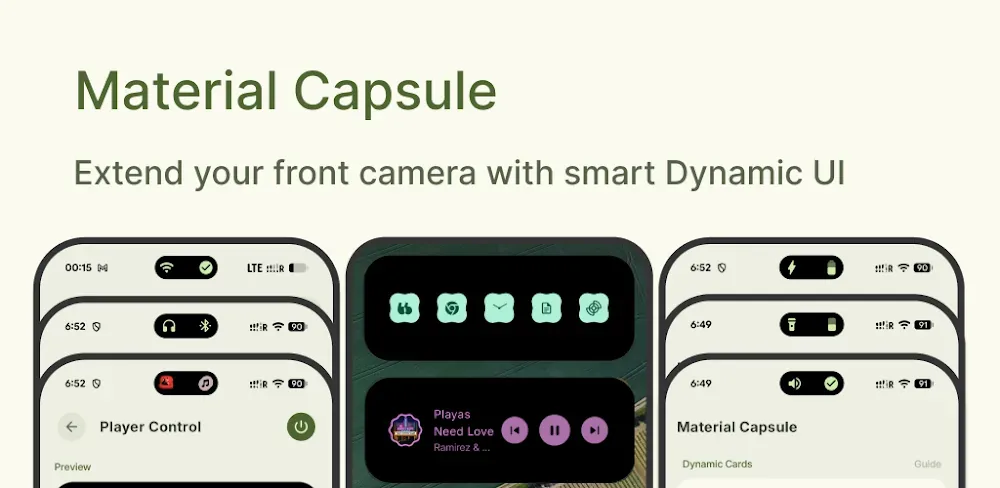
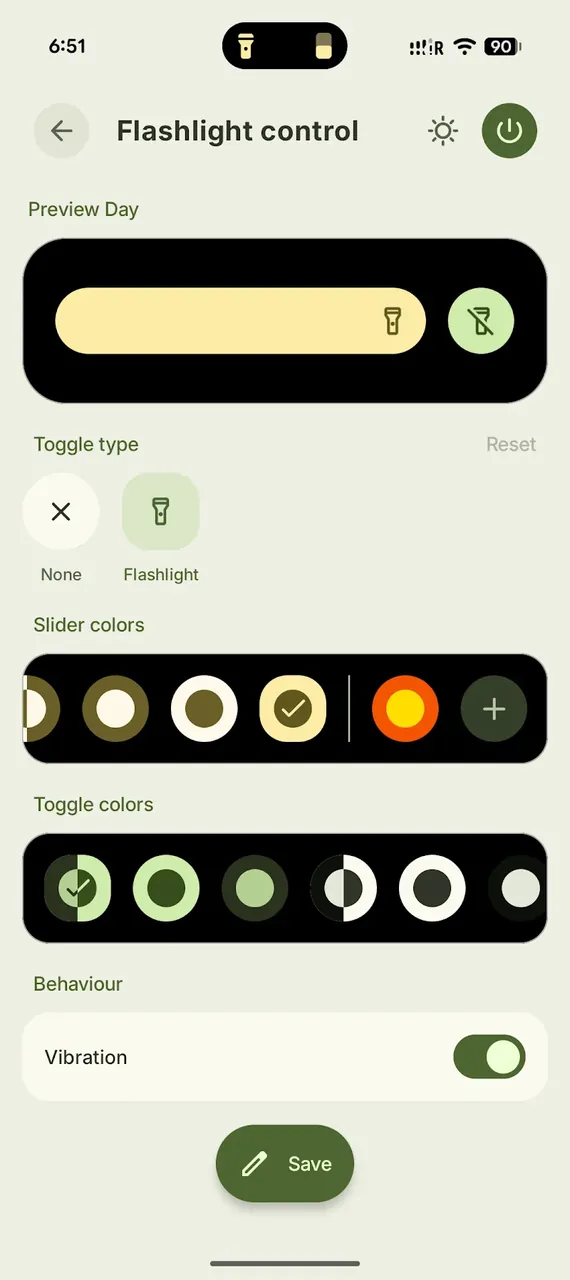
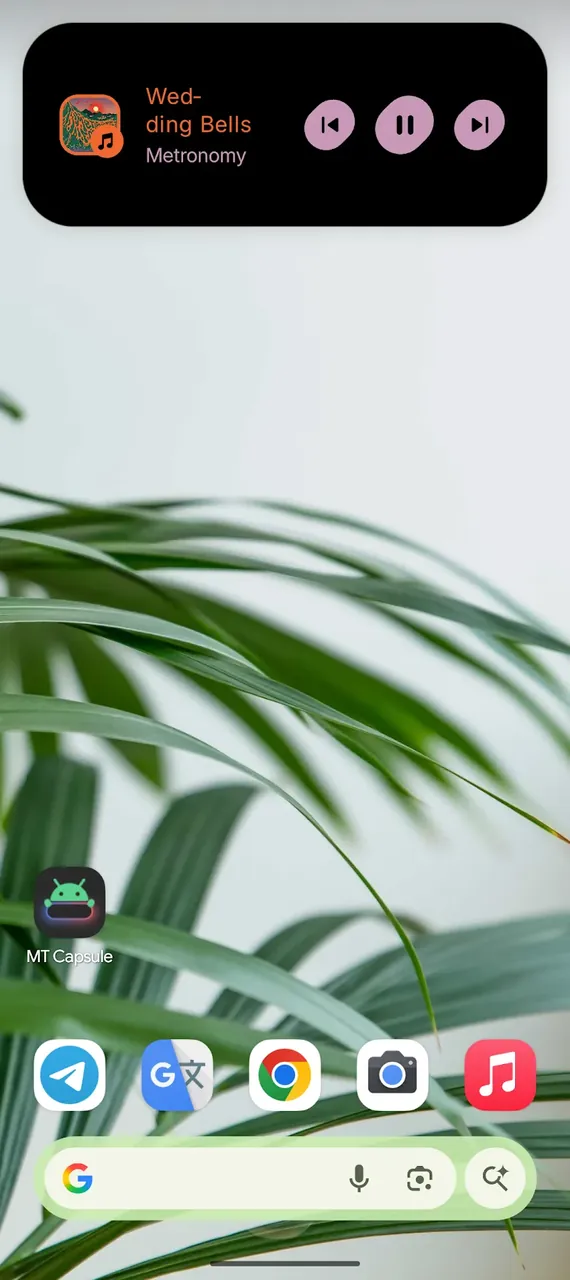
Give your Android a fresh look with Material Capsule MOD APK! Turn your camera cutout into a stylish, dynamic hub for alerts, media controls, and Material 3 animations.
This build makes the premium features fully available from the very start. With Material Capsule MOD APK, you can reach advanced customization options and interaction modes that are normally locked in the standard release.
What's Modified in Material Capsule
- The premium features inside the app are unlocked for instant use.
This build is version 15.5, weighs 27M, and uses the package name com.pryshedko.mtisland. It is a re-signed file, so it cannot be installed as an update over the version from the official store.
About Material Capsule
This app adds an extra layer of interaction to the interface you already use on your phone. Material Capsule MOD APK builds on the front-facing camera cutout, placing its features in the spot where you interact with apps most often. Following the Expressive Design principles of Material Design 3, the software lets you personalize elements such as shape and color. It turns the camera cutout, which is often ignored or hidden, into something useful, offering a more intuitive experience than plain, static notification lights. By blending hardware and software, it delivers a more complete mobile interface experience that shows essential device information and alerts you to recent system activity and events.
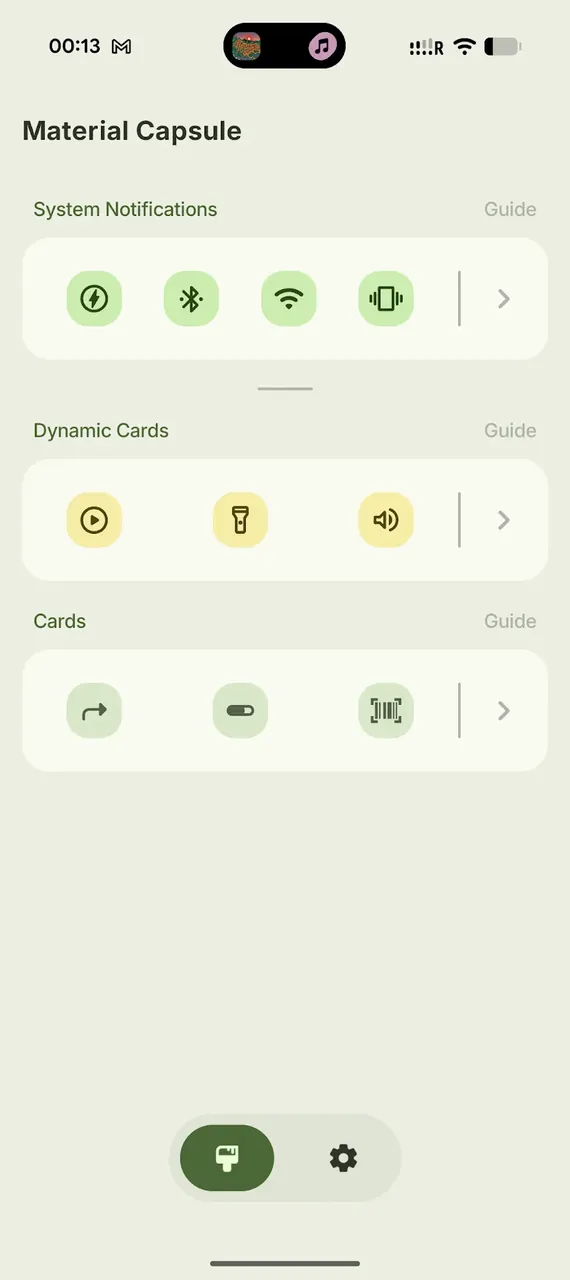
The capsule can generate notifications based on how your device or connected apps behave. These alerts are designed to catch your attention without interrupting what you are doing. For example, the capsule can show battery status as an overlay on its surface. System notifications and capsule messages can be managed from the hub. Several animations are built in to make interacting with the capsule feel natural, and notification styles follow your existing design theme. Animations are kept as short as possible to preserve a clean look, and a loading bar animation can appear while the capsule is charging.
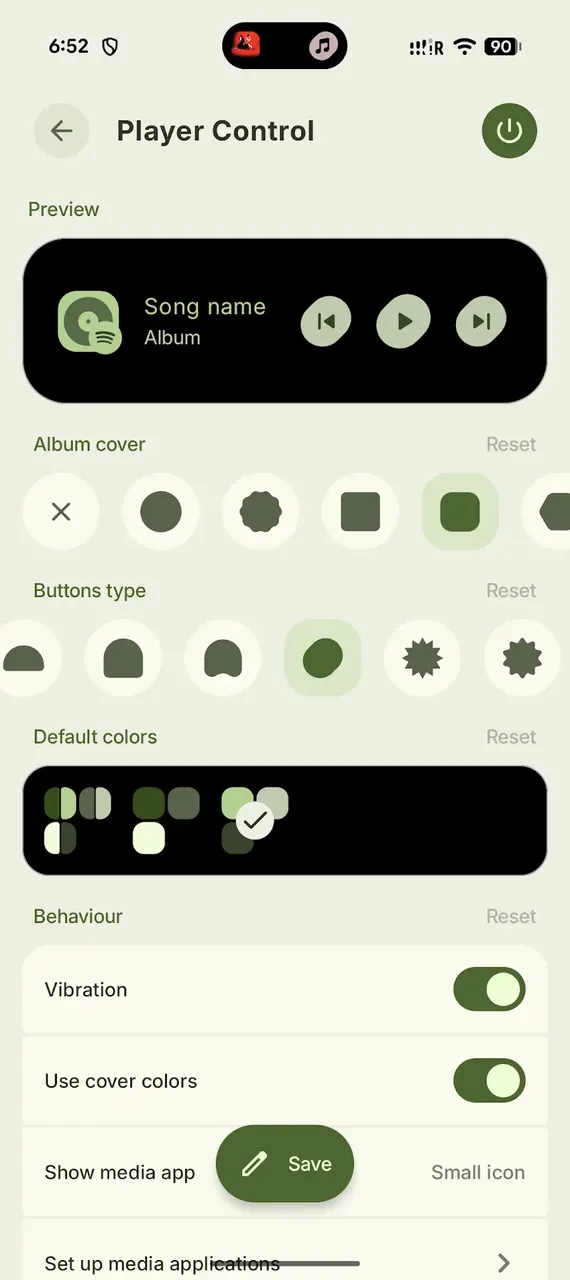
The app lets you manage media by adding media player controls to the overlay. You can add music and video player apps to control playback directly, with buttons to play, pause, and skip tracks. This makes handling media quicker than digging through system controls. Gestures add even more shortcuts: assign a long press or double tap to actions such as adjusting media volume, taking a screenshot, or launching apps. By mapping gestures to tasks that would normally take several steps, the software simplifies how you control your device.
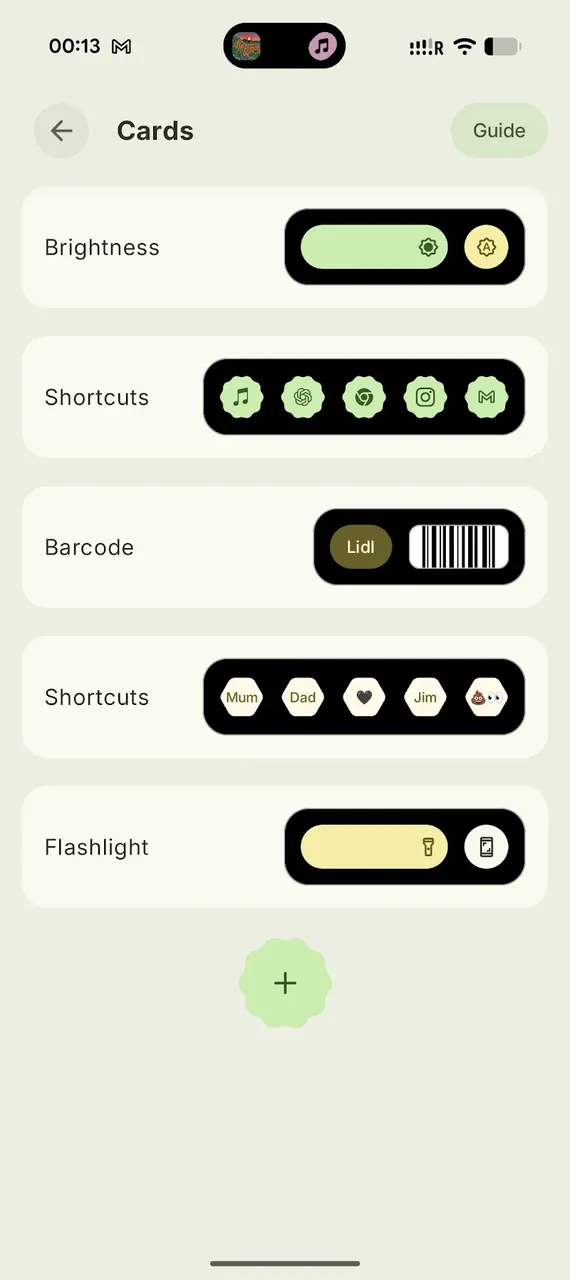
The software includes an Advanced Mode for changing how you interact with its controls. For instance, you can map a camera app shortcut to a tap on a specific area of the capsule (the camera cutout), or assign a long press to open a personal barcode for mobile payments or sharing social content. For maximum control, you get many options and settings, from colors and other visual controls in the interface to animation speeds and sizes. These options let you tailor the software to your hardware features and improve the overall look and feel of your device.
The app is optimized so it does not slow down the device it runs on. Animations render at 60 frames per second for smooth motion. Background processes are kept efficient to avoid draining the battery or hurting device responsiveness. The app is also designed to work alongside similar apps, including Edge Lighting and aodNotify, as long as notification enhancement tools do not consume excessive system resources. Some features require accessibility permissions, which the app requests to enable smooth motion and other functions.
The Material Capsule MOD APK lets you rethink how you use your Android device. You are no longer stuck with a fixed interface. With this app, you can fully redesign your Android home screen into a modern, highly practical layout. Your home screen responds to touch and gestures in many ways, offering a faster and more connected experience. Built around Material You design principles, it lets your home screen reflect your personality, with a fluid interface that shifts as you interact with it. Instead of a static, lifeless screen, you get a device that responds to you.
Key features
- Dynamic Camera Integration
- Material 3 Expressive Design
- Advanced Media Controls
- Smart Notification System
- Deep Customization
- Intuitive Gesture Support
- Advanced Mode
- Edge Lighting and aodNotify integration
Related MOD APKs
- MaterialPods
- MovieBox ID: Watch Movies, TV Series, K-Dramas & Anime for Free
- KWGT Kustom Widget Pro
- SnapTube
FAQ
Is Premium unlocked in Material Capsule MOD APK?
Yes, this Material Capsule 15.5 build comes with Premium unlocked. It works just like the original Pryshedko-Dev release, with all modifications active right after installation.
What is the latest version of Material Capsule MOD APK?
Version 15.5 matches the Pryshedko-Dev release dated August 17, 2026. We do not keep older versions on GameMod.dev. To update, install this file over your existing app. If you run into a signature error, uninstall the previous version first.
Is Material Capsule MOD APK safe to download?
This Material Capsule 15.5 build from Pryshedko-Dev includes Premium unlocked and has a 3.8 rating from 143 users on GameMod.dev. It does not require root access. You may see Play Protect warnings during setup, which you can safely ignore, but always download from this page.
Can I use Material Capsule MOD APK on PC or iPhone?
This is an Android file and will not run on iPhone. To use the 27M package on a computer, install an emulator such as BlueStacks or LDPlayer, then drag and drop the file into it.
How to install
- Download the APK file above to your phone.
- Allow “Install unknown apps” when prompted.
- Open the downloaded APK and tap Install.
- If the package includes OBB/XAPK data, follow the bundled instructions.
MOD APKs are modified builds, so Play Protect may show a warning. Install only if you trust the file; use at your own risk.