
Screenshots

Description
Gamblox Modded
Step into the shoes of a creative developer in this casual sandbox simulator, where you can craft custom mini-games from scratch, fine-tuning everything from storylines and titles to unique characters and fierce monsters.
Gameplay
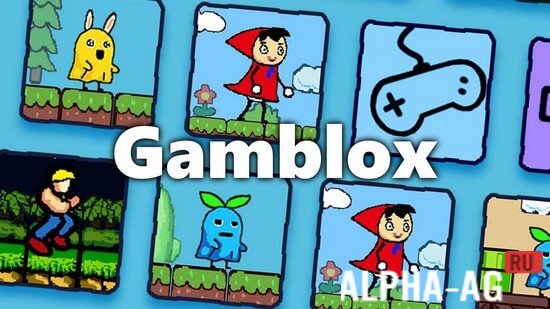
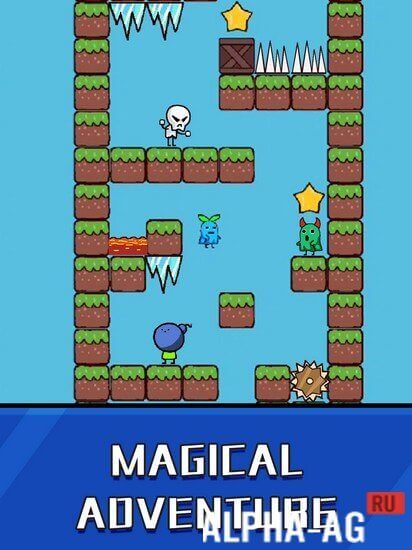
Right upon launching the application, you can dive into an extensive library packed with community creations across multiple genres, including retro platformers, story-driven arcade quests, and straightforward RPG adventures.
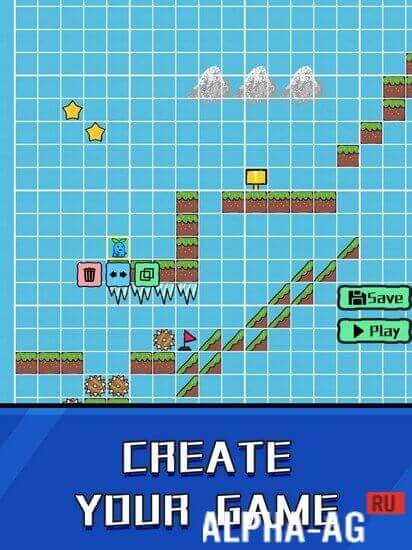
Alternatively, tap into your artistic vision and build games from the ground up. Take advantage of an intuitive creator toolkit that lets you sketch layouts, construct stages, design heroes, place traps, and craft challenging foes...
Finishing in-game objectives earns you valuable bonuses and resources. Before releasing your masterpiece, outline your storyline and play through the entire game yourself to verify it before publishing it to the public library for global players to explore.
Furthermore, a dedicated leaderboard showcases top-tier creators who build outstanding projects and achieve impressive high scores.
Game Features
Enjoy a broad selection of lightweight retro-styled titles that classic arcade enthusiasts will love. The highlight remains the comprehensive built-in workshop, letting you produce original mini-games and share them effortlessly with friends and the community.
Additional Information
- Requires Android: 5.0 and up
- Content Rating: 16+
- Language Support: English only (No Russian)
- OBB Data: Not required
Game Version: 1.3.0 | Online Mode: No | GameMod.dev Rating: 7/10 | Related Titles: Developer Simulator, Case Simulator for Standoff 2, Hacker Simulator: Story Game, Movie Studio Simulator
Follow Our Channel
Leave a Comment
How to install
- Download the APK file above to your phone.
- Allow “Install unknown apps” when prompted.
- Open the downloaded APK and tap Install.
- If the package includes OBB/XAPK data, follow the bundled instructions.
MOD APKs are modified builds, so Play Protect may show a warning. Install only if you trust the file; use at your own risk.