
Screenshots

Description
Network Cell Info Modded
This tool lets you pinpoint nearby carrier cell towers, track cellular reception strength, and inspect adjacent sectors linked to the serving base station.
Overview & Interface
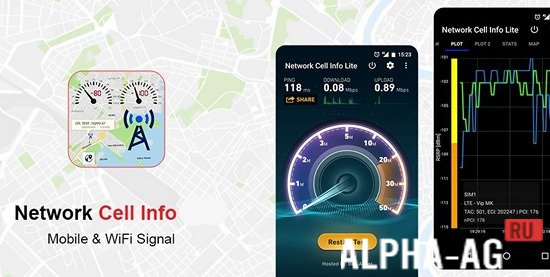
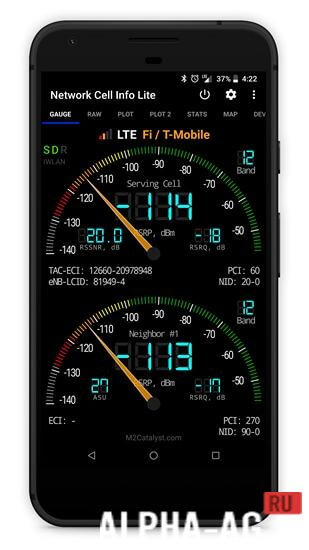
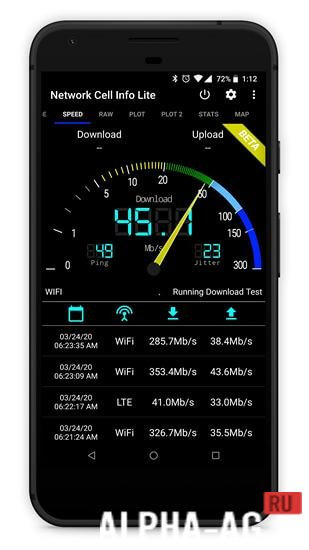
Opening the app brings you to a sleek, well-organized dashboard featuring several key tabs: Gauges, Raw, Chart, Map, and more. Inside the Gauges section, you will find six analog-style meter dials.
These dials represent your cellular reception. The most prominent meter reflects your device's connected primary cell sector, while the surrounding dials display neighboring sectors on the same tower. Directly beneath each dial, the PSC reading is displayed.
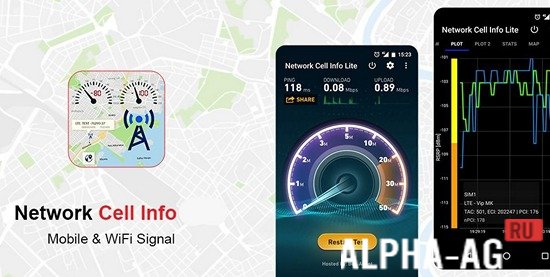
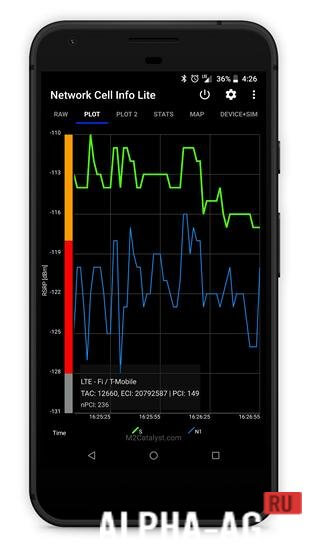
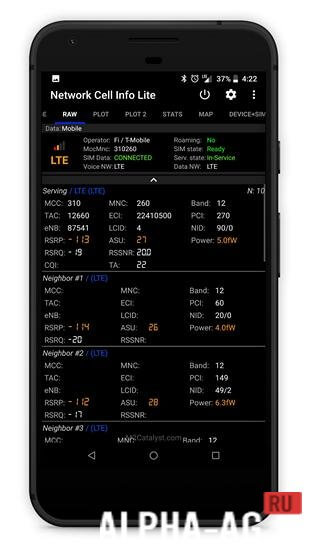
Short for Primary Scrambling Code, the PSC helps you identify which readings correspond to specific cells. In addition, you can check your operator details and active network standard. Switch over to the Chart tab to observe signal fluctuations in real time.
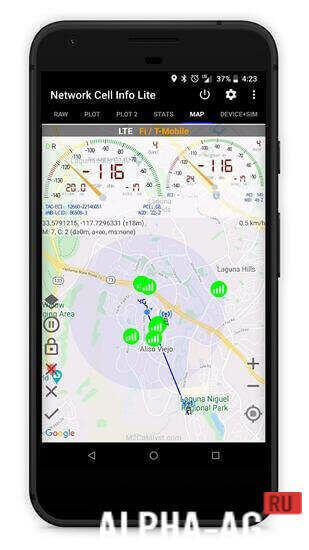
On the Map tab, you can view the geographic positions of nearby cell sites. You can also customize tower search distances to ensure you receive precise, relevant cellular data.
Easily spot optimal reception zones for mobile data and evaluate your overall connection stability.
Key Features
Track cellular reception and Wi-Fi networks in real time with high accuracy.
Broad compatibility with cellular standards including HSPA, HSPA+, GSM, LTE, EDGE, EVDO, CDMA, and WCDMA. Equipped with 6 individual signal gauges for detailed monitoring.
- Requires Android: 7.0 and up
- Content Rating: Rated for 3+
- Language Support: Russian included
- OBB / Data File: Not required
Version 6.7.4 | GameMod.dev Rating: 9/10 | Recommended Apps: TikTok, CallApp Premium, KLWP Pro
Follow Our Updates
Leave a Reply
How to install
- Download the APK file above to your phone.
- Allow “Install unknown apps” when prompted.
- Open the downloaded APK and tap Install.
- If the package includes OBB/XAPK data, follow the bundled instructions.
MOD APKs are modified builds, so Play Protect may show a warning. Install only if you trust the file; use at your own risk.