
Screenshots
Description
Give your volume panel a fresh look with iOS and MIUI-inspired styles, then tweak colors, shapes, and placement for a UI that feels truly your own on Android!
This Volume Styles MOD APK delivers the premium unlocked edition of the personalization tool, giving you access to every premium style and advanced setting. You can reshape your device's interface without the restrictions of the standard release.
What's Changed in Volume Styles
- Premium Unlocked: Every premium volume panel style and advanced customization option is ready to use.
This build is version 5.2.1, weighs in at 6MB, and runs under the package name com.tombayley.volumepanel. Because it is a re-signed file, it can't be installed as an update over the original store version.
About Volume Styles
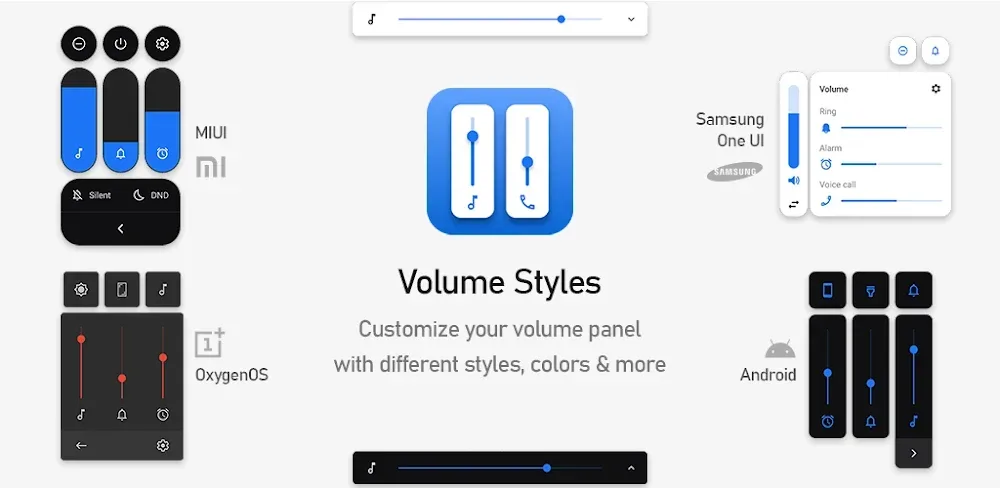
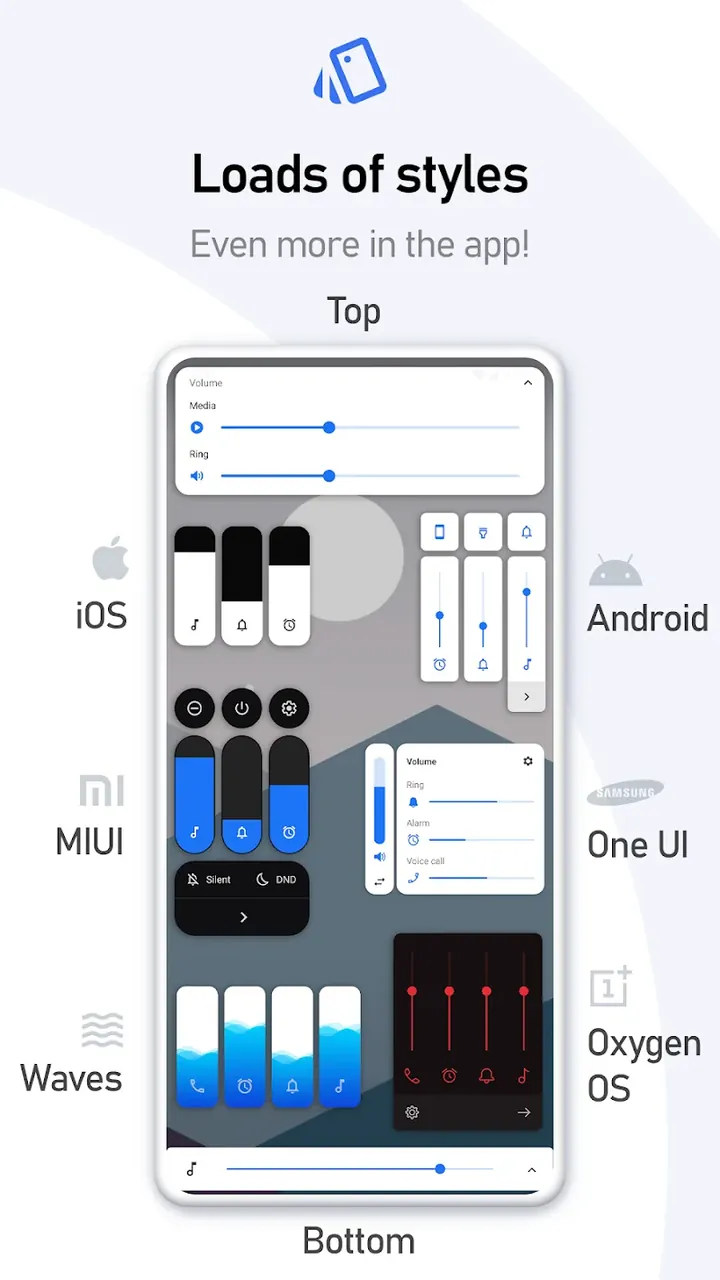
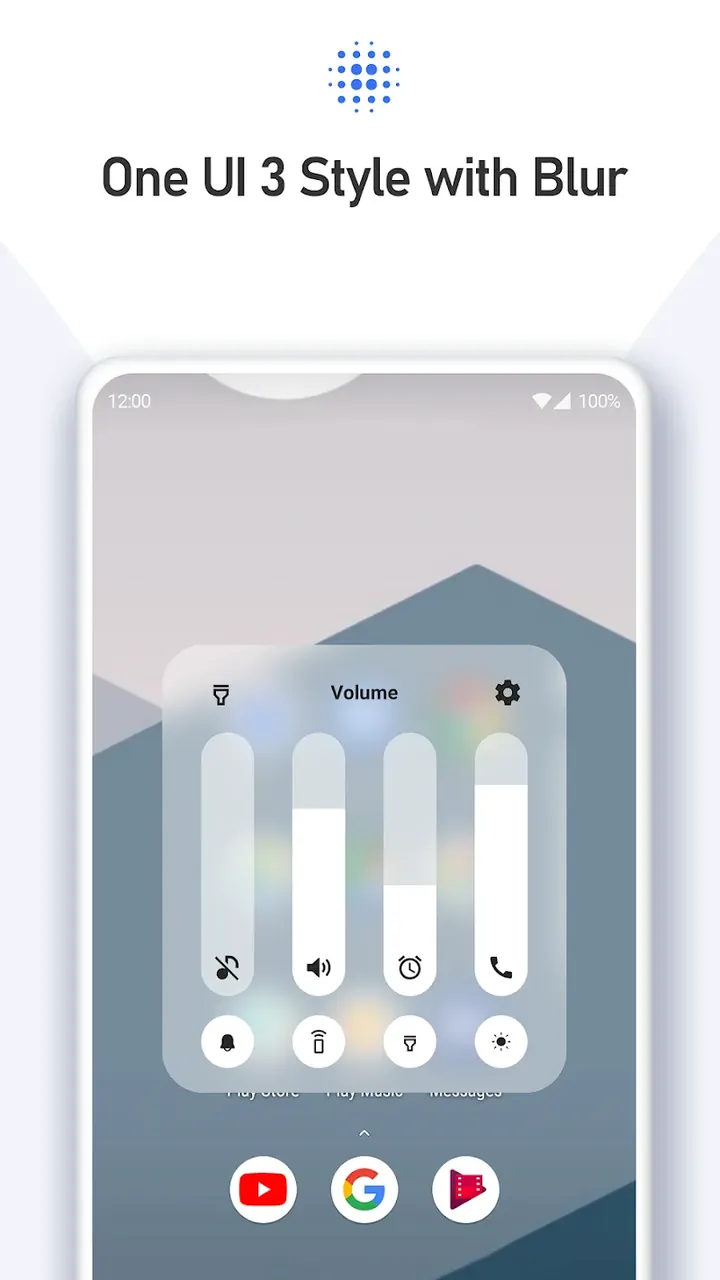
Many people care a great deal about how the volume control panel looks on their device. Volume Styles addresses that need for Android users by offering dynamic, customizable replacements for the plain, often unchanging volume panels that ship with most Android phones. Beyond styles that echo various UI kits, the app also offers looks that mimic some of the most popular mobile operating systems, including iOS and several Samsung interfaces such as One UI and older versions. It can also add styles inspired by other manufacturers, such as Xiaomi and Mi. This makes Volume Styles a great pick for anyone who loves a particular brand's hardware but prefers the software or interface design of another. It refreshes the look and feel of the volume controls and gives you full say over how they work with the device's main interface.
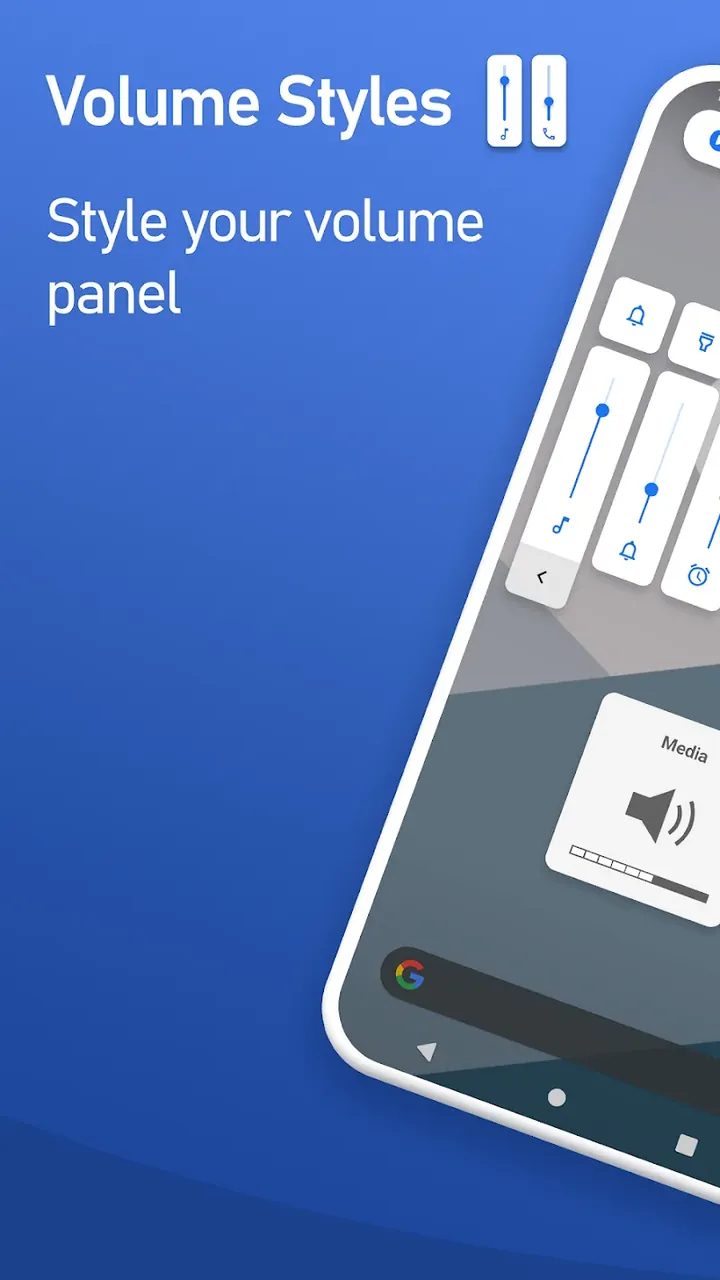
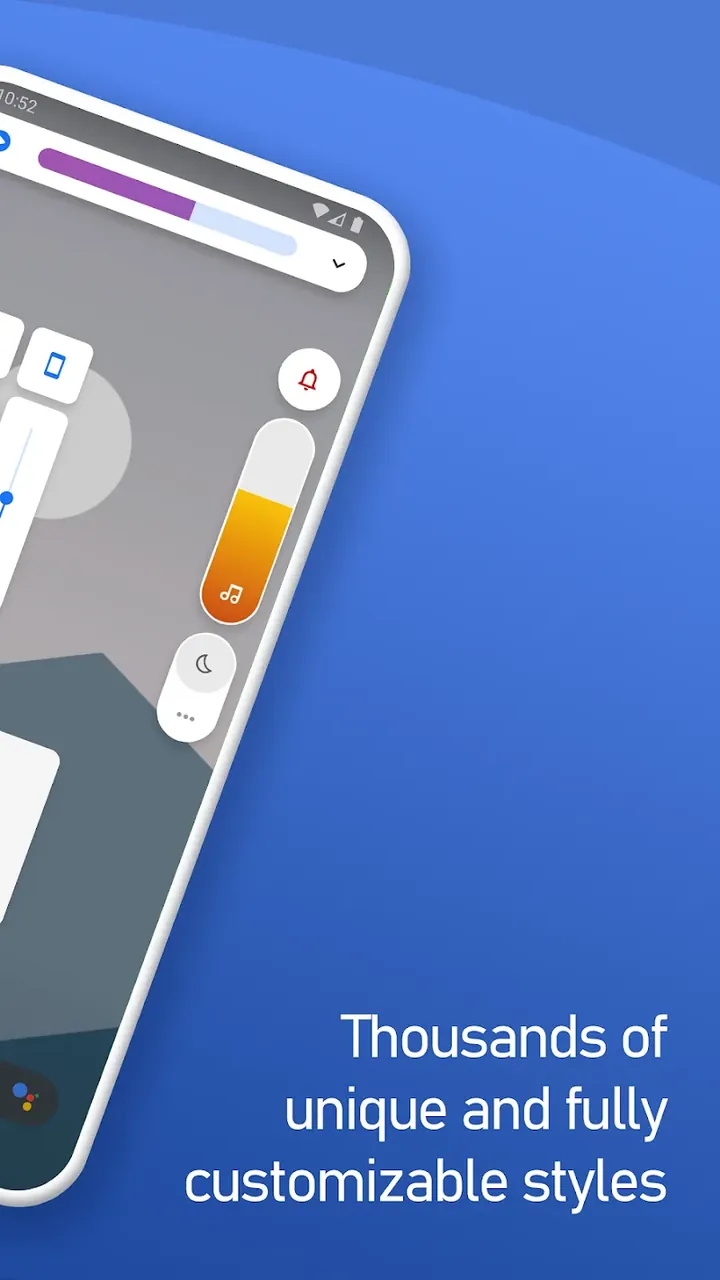
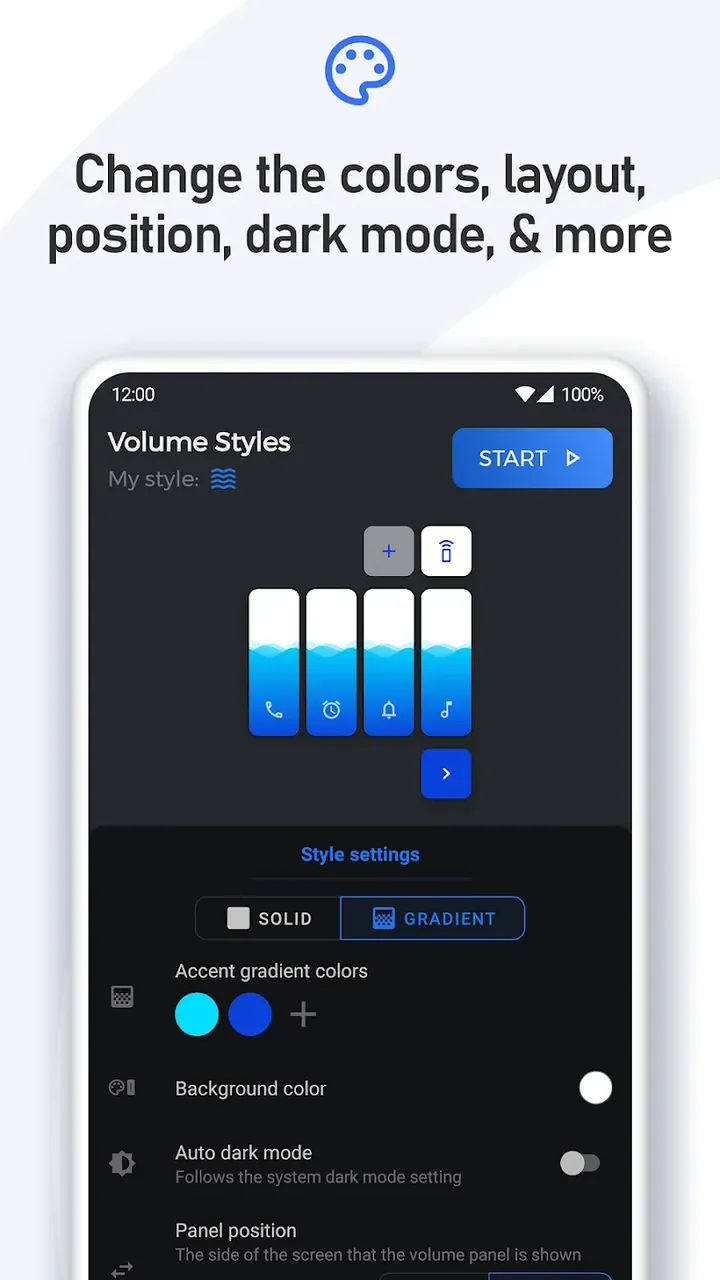
This app goes well beyond a simple skin, reshaping nearly every part of the interface. The volume control can be resized to suit almost any area of the screen and placed nearly anywhere you like. Advanced options let you adjust corner curvature for softer edges. There's even an RGB color picker so you can match interface elements to your wallpaper, system icons, or other parts of your theme. The range of options is broad enough to bring almost any design idea to life.
Independent control over audio streams is central to the app, which moves away from a single universal slider. Separate sliders are provided for Media, Alarm, Notification, Ringtone, and In-Call volumes, so you can adjust your alarm volume without affecting other sounds. The app also includes Smart Dark Mode. Like other dark modes, it can match the app's theme to the system theme, and when the system theme is set to automatic, it can also respond to ambient light to choose the appearance. This means the theme follows your preferences in every condition, and the volume panel adopts the app's theme for more consistent volume control across your device.
The Style Creator is one of the features that sets this app apart from its competitors. Rather than being limited to preset designs, you can build your own interfaces by mixing and matching layouts, icon sets, and effects such as transparency and gradients. These tools let you create panels that aren't available in any stock operating system or other app. Another major draw is the ability to share your designs with other users and download theirs, which has built up a large library of styles. Since the volume panel can also handle functions such as screen rotation and brightness, it effectively becomes a control center, making it even more useful.
The app is designed to use minimal system resources. It runs in the background to intercept volume button presses while aiming to limit battery drain and keep its storage footprint small. At 6 MB, it suits devices with limited storage space. It also works alongside other customization apps, and you can adjust how long the customized panel stays on screen. Together, these features let you manage the volume interface and its overlay while enjoying a smooth transition between the volume controls and the customized design.
The app offers a wide range of audio profiles, letting users fine-tune almost every aspect of their device's sound. It includes separate controls for system sound, Bluetooth sound, and call sound, so there's no need to dig through system settings to switch sound profiles. Everything is managed from one unified control. Most people can get the hang of customizing their sound in just a few minutes, and no special skills or prior knowledge of audio management are needed. Visual effects play whenever you change a sound option, reflecting the developers' focus on a polished user experience. You can switch between sound management profiles to match your preferences, choose a default profile that loads when the app starts, and personalize profiles for calls, Bluetooth, and alerts. Together, these features give users full control over how they manage sound on their devices.
Key Features
- iOS, MIUI, and One UI Volume Panel Styles
- Custom Layouts for Personalized Styling
- RGB Color Picker for Theme Matching
- Style Creator for Building Unique Layouts from Scratch
- Advanced Layout Tweaks, Including Position, Height, Width, and Corners
- Smart Dark Mode for Automatic Theme Switching
- Precision Sliders for Media, Alarm, Bluetooth, and Call Volumes
- Global Community Style Sharing and Downloading
- Adjustable Panel Display Duration
- Shortcuts for Brightness and Screen Rotation
Related MOD APKs
- MIUI-ify
- Bottom Quick Settings
- Super Status Bar
- Glassify – Widgets & Themes
FAQ
Is Premium Unlocked in the Volume Styles MOD APK?
This build of Volume Styles (version 5.2.1) has one change: Premium is unlocked. Everything else works just like the official release by Tom Bayley, and the change takes effect as soon as you install it.
What Is the Latest Version of the Volume Styles MOD APK?
The current build is v5.2.1, matching Tom Bayley's release, and was last updated on August 26, 2026. We don't host older versions. To update, install the new build from this page over the existing app. If Android reports a signature conflict, uninstall the old version first.
Is the Volume Styles MOD APK Safe to Download?
Volume Styles MOD APK v5.2.1 on GameMod.dev is Tom Bayley's original app with only the Premium unlock modified. 19 users have rated it 3.6/5 here. Root access is not required. Play Protect may show a warning during installation, which is normal, so always download from this page.
Can I Use the Volume Styles MOD APK on PC or iPhone?
This is an Android package, so it won't install on iPhone or iPad. On Windows or macOS, you can run the 6MB APK in an Android emulator such as BlueStacks or LDPlayer. Install the emulator, then drag the file into it.
How to install
- Download the APK file above to your phone.
- Allow “Install unknown apps” when prompted.
- Open the downloaded APK and tap Install.
- If the package includes OBB/XAPK data, follow the bundled instructions.
MOD APKs are modified builds, so Play Protect may show a warning. Install only if you trust the file; use at your own risk.